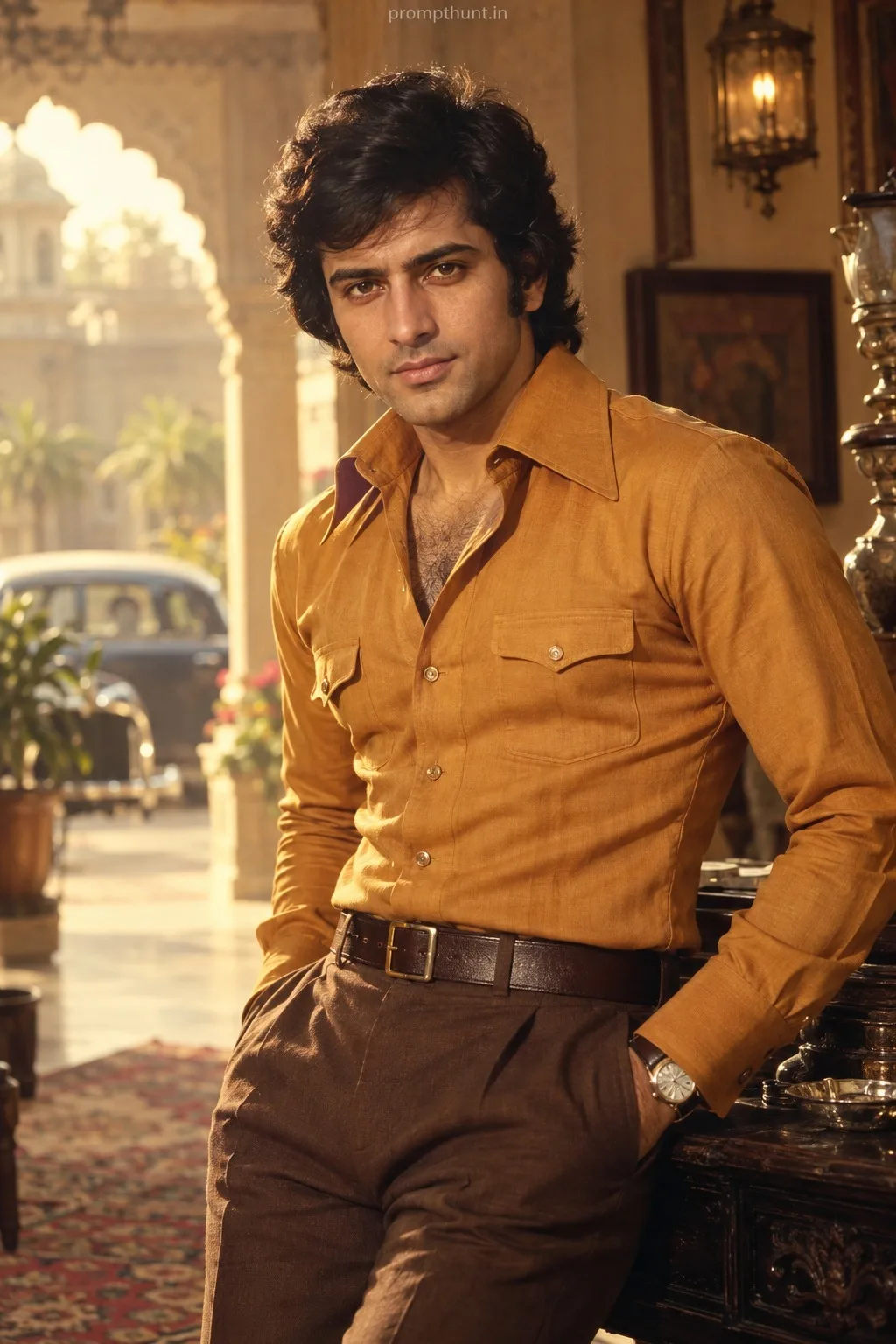
Textured Indian Street Festival Impasto AI Photo Editing Prompt
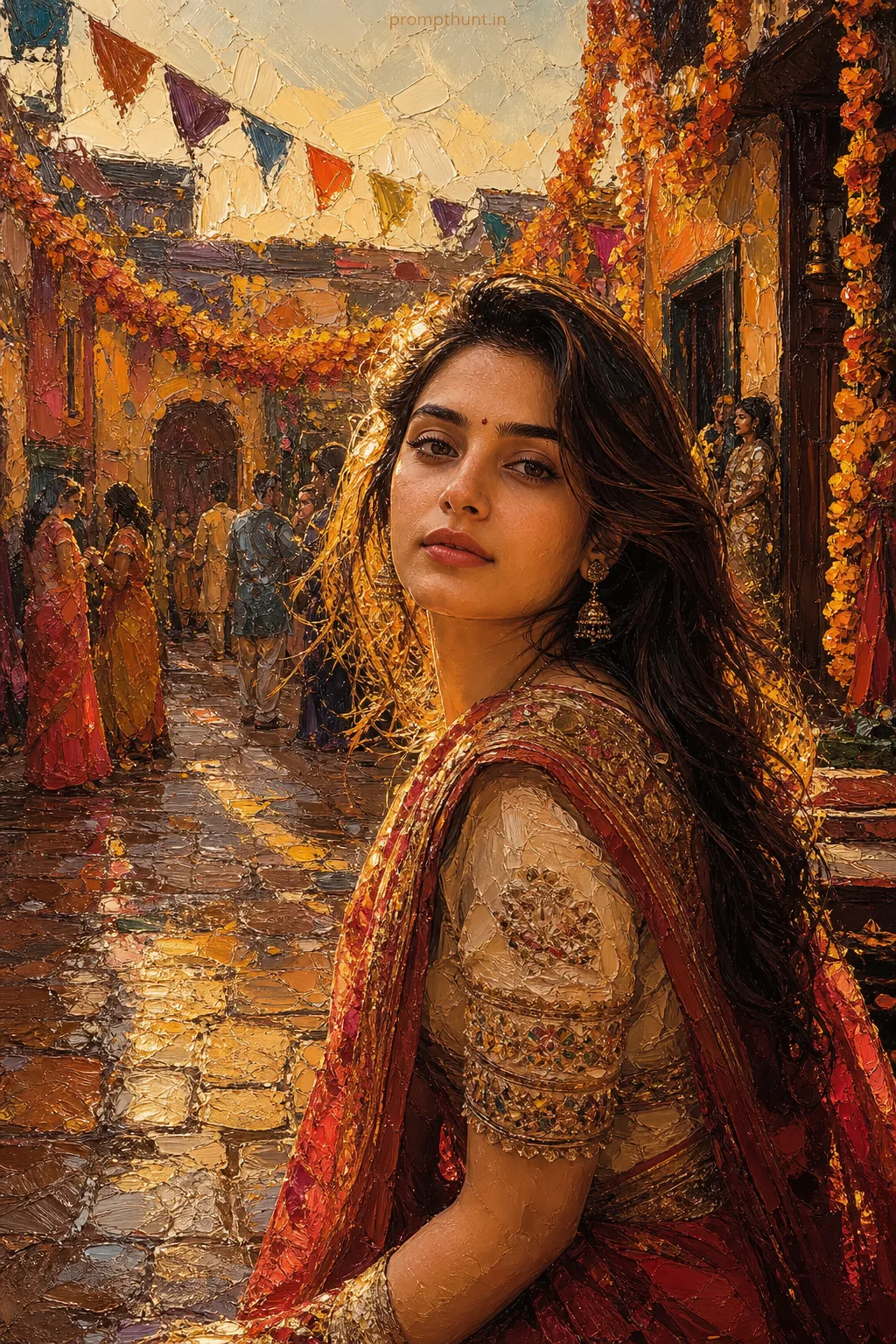
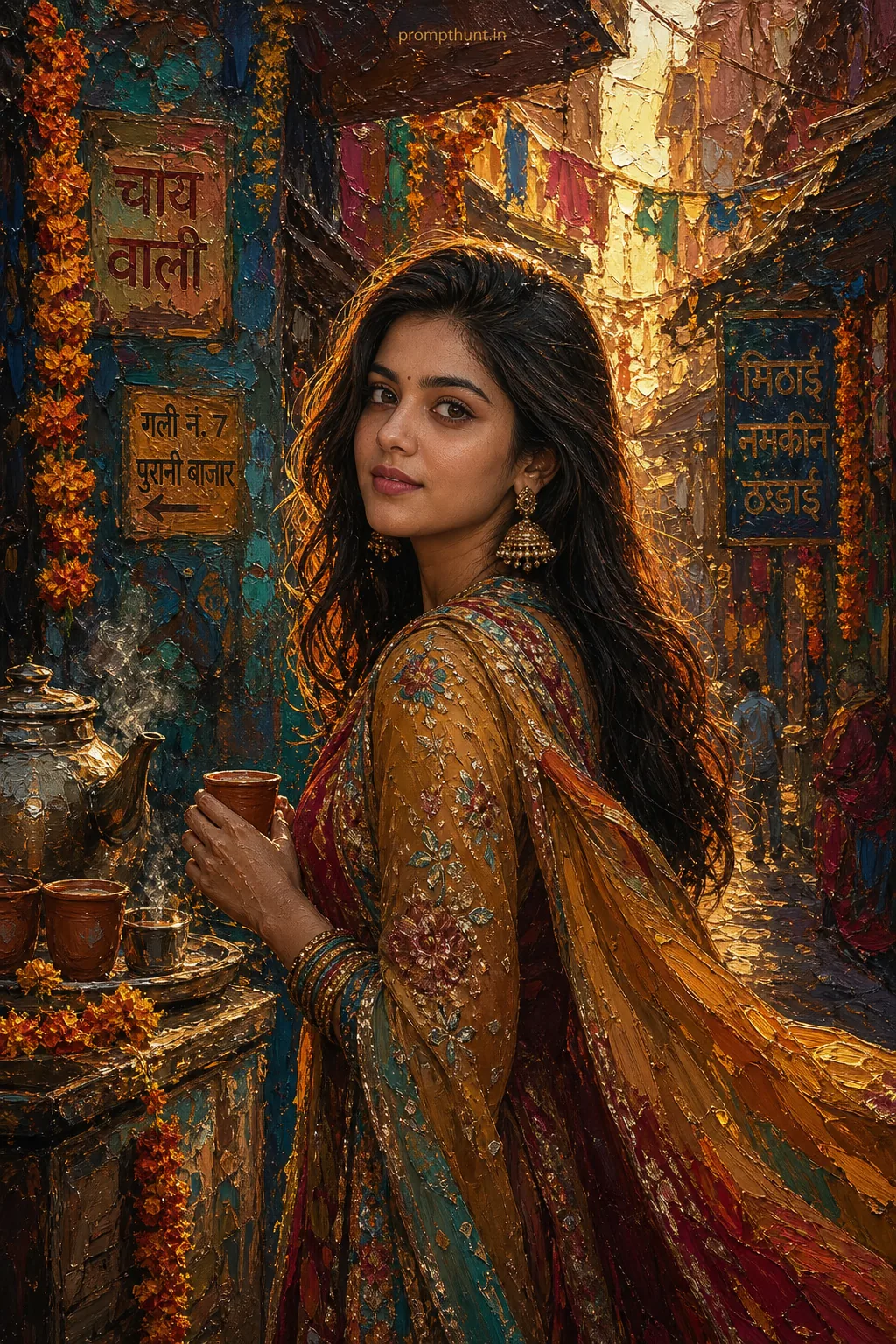
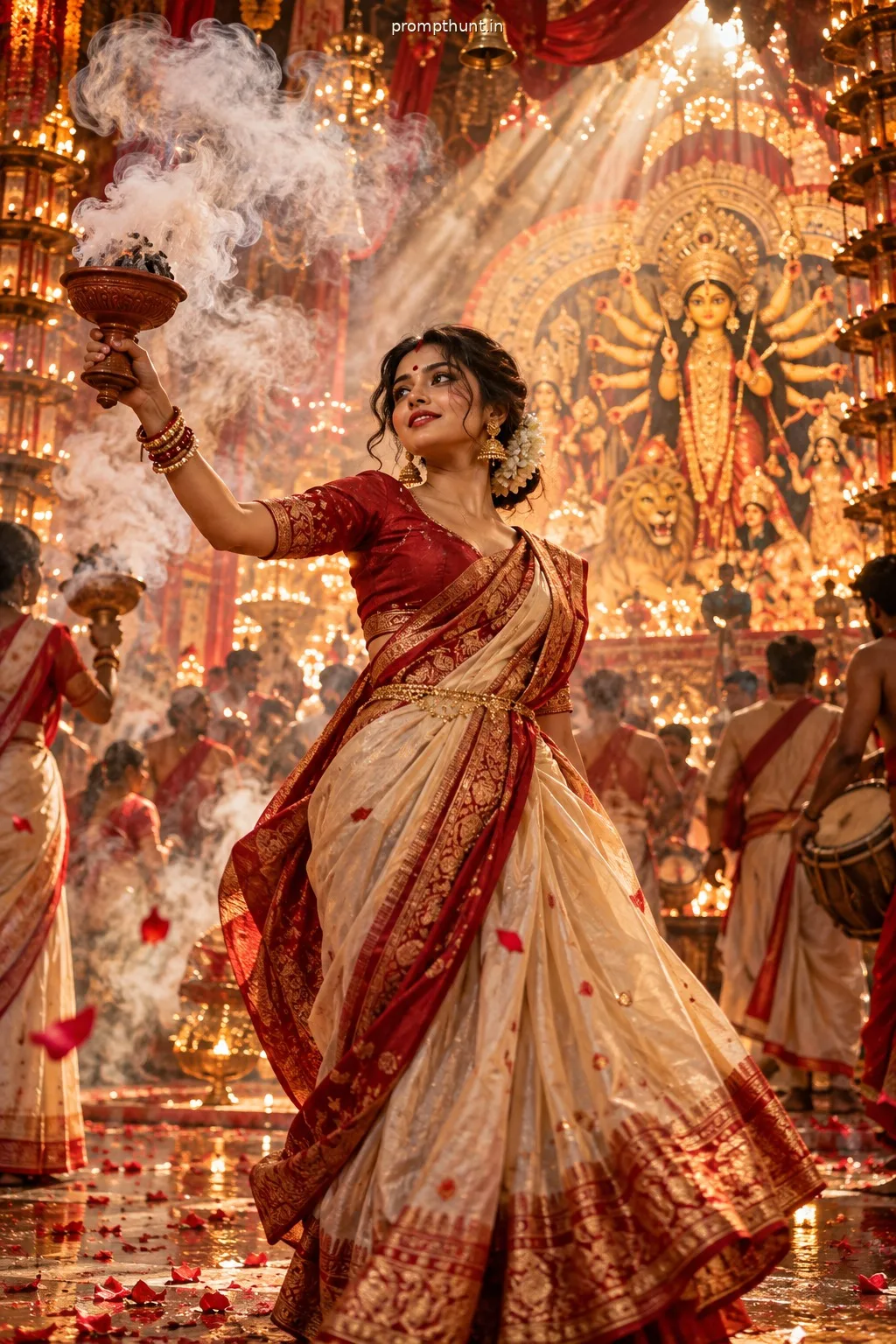
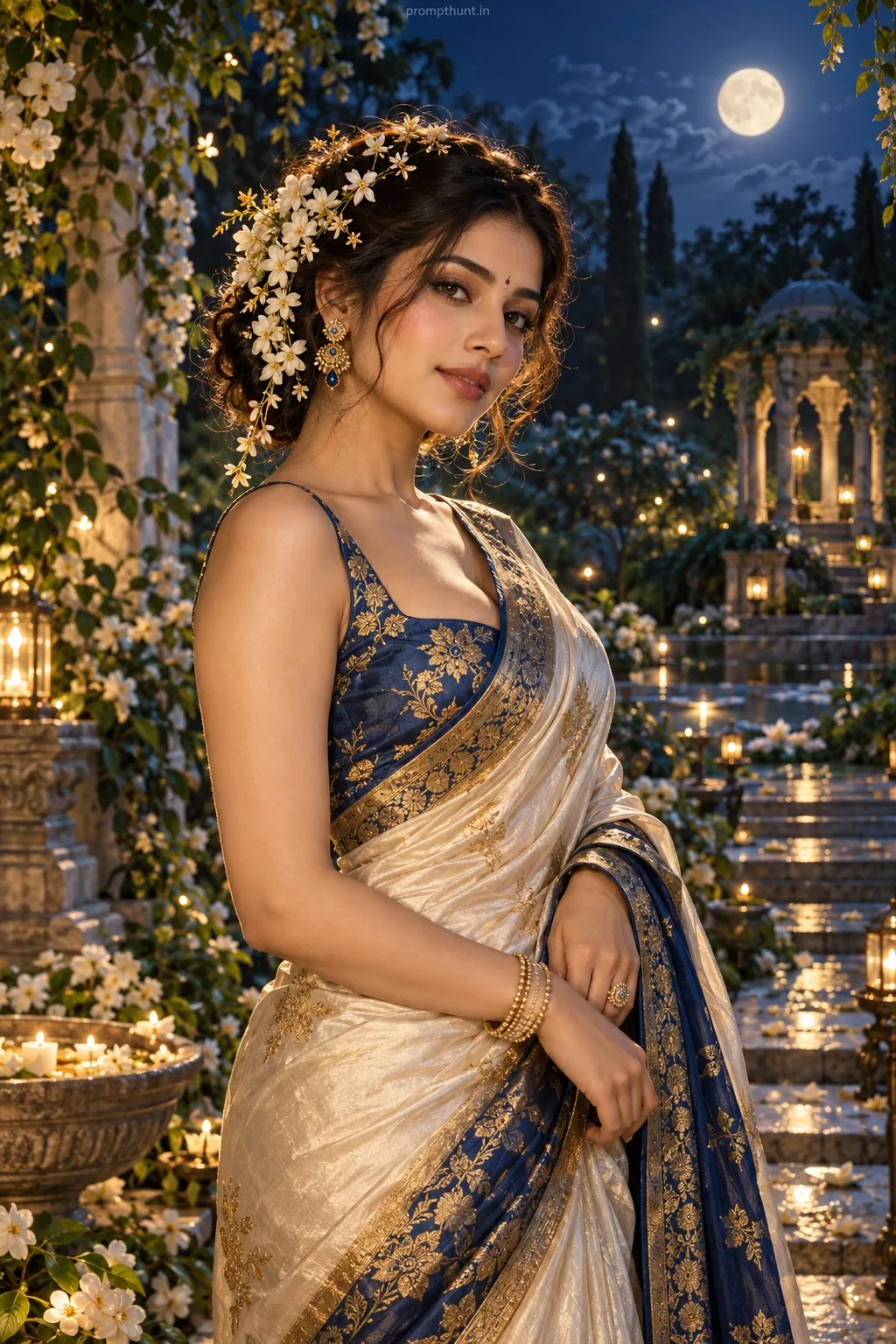
The uploaded photo is the master reference for this character. Preserve the exact facial features, face shape, skin tone, and identity from the uploaded image exactly. Vertical 9:13 composition. Vertical 9:13 impasto scene of a bustling Indian courtyard during golden hour, warm buttery sunlight filtering through festooned marigold garlands and fluttering prayer flags, wet cobblestones reflecting thick strokes of ochre and vermilion, traditional costume details like a richly embroidered saree border or a handloom kurta sleeve captured in heavy palette-knife ridges, theatrical warm rim lighting and deep shadow pockets for dramatic contrast, festive mood with subtle nostalgia and gentle motion suggested by sweeping, raised oil textures, visible canvas weave and layered paint impasto highlights that catch light, bold saturated colors, tactile brushwork, and high-relief paint strokes giving a handcrafted oil-paint portrait backdrop for a modern Indian Instagram aesthetic Add a small, thin, professional 'prompthunt.in' text watermark at the top center of the image. The watermark should be subtle, use a color that matches the image's color palette, and appear lightweight and elegant — not distracting.
Community Rating
Rate this prompt
Textured Indian Street Festival Impasto AI Photo Editing Prompt is a free, copy-paste impasto art AI photo editing prompt. Paste it into any AI photo editor with one clear photo of yourself and you get the edited result in about ten seconds — no account and no payment. The prompt tells the model to keep your exact facial features, skin tone and identity, and to change only the background, outfit, lighting and styling.
Vertical 9:13 impasto scene of a bustling Indian courtyard during golden hour, warm buttery sunlight filtering through festooned marigold garlands and fluttering prayer flags, wet cobblestones reflect
How to use this impasto art prompt
More prompts to explore
AI Photo Editing Prompts