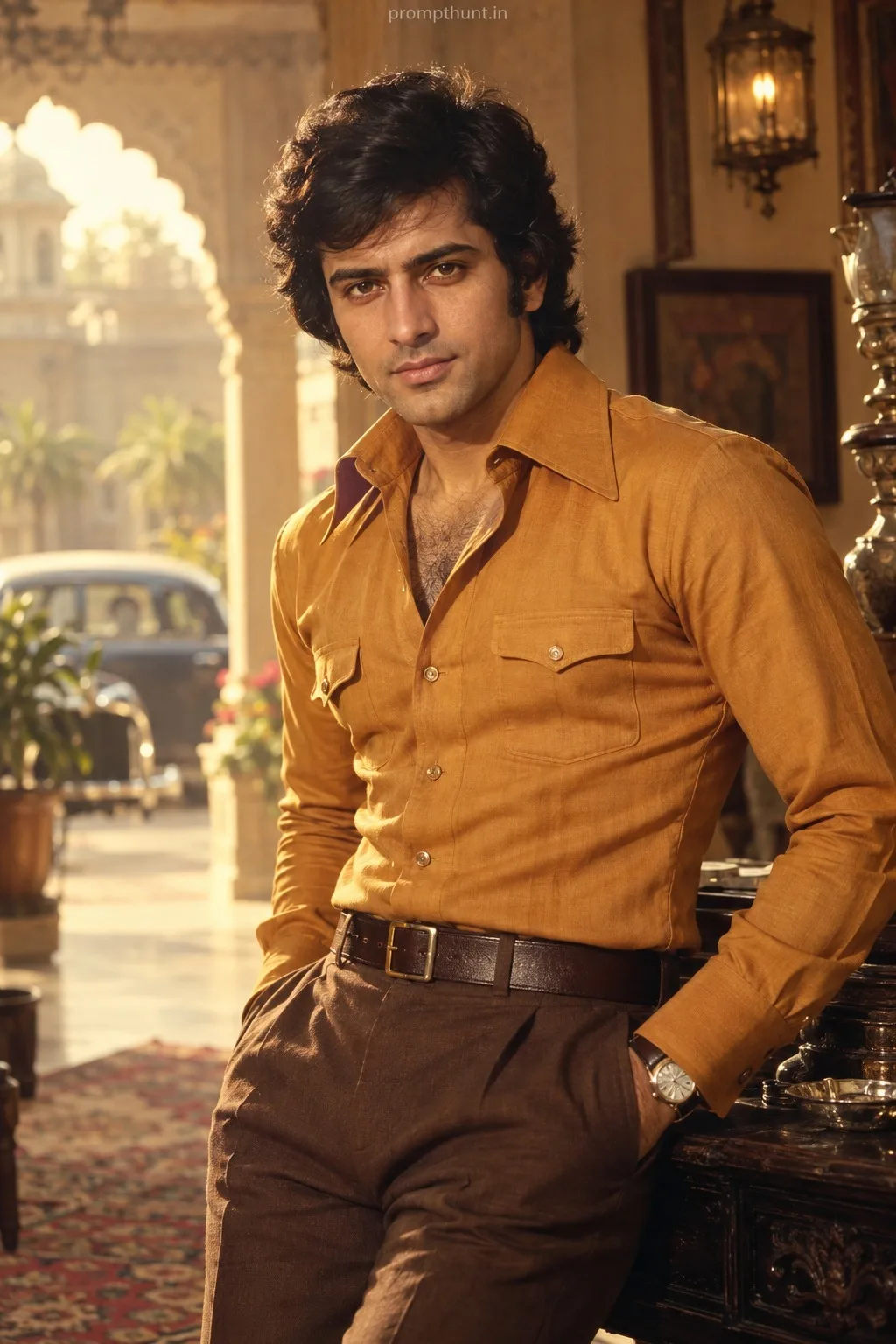
Professional Studio Glamour Lighting AI Photo Editing Prompt
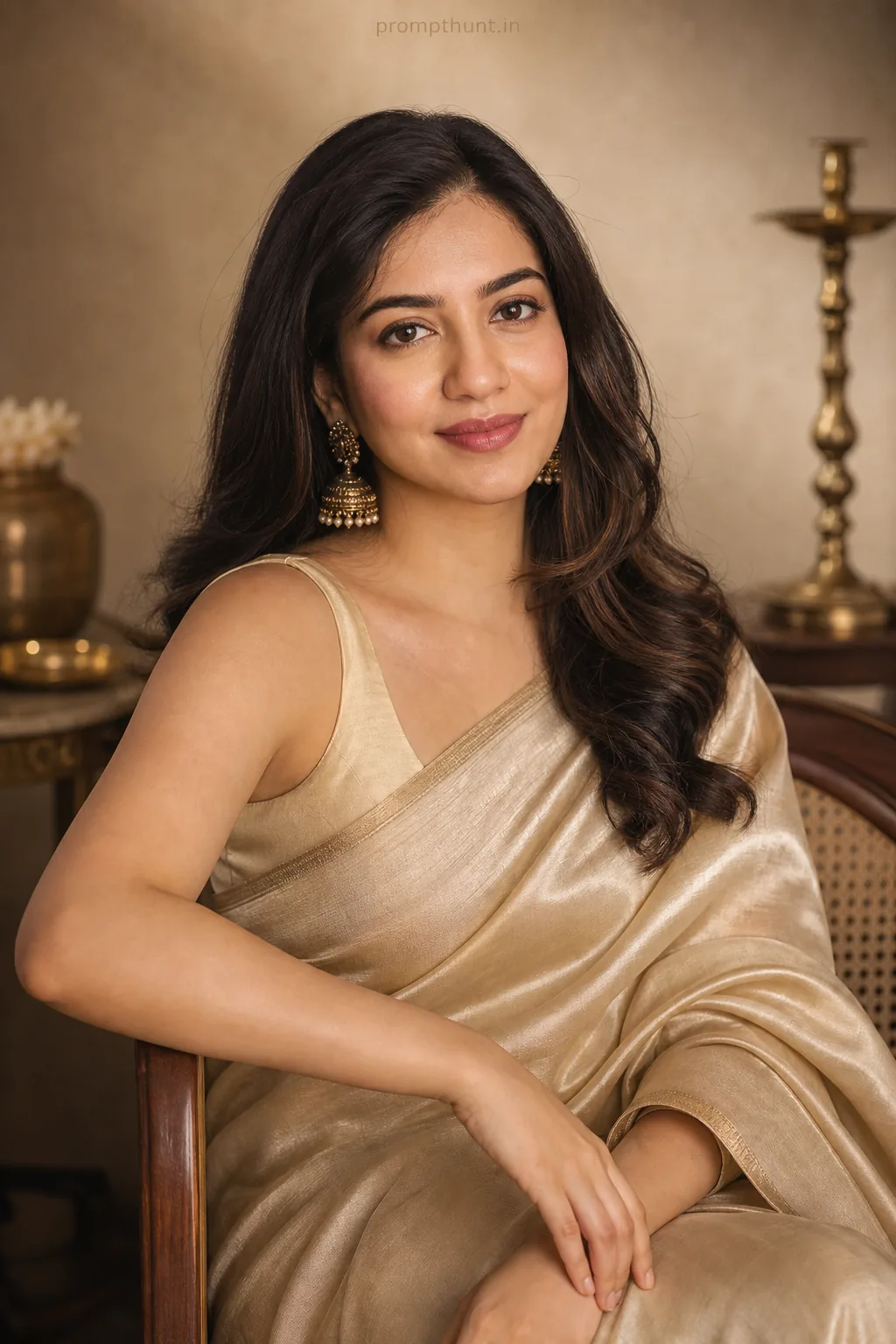
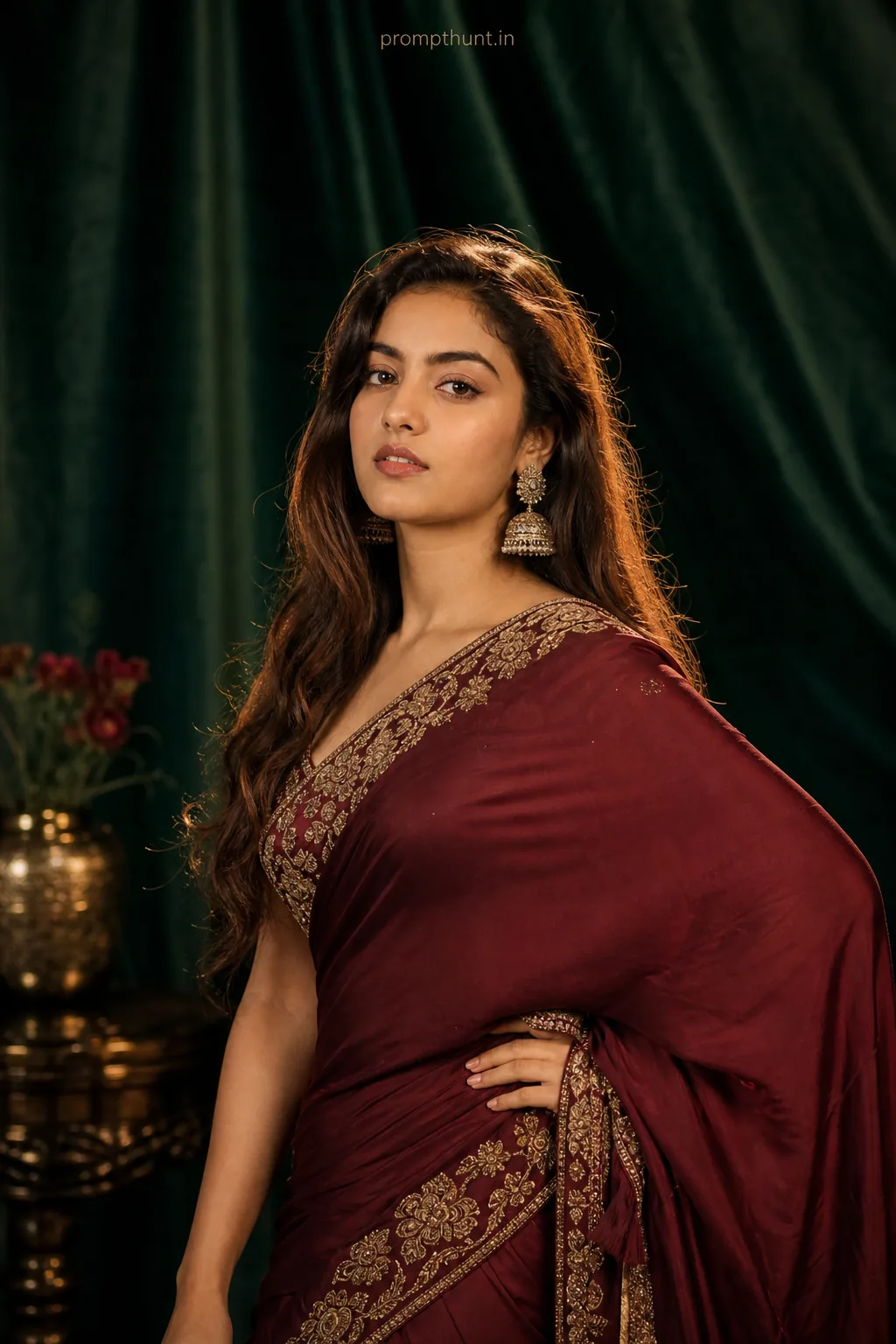
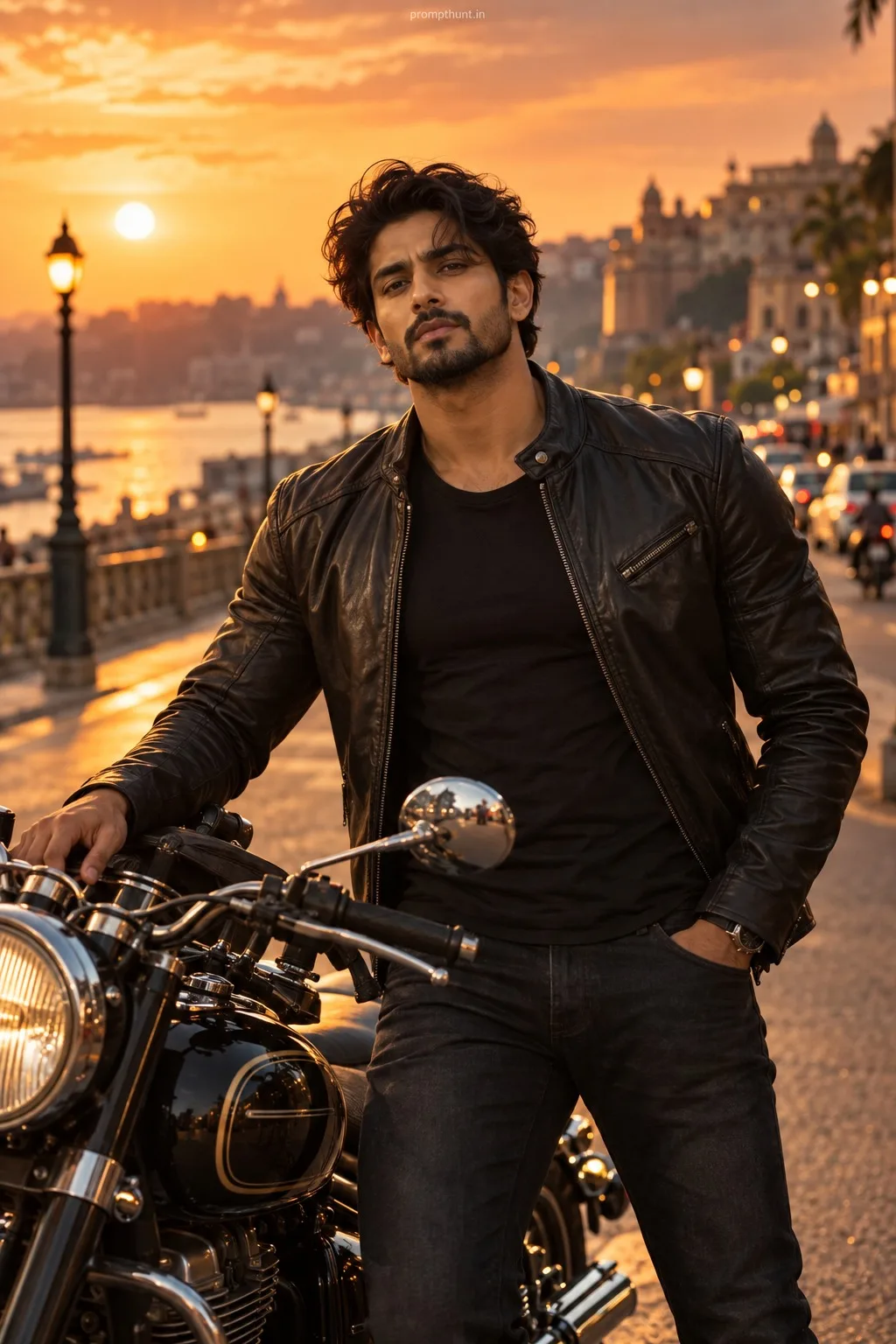
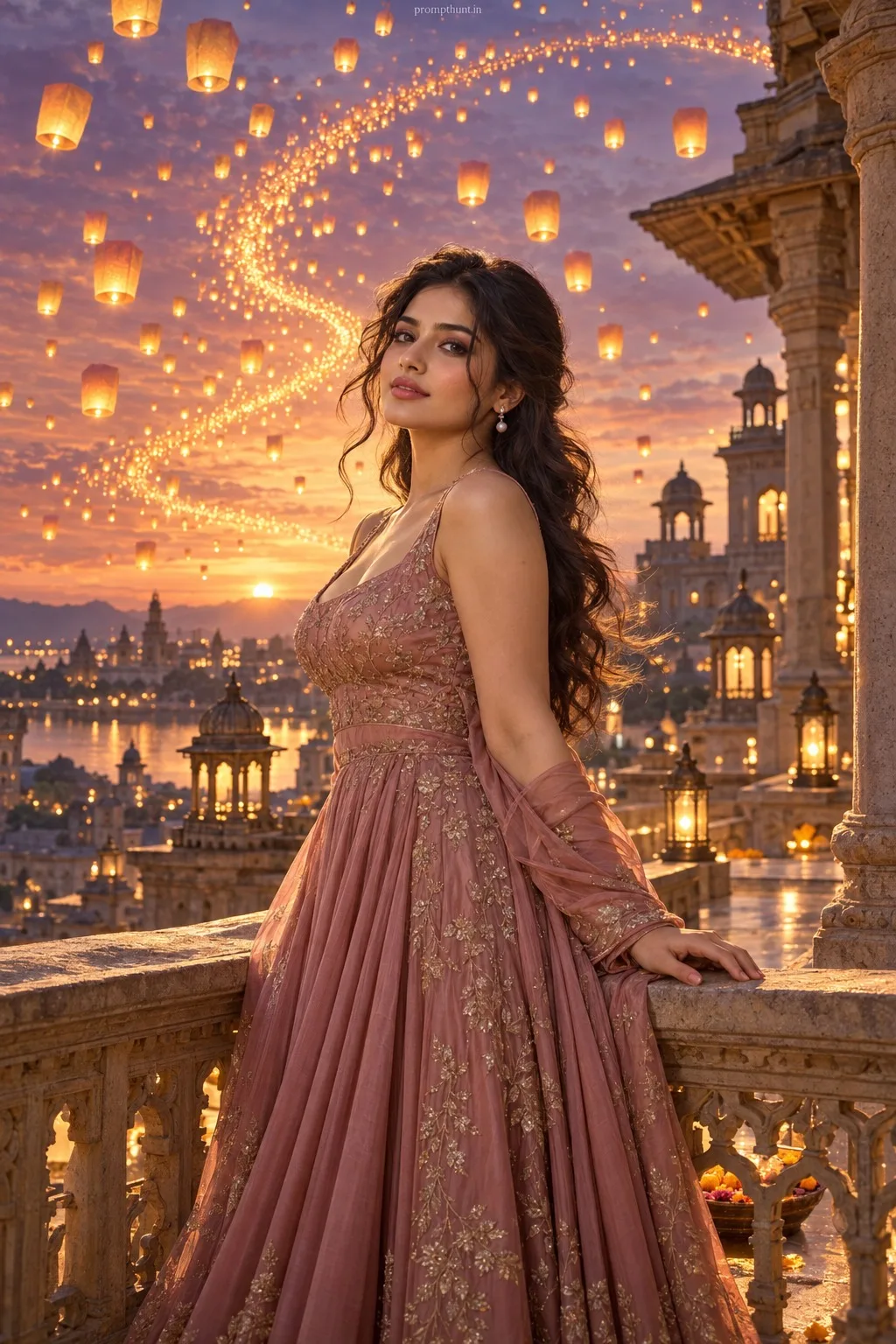
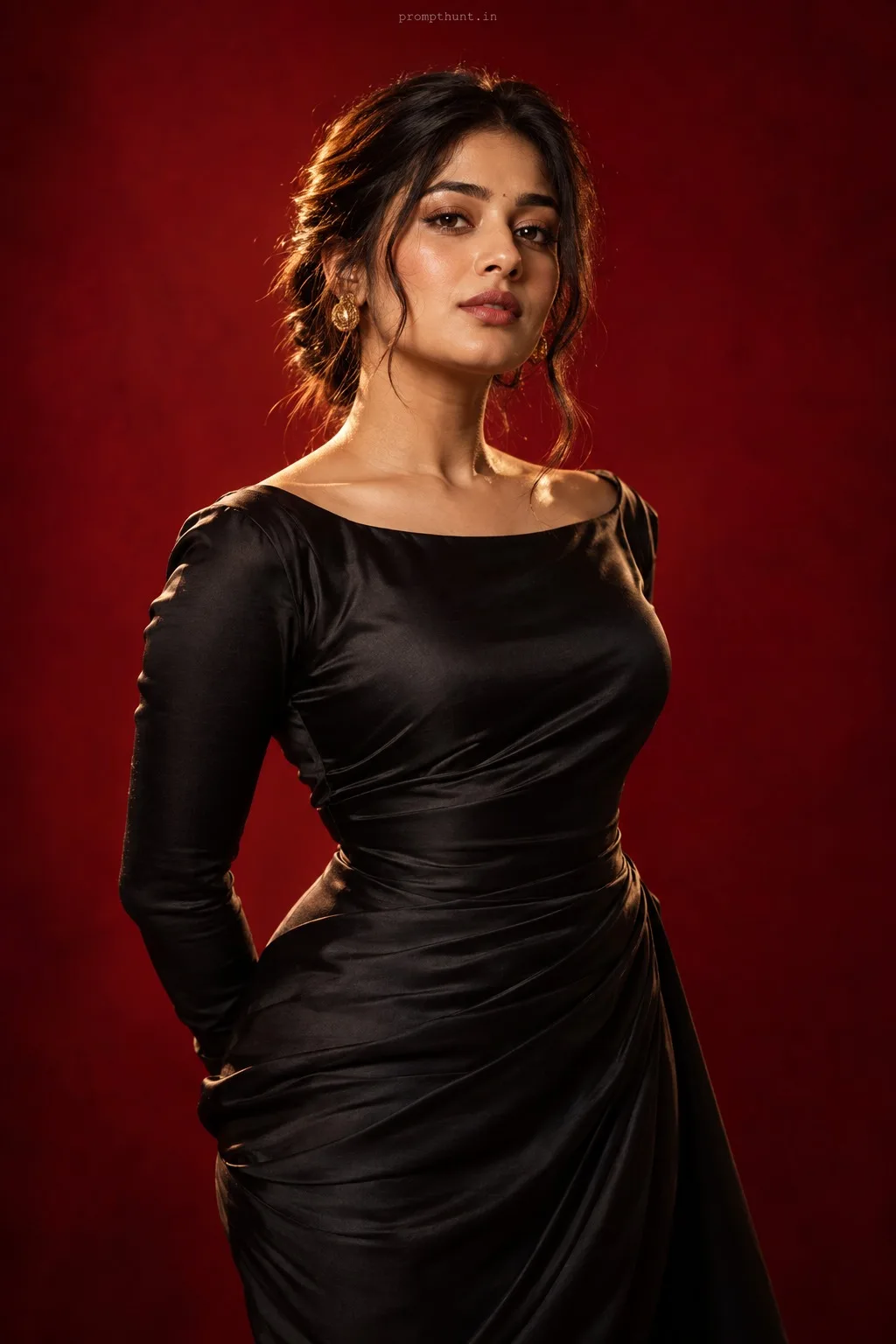
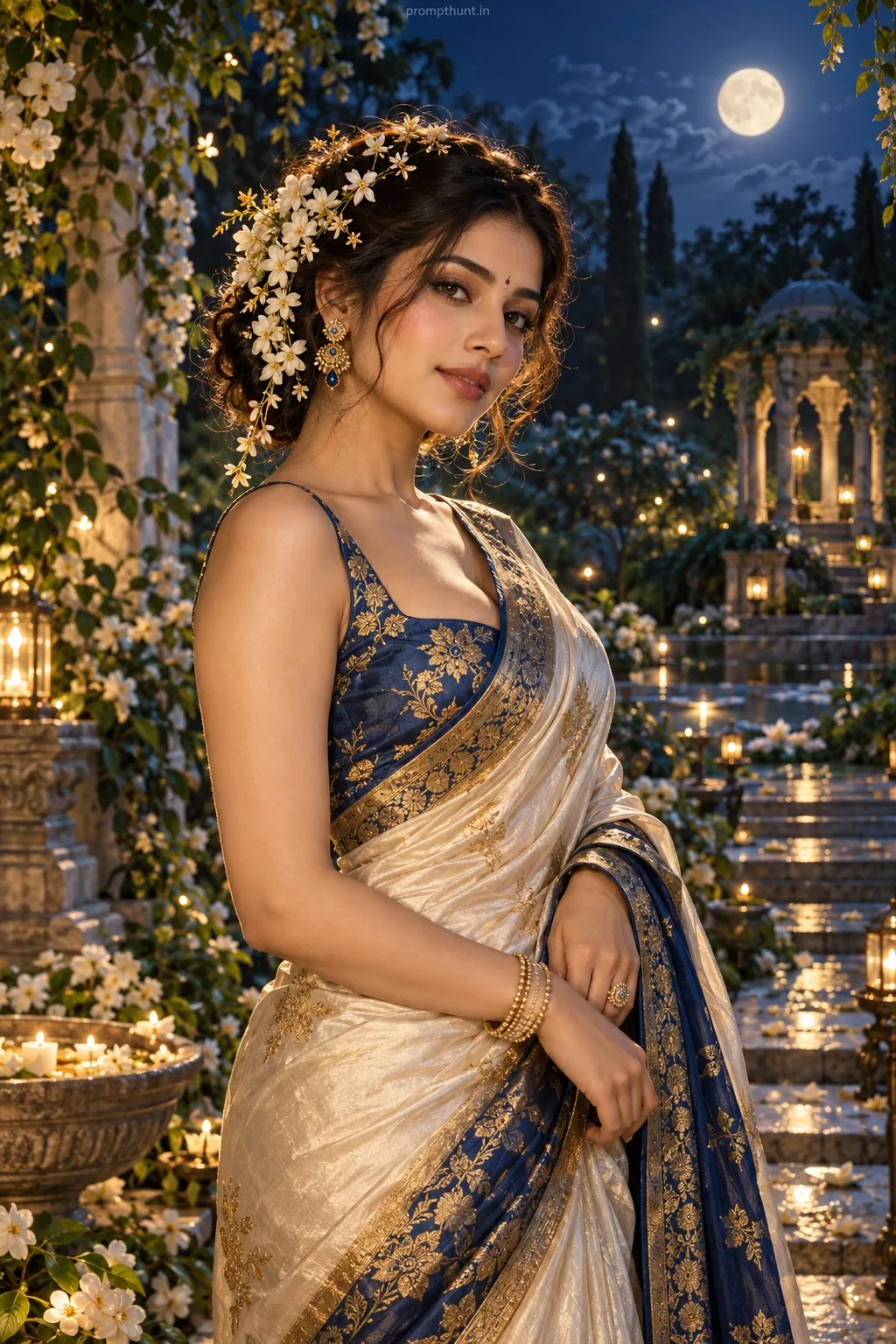
The uploaded photo is the master reference for this character. Preserve the exact facial features, face shape, skin tone, and identity from the uploaded image exactly. Vertical 9:13 composition. Vertical 9:13 professional studio setup tailored for Indian Instagram aesthetics: minimal seamless backdrop in warm ivory or deep indigo with subtle textured fabric or a marble riser and polished brass-led props to evoke contemporary Indian elegance; cinematic three-point lighting — large octabox key at 45° for creamy highlights, soft rim light for subject separation, and low-intensity silver-reflector fill to retain pleasing contrast; costume direction focuses on rich tactile fabrics like silk, raw silk or structured linen — think modern saree drape variations, bandhgalah jacket or a tailored blazer with artisanal embroidery and muted gold accessories; mood is sophisticated, editorial and confident with a warm inviting ambience; artistic style calls for glossy magazine-level resolution, shallow depth of field, gentle film grain, warm color grading with subtle teal shadows, pronounced clarity and soft studio bokeh for a striking vertical portrait composition. Add a small, thin, professional 'prompthunt.in' text watermark at the top center of the image. The watermark should be subtle, use a color that matches the image's color palette, and appear lightweight and elegant — not distracting.
Community Rating
Rate this prompt
Professional Studio Glamour Lighting AI Photo Editing Prompt is a free, copy-paste professional studio setup AI photo editing prompt. Paste it into any AI photo editor with one clear photo of yourself and you get the edited result in about ten seconds — no account and no payment. The prompt tells the model to keep your exact facial features, skin tone and identity, and to change only the background, outfit, lighting and styling.
Vertical 9:13 professional studio setup tailored for Indian Instagram aesthetics: minimal seamless backdrop in warm ivory or deep indigo with subtle textured fabric or a marble riser and polished bras
How to use this professional studio setup prompt
More prompts to explore
AI Photo Editing Prompts