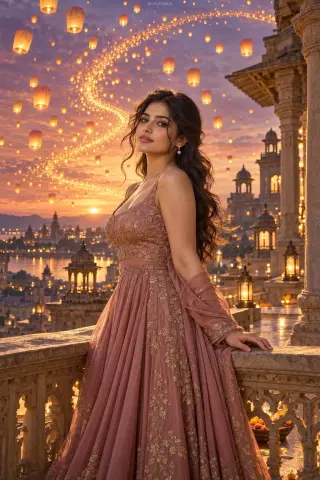
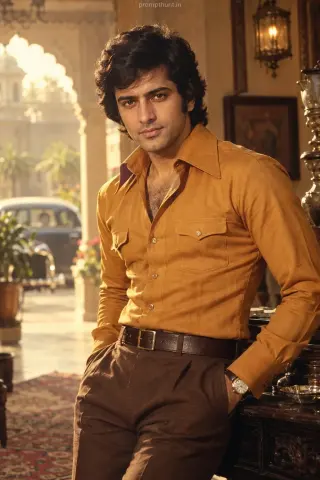
High-Resolution Indian Street Fashion AI Photo Editing Prompt
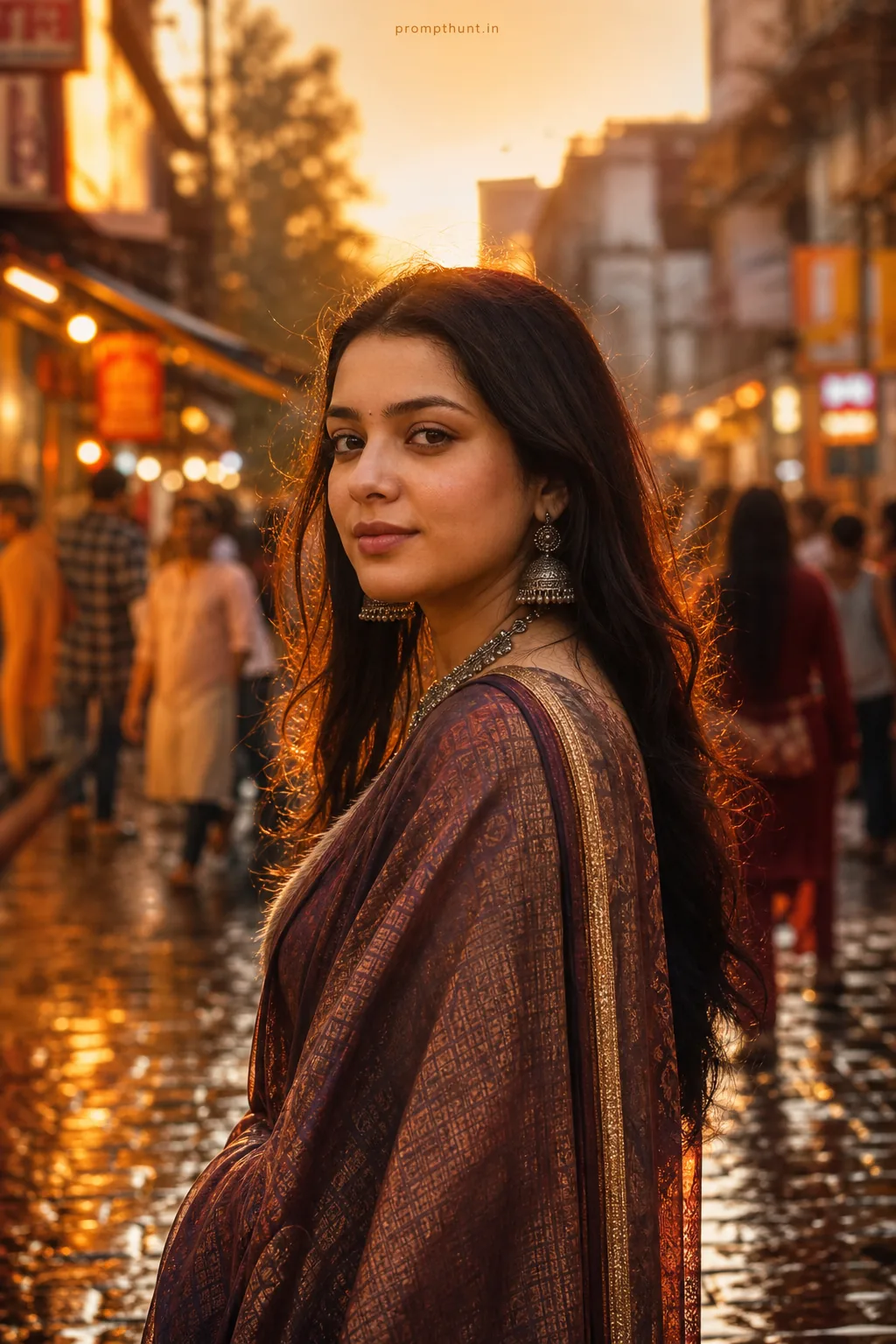
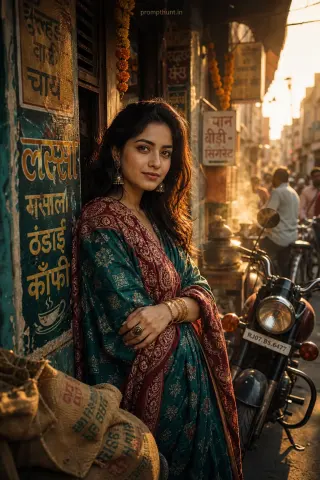
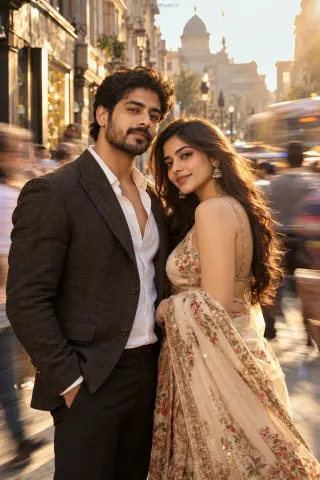
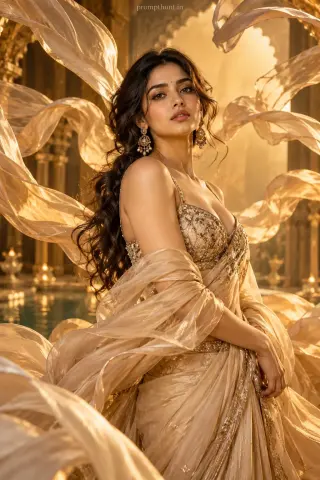
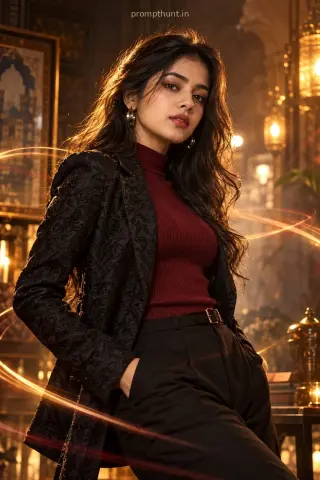
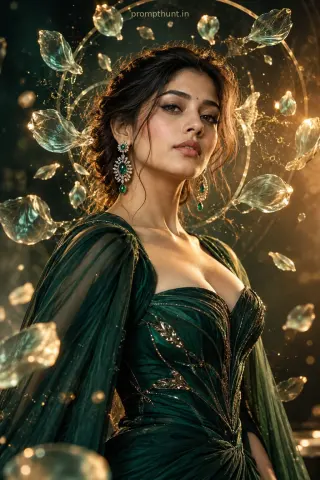
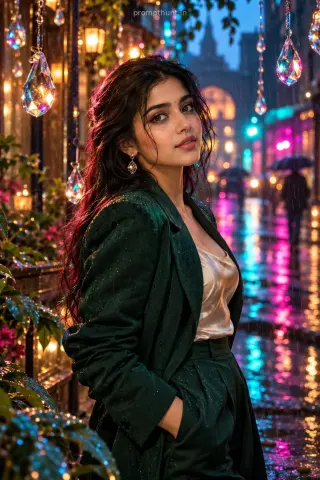
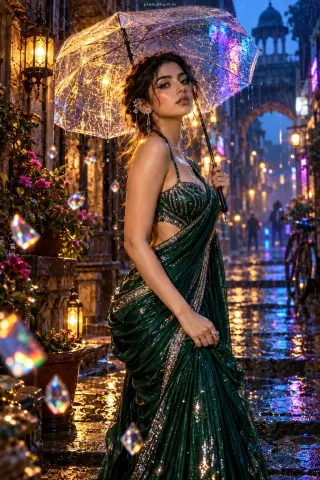
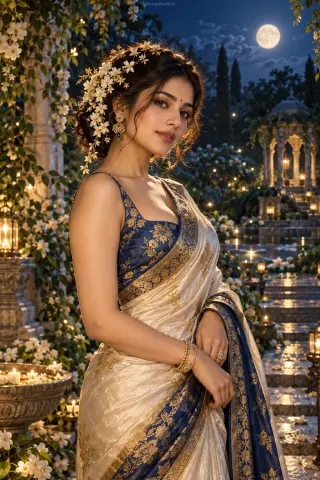
The uploaded photo is the master reference for this character. Preserve the exact facial features, face shape, skin tone, and identity from the uploaded image exactly. Vertical 9:13 composition. 9:13 vertical editorial scene set on a vibrant Indian street during golden hour, rain-wet cobblestones reflecting warm amber and neon shop lights, soft backlight and delicate rim light creating a cinematic halo around the subject, wardrobe focused on richly textured traditional-meets-modern garments — handwoven silk saree or layered kurta with intricate embroidery, oxidized silver jewelry and subtle fabric movement captured in high detail, mood evocative of nostalgic celebration and quiet confidence, color-graded with warm tones, boosted clarity and micro-contrast to emphasize weave, beads and raindrops, shallow depth-of-field with creamy bokeh and tasteful film grain for an upscale Instagram editorial feel Add a small, thin, professional 'prompthunt.in' text watermark at the top center of the image. The watermark should be subtle, use a color that matches the image's color palette, and appear lightweight and elegant — not distracting.
Community Rating
Rate this prompt
High-Resolution Indian Street Fashion AI Photo Editing Prompt is a free, copy-paste high-resolution AI photo editing prompt. Paste it into any AI photo editor with one clear photo of yourself and you get the edited result in about ten seconds — no account and no payment. The prompt tells the model to keep your exact facial features, skin tone and identity, and to change only the background, outfit, lighting and styling.
9:13 vertical editorial scene set on a vibrant Indian street during golden hour, rain-wet cobblestones reflecting warm amber and neon shop lights, soft backlight and delicate rim light creating a cine
How to use this high-resolution prompt
More prompts to explore
AI Photo Editing Prompts