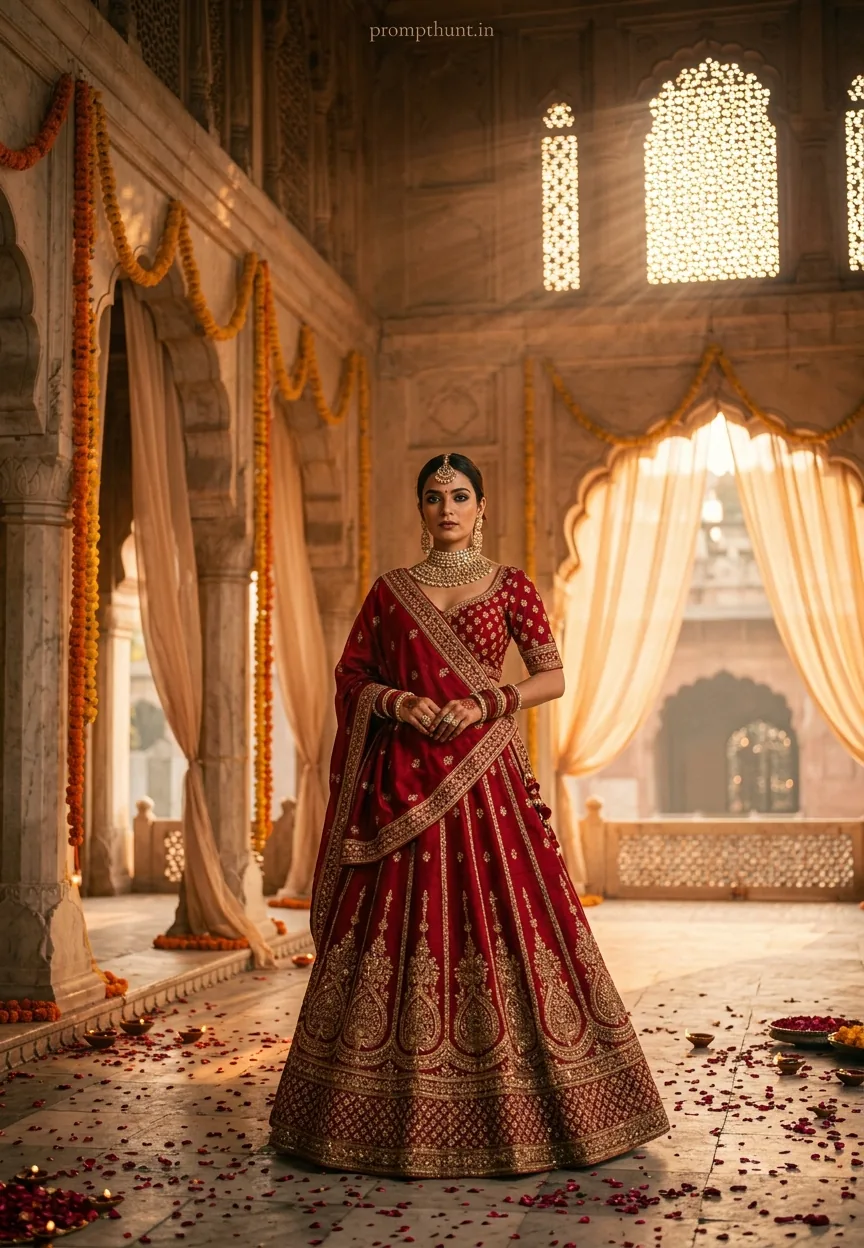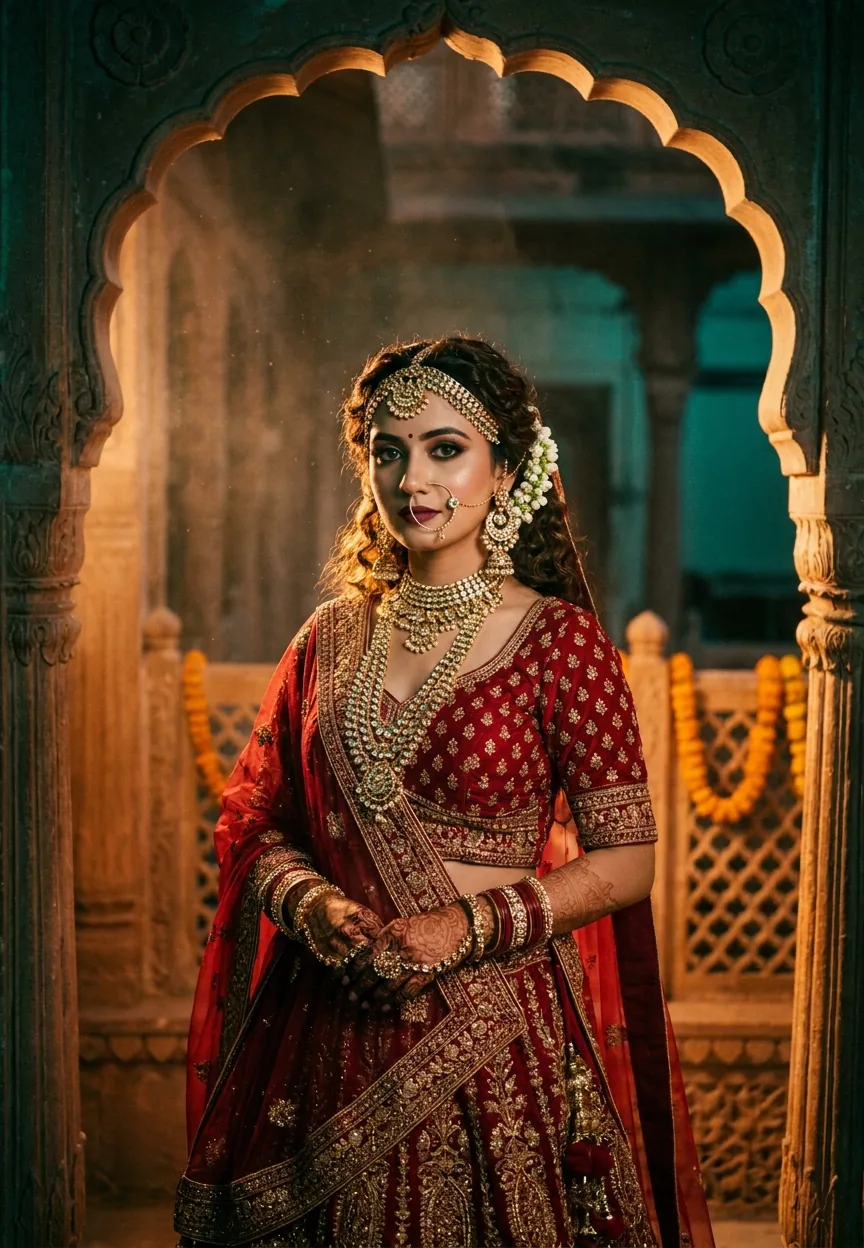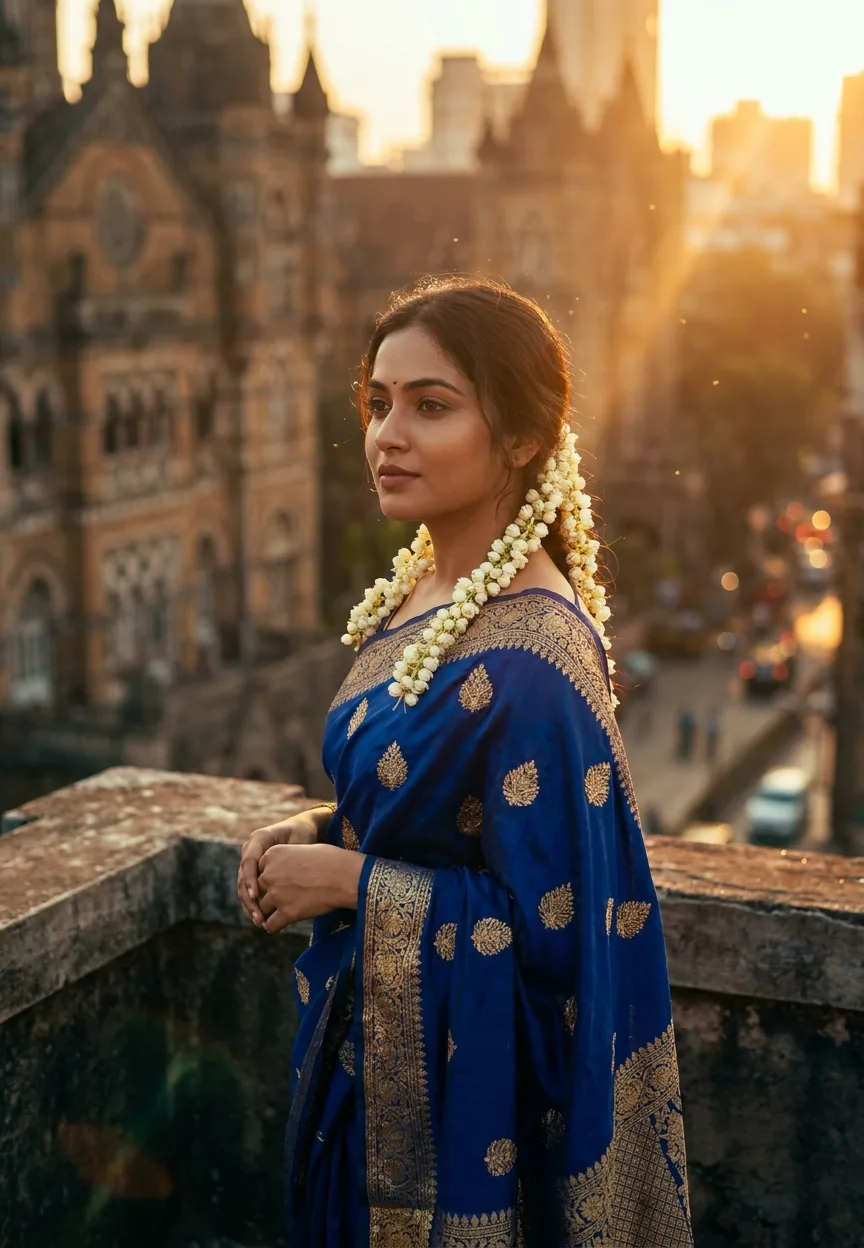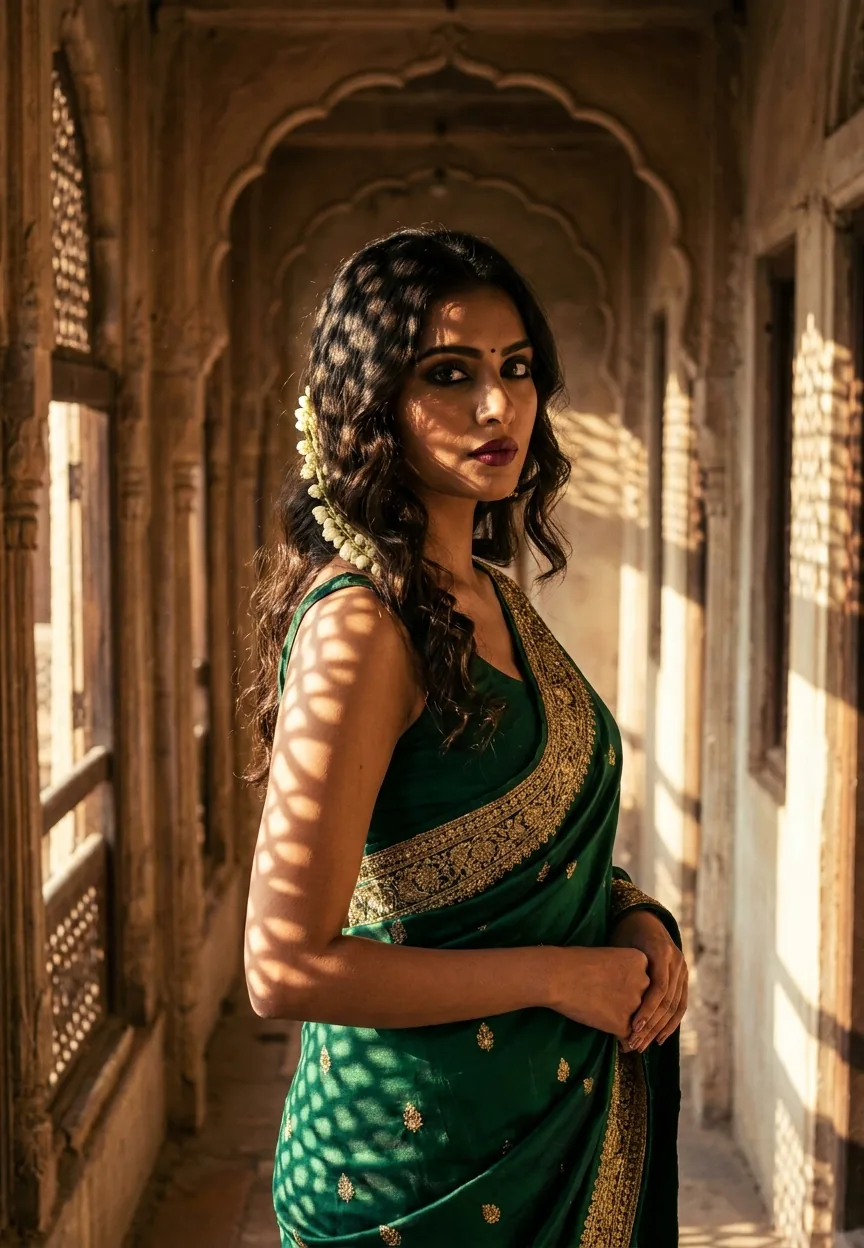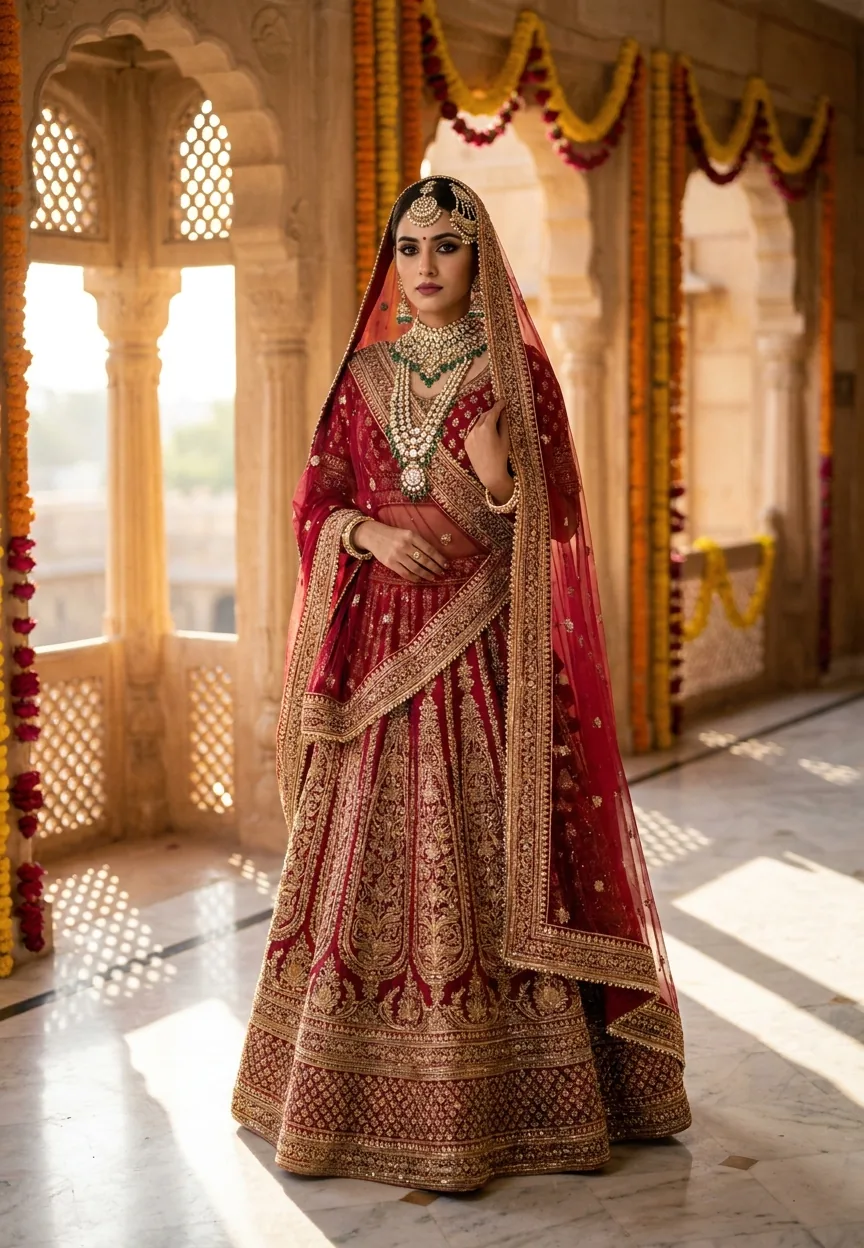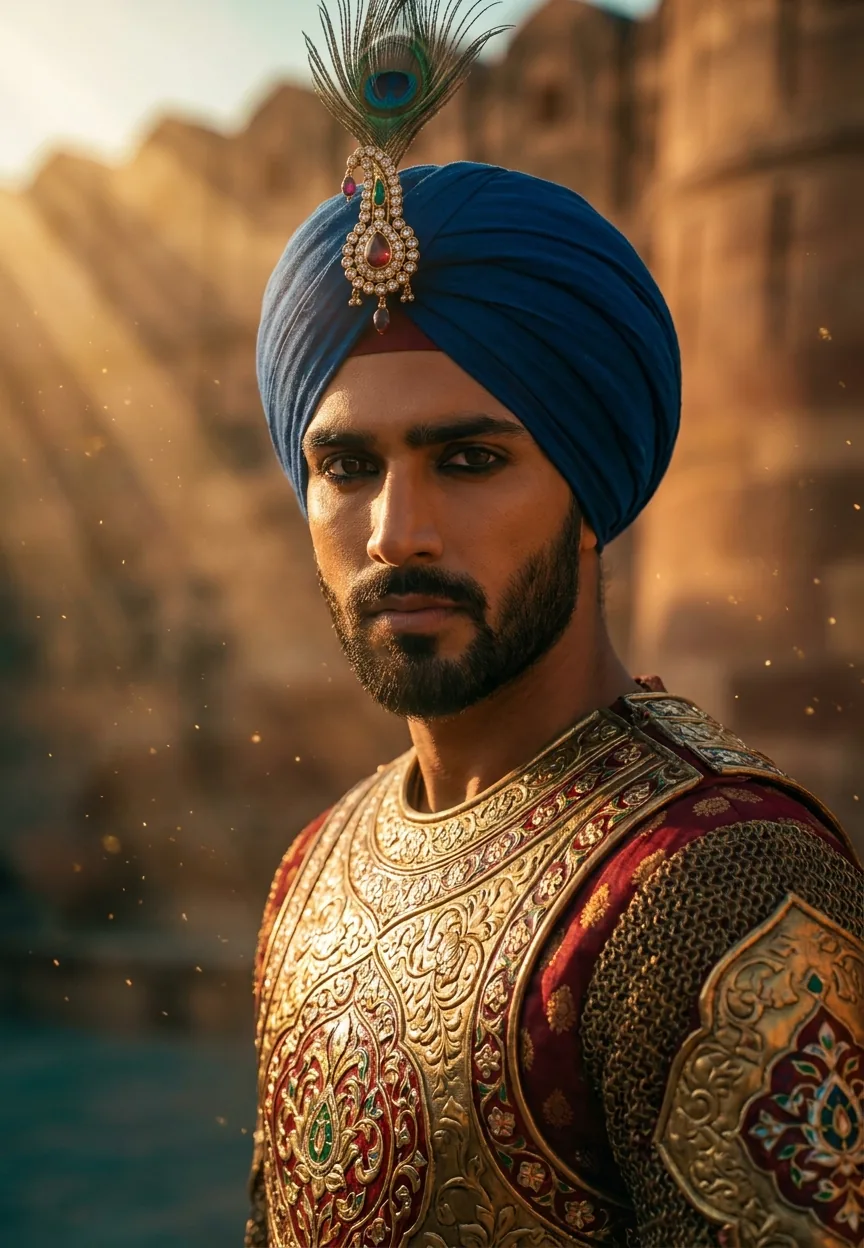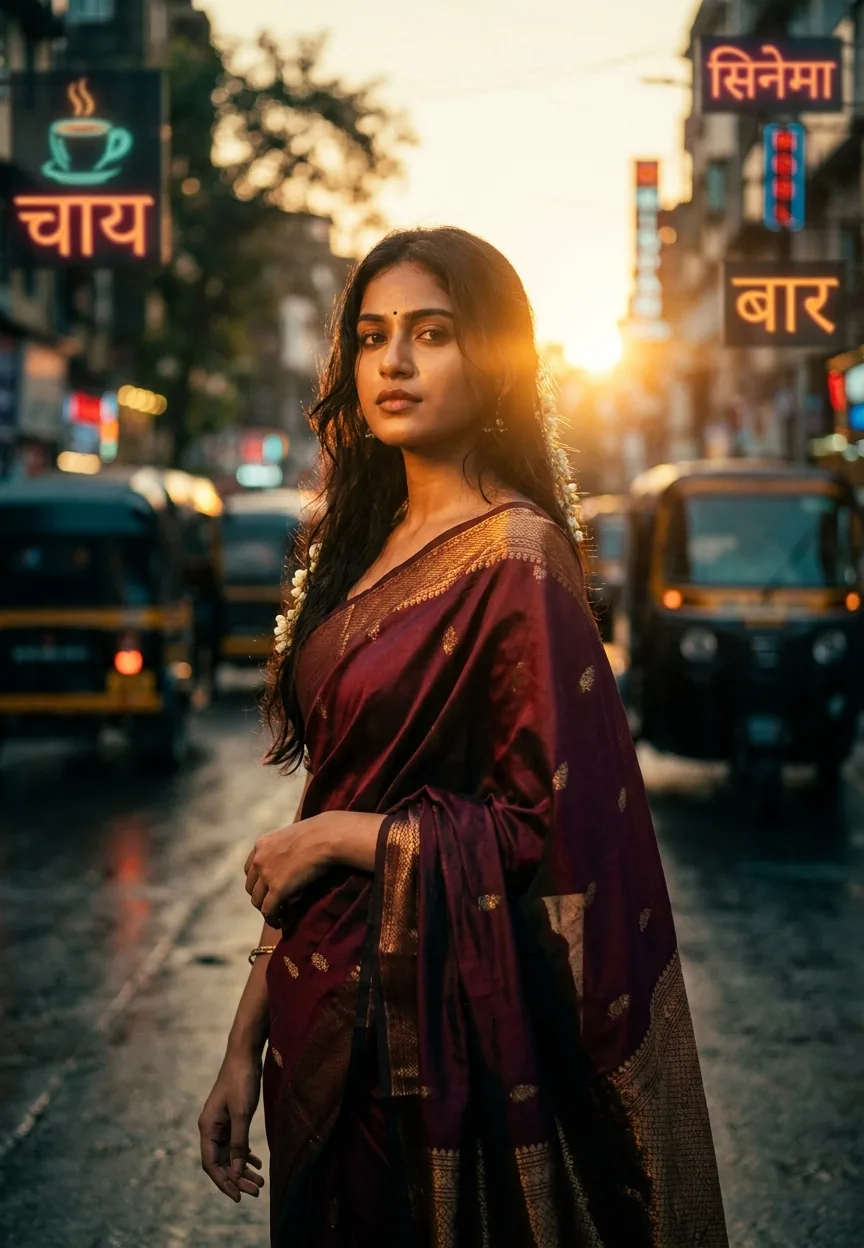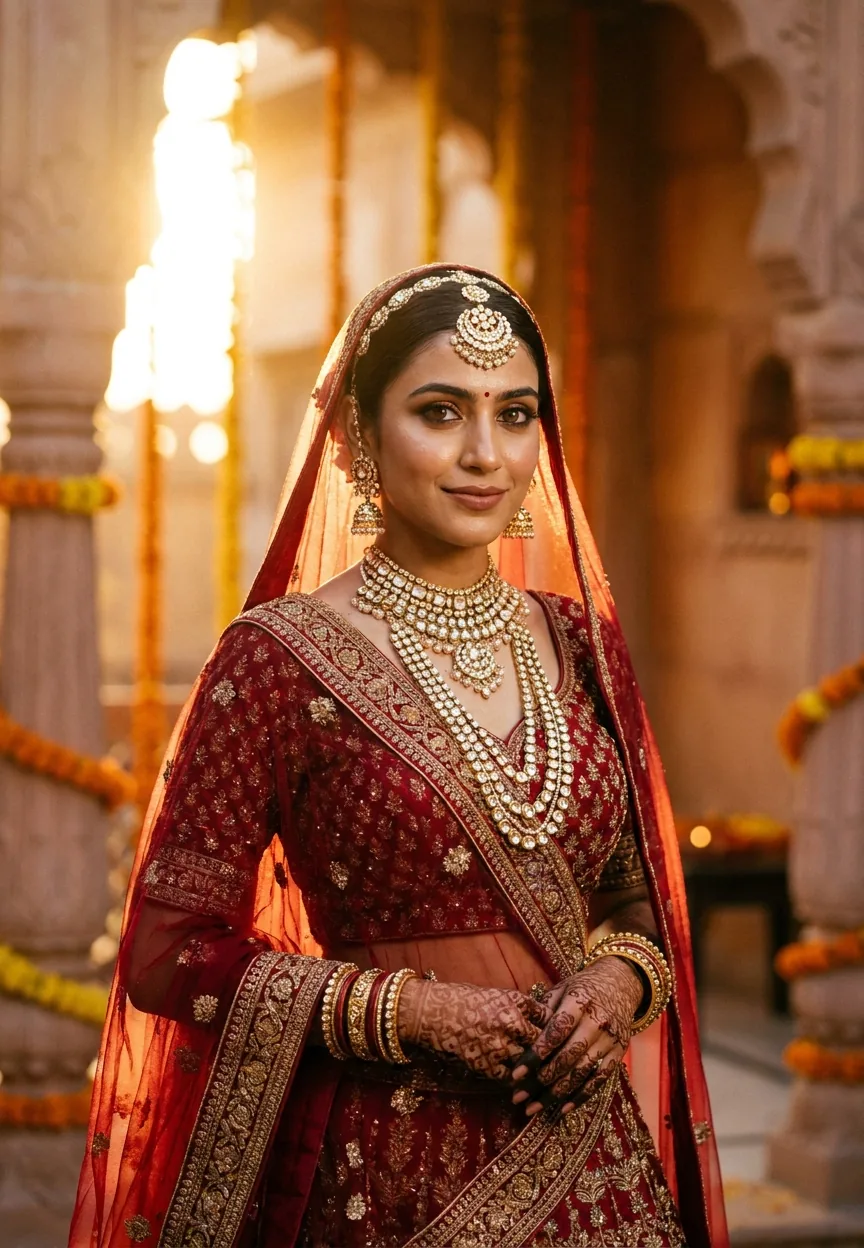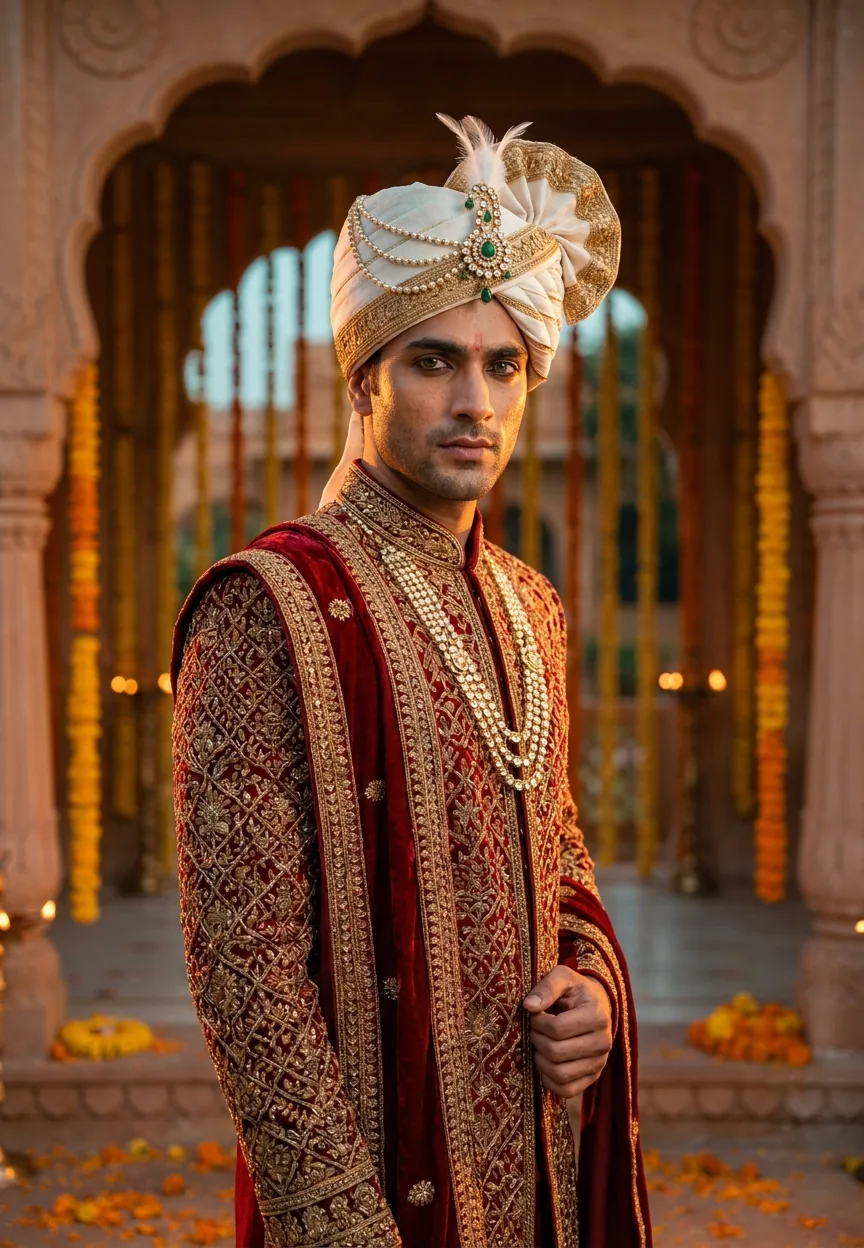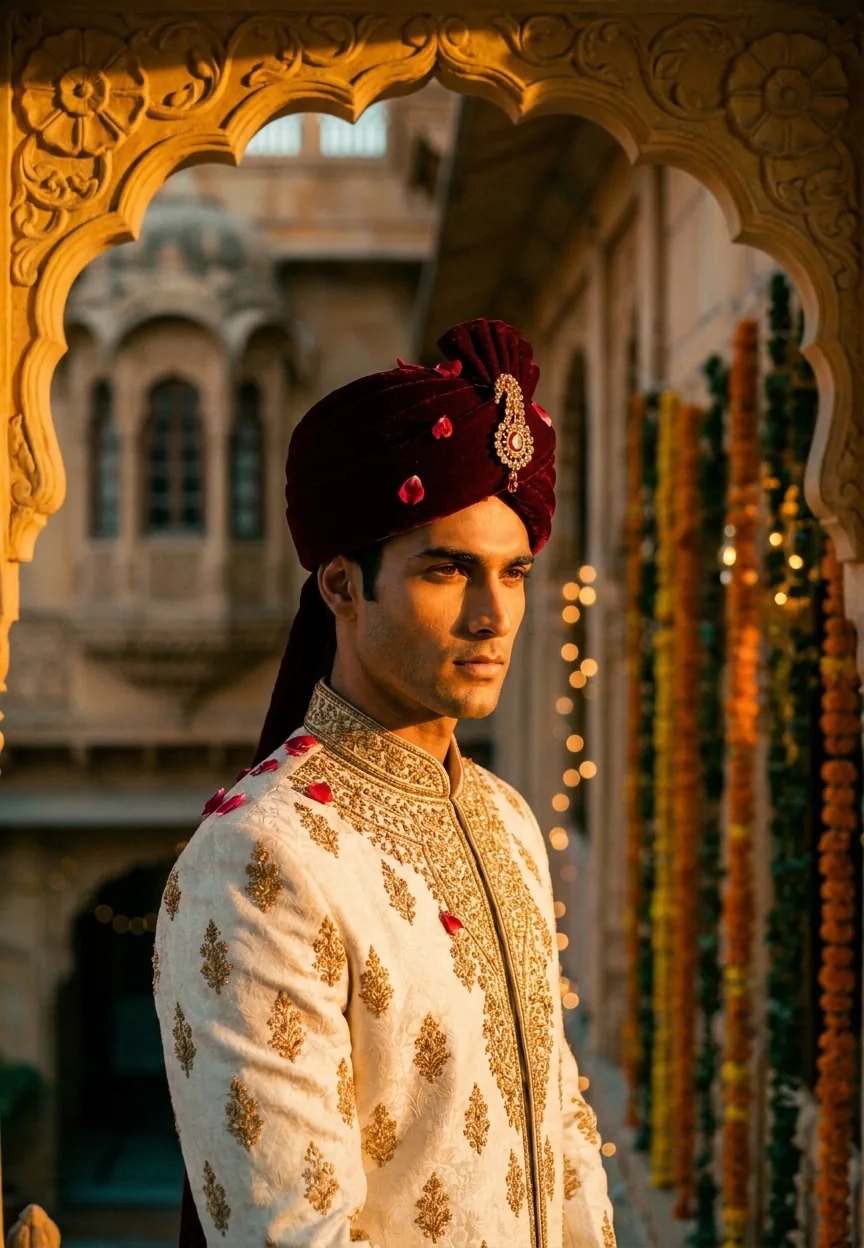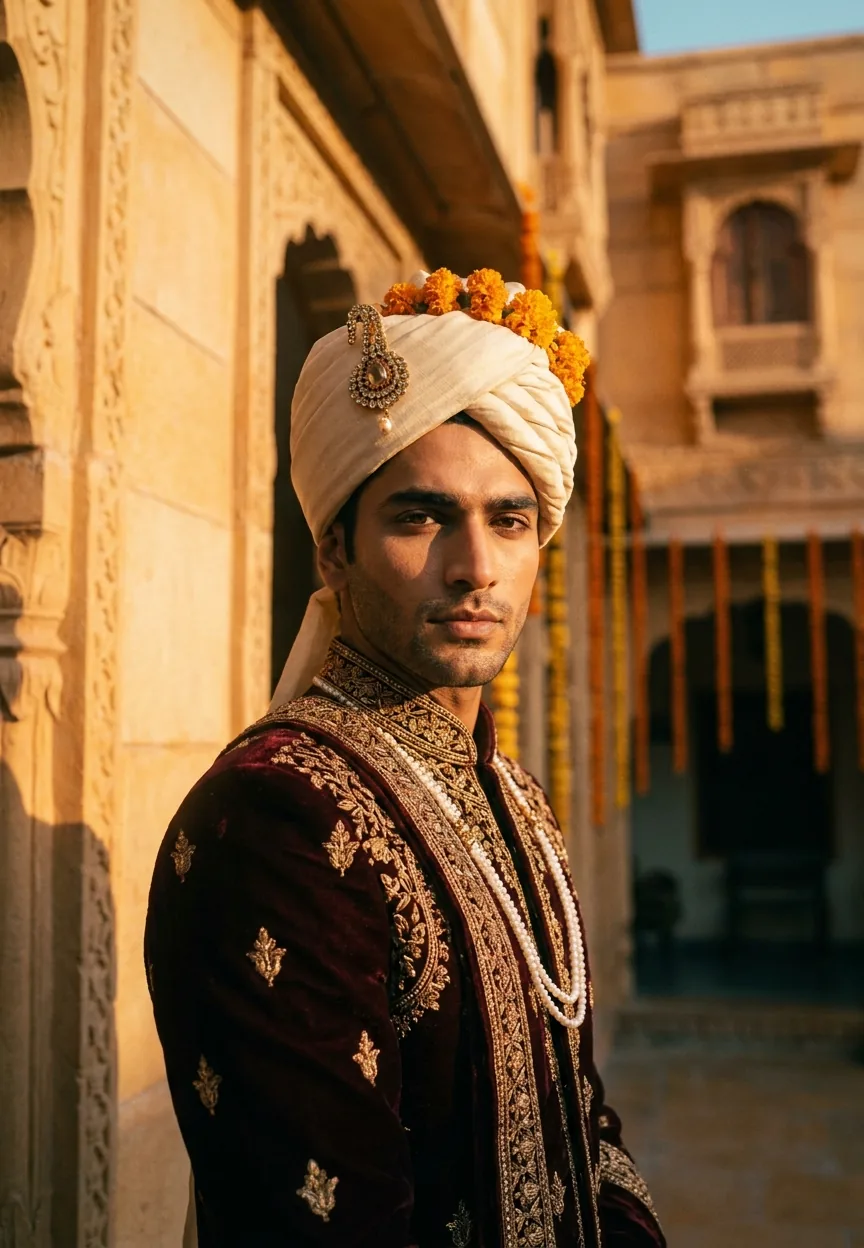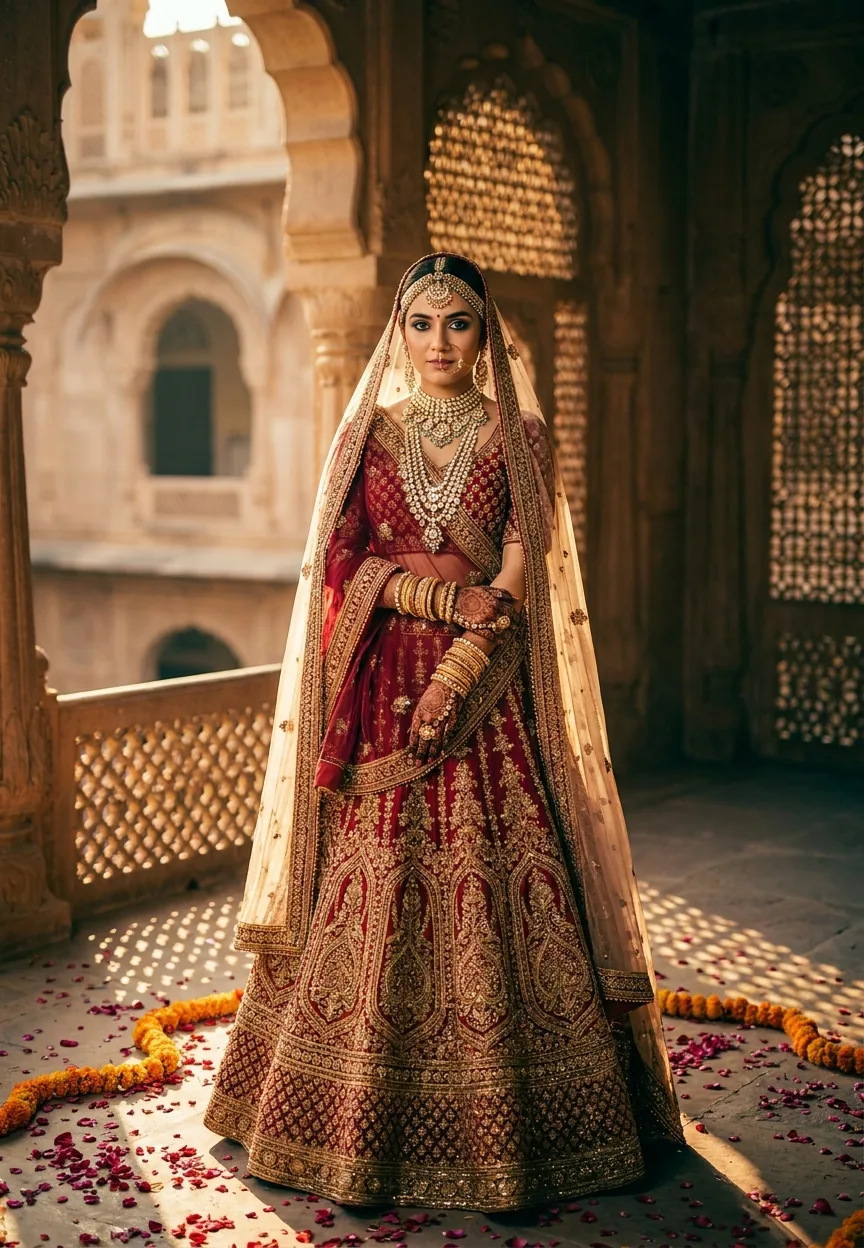
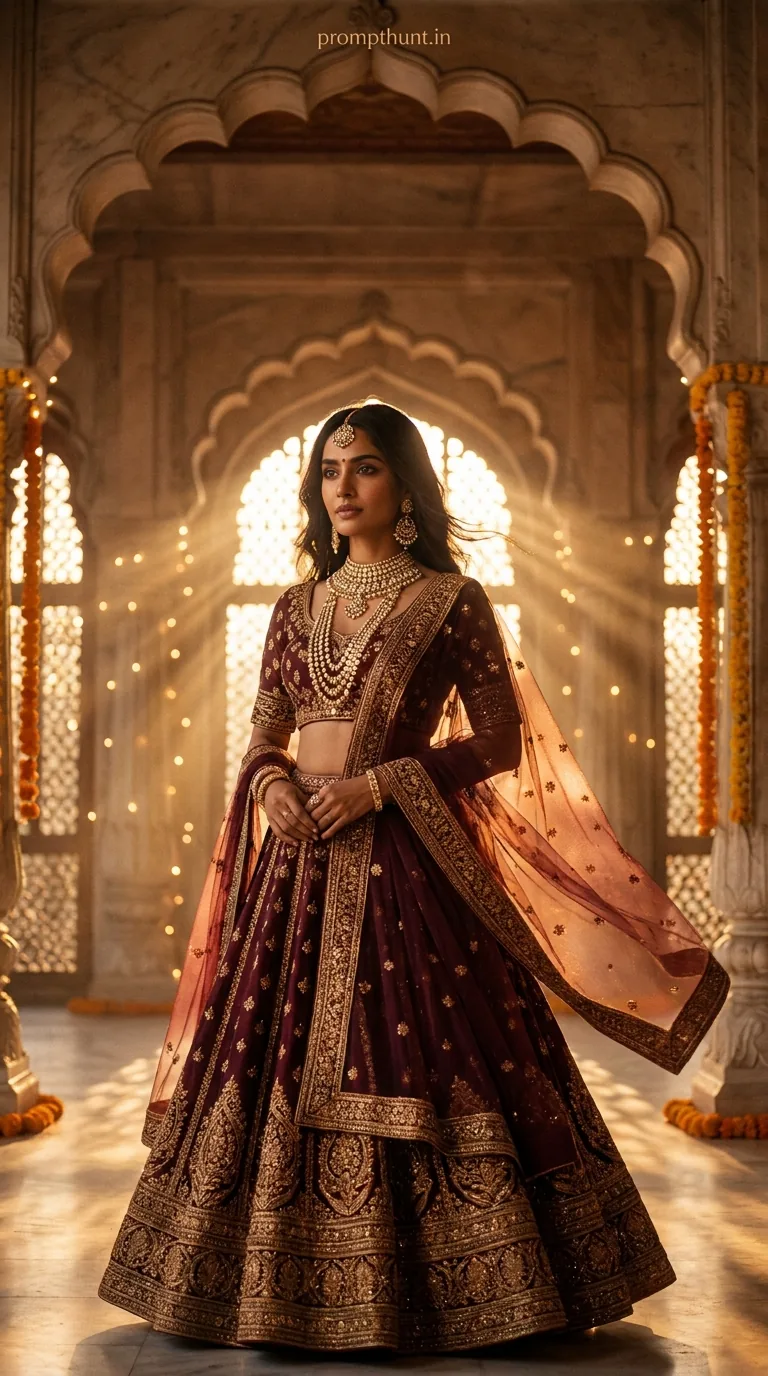
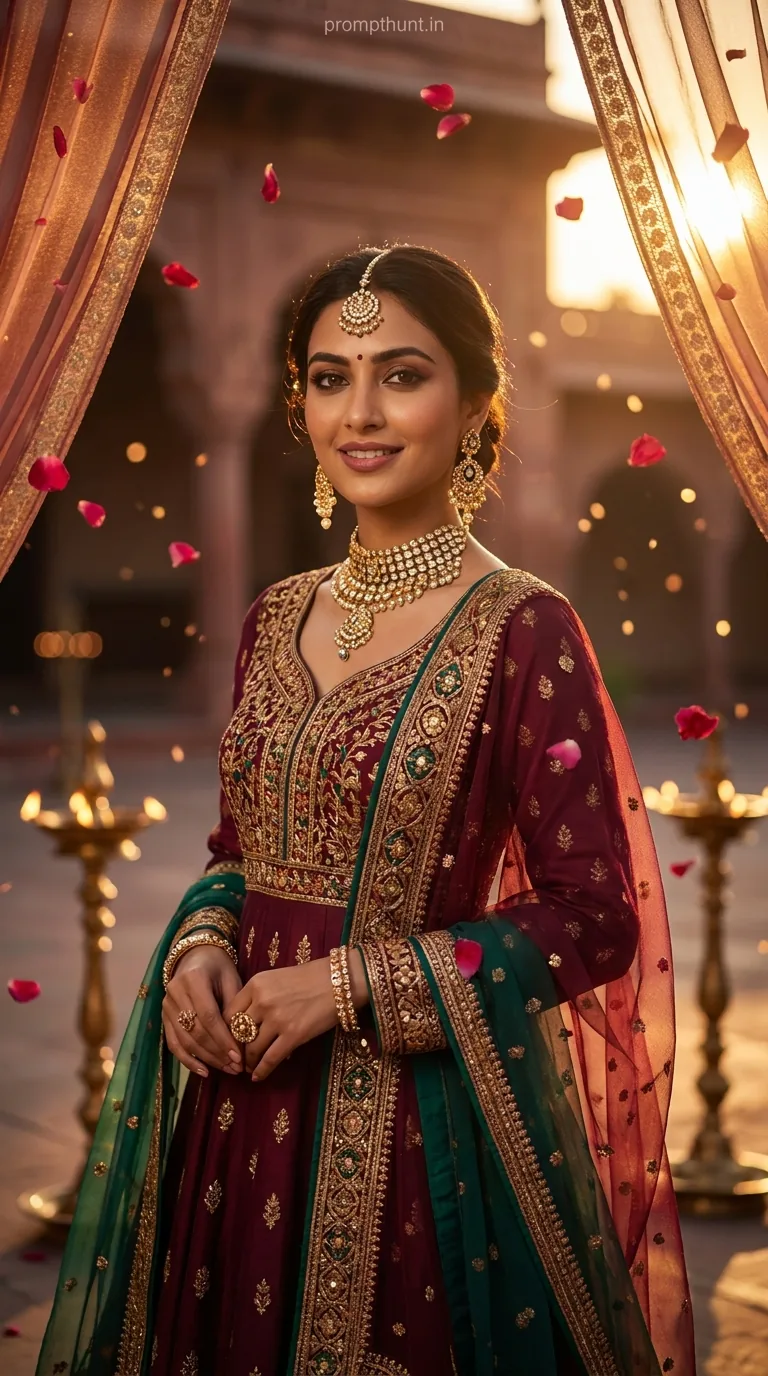
A Bollywood Royale Night Glamour cinematic portrait uses AI to transform your uploaded photo into a regal Mughal palace editorial — complete with zardozi lehengas, jaali shadow patterns, and teal-amber film grading. Upload your photo to Gemini, paste the prompt, and watch yourself become the lead of an award-winning Indian period drama. No costume hire required.
There's a specific kind of magic that happens when Bollywood's golden era meets a high-fashion editorial shoot — the kind of image where everything glows, everyone looks impossibly regal, and you quietly wonder why your actual life involves fluorescent office lighting and a half-eaten packet of biscuits. This cinematic portrait prompt recreates exactly that energy, minus the film crew, the budget, and the three-hour makeup call. Just your photo, Gemini, and about ninety seconds of patience.
Upload your photo to Gemini, paste this prompt, and get a deeply cinematic Bollywood palace portrait with Mughal architecture, marigold garlands, layered bokeh, and rich teal-amber colour grading — all with your actual face.
What Is the Bollywood Royale Cinematic Portrait Style
This style sits at the intersection of three very specific aesthetics. Old-world Bollywood grandeur — think Devdas, Bajirao Mastani, the kind of film where every frame looks like it was composed by someone who genuinely loves their job. High-fashion editorial photography, the sort that ends up in Vogue India. And the warm, rich colour grading of modern Indian period dramas, where shadows run teal and highlights burn amber.
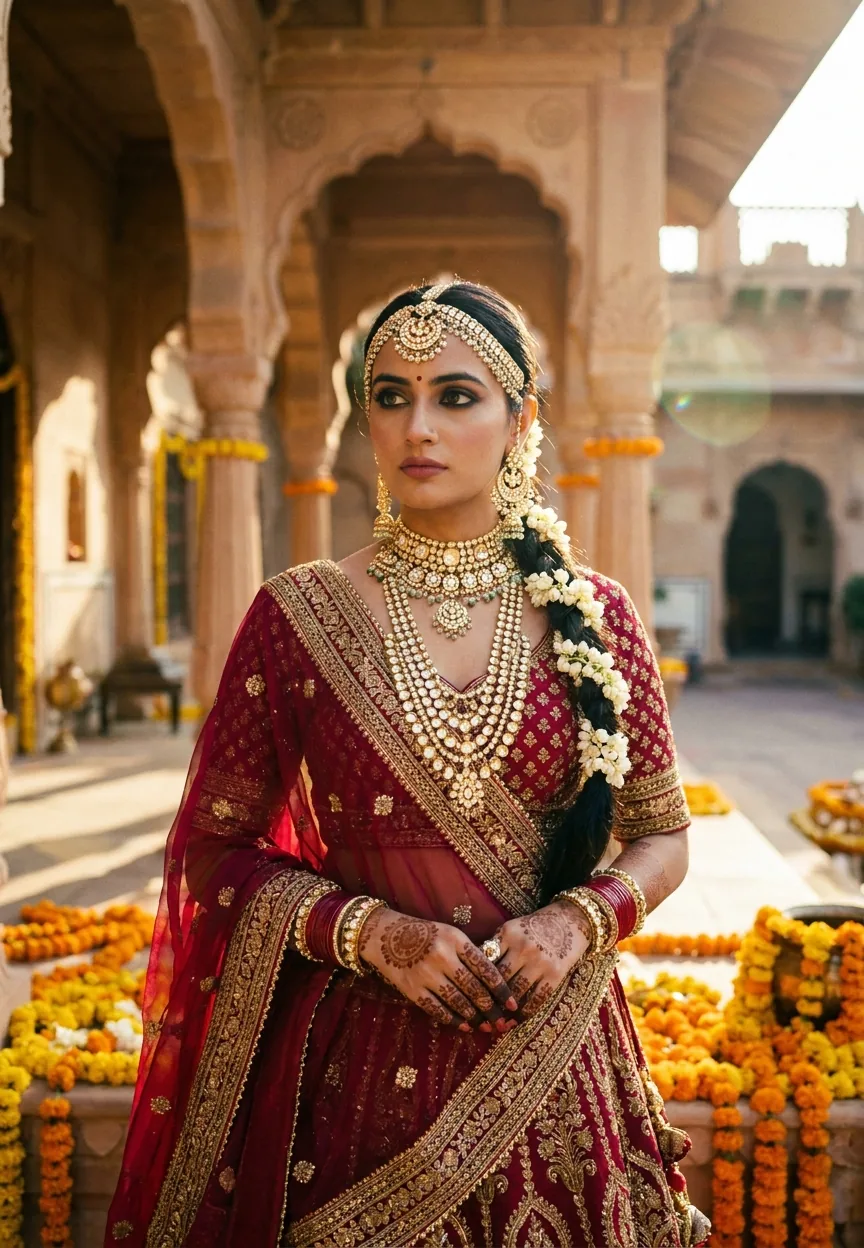
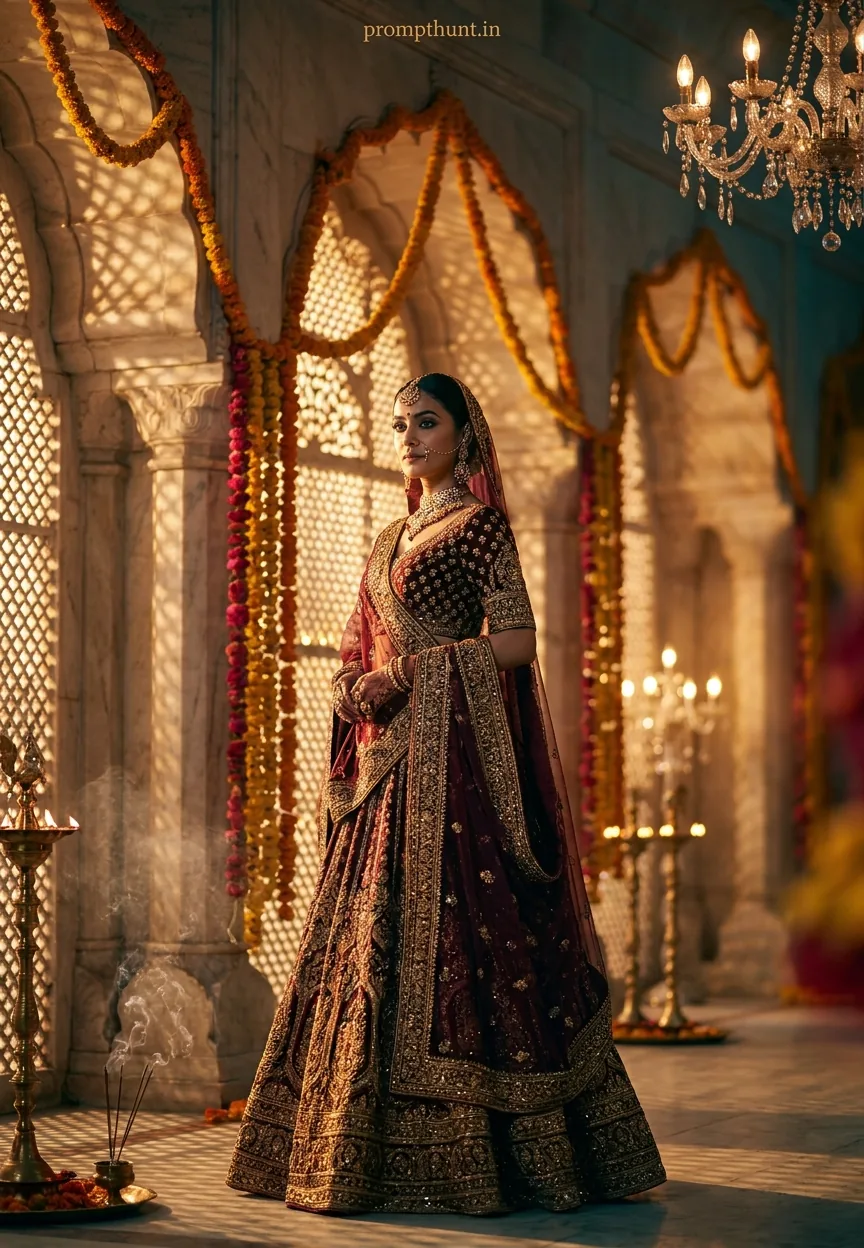
The result is a cinematic portrait that feels genuinely earned. Not a filter slapped over a selfie. An actual scene — marble archways, cascading marigold garlands, jaali lattice shadows drifting across fabric, brass diyas flickering in the mid-distance, crystal chandeliers dissolving into painterly bokeh behind the subject.
The costume does a lot of heavy lifting here. A deep burgundy and gold lehenga with zardozi embroidery — the kind of intricate metalwork that catches dramatic side-lighting and refuses to apologise about it. Wispy incense haze drifts at the lower frame. The format is 9:13 vertical, built for a phone screen, which is either very modern or very portrait-painting-in-a-museum, depending on your mood.
It is, to put it plainly, a lot. In the best possible way.
The Cinematic Portrait Prompt
The uploaded photo is the master reference for this character. Preserve the exact facial features, face shape, skin tone, and identity from the uploaded image exactly. A breathtaking cinematic portrait set against the backdrop of a grand Mughal-inspired palace courtyard at golden hour, with towering marble archways draped in cascading marigold and rose garlands. The subject is adorned in a heavily embroidered deep burgundy and gold lehenga with intricate zardozi work catching the warm, dramatic side-lighting. Ambient light pours through ornate jaali screens, casting delicate lattice shadow patterns across the scene. Flickering brass diyas and hanging crystal chandeliers create a layered bokeh effect in the background. The mood is regal, mysterious, and deeply cinematic — evoking old-world Bollywood grandeur fused with contemporary high-fashion editorial energy. Color grading leans into rich teal shadows and warm amber highlights for a luxurious filmic contrast. Shot in 9:13 vertical format with shallow depth of field, the background softly blurs into painterly gold and crimson tones. Wispy smoke or incense haze drifts at the lower frame, adding atmospheric depth. Overall aesthetic: opulent, timeless, emotionally charged — like a still frame from an award-winning Indian period drama. Add a small, thin, professional 'prompthunt.in' text watermark at the top center of the image. The watermark should be subtle, use a color that matches the image's color palette, and appear lightweight and elegant — not distracting.
How to Use This Cinematic Portrait Prompt
The first line of this prompt is doing the most important work: "The uploaded photo is the master reference for this character." That means Gemini is looking at your face and building the entire scene around it. The prompt changes the setting, the costume, the lighting, the mood. Your face stays exactly as it is.
Here is how to do it, step by step.
Step 1. Open Gemini — gemini.google.com — and start a new conversation. Upload your photo first, before you type anything. This is non-negotiable. The uploaded photo has to be in the conversation before the prompt arrives, or Gemini has nothing to use as a reference. Think of your photo as the casting director's first decision. Everything else follows from it.
Step 2. Copy the full prompt above. Paste it into the message box alongside your uploaded photo and hit send.
Step 3. Wait. Gemini will generate the image. If the first result is not quite right — maybe the face drifted slightly, or the background detail feels thin — send a follow-up message. "Keep the face exactly the same, add more detail to the jaali shadows" works well. Gemini responds well to specific corrections.
Step 4. Download. Share. Accept compliments graciously.
Tips for Best Results
Your source photo matters more than you think. A clear, well-lit face shot — front-facing, good resolution, no heavy filters already applied — gives Gemini the cleanest reference to work from. The rule of thumb here: if you can see your features clearly, Gemini can too.
Avoid sunglasses, heavy shadows across the face, or photos where you are one of six people in frame. Gemini is good, not psychic. Give it a fair chance.
If the lehenga colour or embroidery detail is not coming through as richly as you want, add one line after the prompt: "Increase the detail and texture of the zardozi embroidery on the lehenga." Small additions go a long way.
For the bokeh in the background — the blurred chandeliers and diya glow — if it looks flat, ask for "more pronounced shallow depth of field with stronger background blur." That usually sorts it.
And if you want a different costume colour — say, a deep emerald and silver, or a midnight blue with rose gold — just swap out the colour description in the prompt. The structure of the scene stays intact. The wardrobe is yours to adjust.
Why This Cinematic Portrait Is Trending in India
Nine times out of ten, a visual trend takes off because it hits something people already wanted but could not access. Professional editorial shoots in Rajasthan palaces are not a budget option for most people. Film-quality costume photography requires a crew, a location, and the kind of lighting setup that comes with its own van.
This prompt makes it available to anyone with a phone and a Google account. That is a genuinely significant shift.
India also has an extraordinarily deep cultural relationship with this aesthetic. Mughal architecture, zardozi craftsmanship, marigold garlands, the specific golden warmth of diyas at dusk — these are not borrowed references. They are home territory. When the AI renders them well, the result does not feel like a costume. It feels like recognition.
Add to that the way this style photographs on a phone screen — the 9:13 vertical format was basically invented for Instagram and WhatsApp status updates — and you have a trend that is both culturally resonant and technically optimised for sharing. It was always going to move fast. (The prompt, I mean. Not the palace. Palaces are famously stationary.)
Honest Opinion — When Not to Use This Cinematic Portrait Style
Right. Honest bit.
This style is genuinely spectacular when it works. But it is a maximalist prompt — it is asking for a lot of specific visual elements simultaneously. Marble archways. Jaali shadows. Layered bokeh. Incense haze. Embroidered fabric detail. Teal-amber grading. All in one image. AI image generation, even Gemini at its best, occasionally struggles to honour every element equally.
Sometimes the face slips slightly — features that are close to the original but not quite exact. Sometimes the background architectural detail gets soft when the model is focusing hard on the costume. Sometimes the colour grading leans too warm and loses the teal contrast entirely. None of these are catastrophic, and most are fixable with a follow-up message. But go in with that expectation.
This style is also unapologetically feminine in its current costume framing. The lehenga is the anchor garment. If you want the same Mughal palace setting but in a sherwani or a more gender-neutral editorial look, the prompt will need editing. The architecture and lighting direction will transfer. The costume section is the bit to rewrite.
I would also say — and this is a personal call — that this prompt has a very specific mood. Regal, mysterious, emotionally charged. If you want something lighter, more playful, less "I am definitely about to deliver a monologue that will change the course of the film," this particular setup might be too heavy. There are other prompts for casual elegance. This one is built for drama, and it commits to that fully.
Use it when you want drama. It will deliver drama. Do not be surprised when it delivers drama.
The Takeaway
The Bollywood Royale Night Glamour cinematic portrait prompt is one of the most visually ambitious