
Photorealistic Mumbai Monsoon Streetstyle AI Photo Editing Prompt
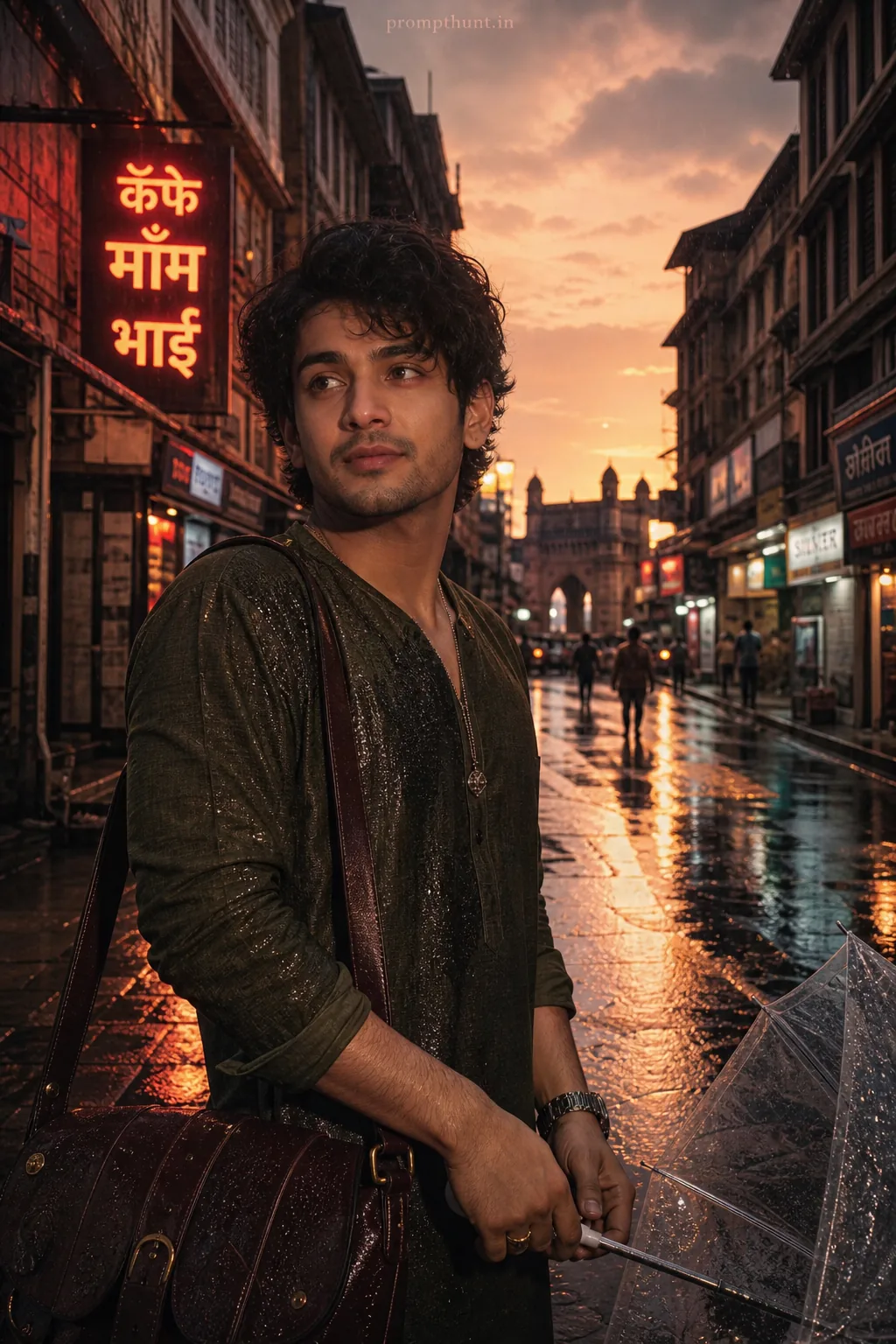
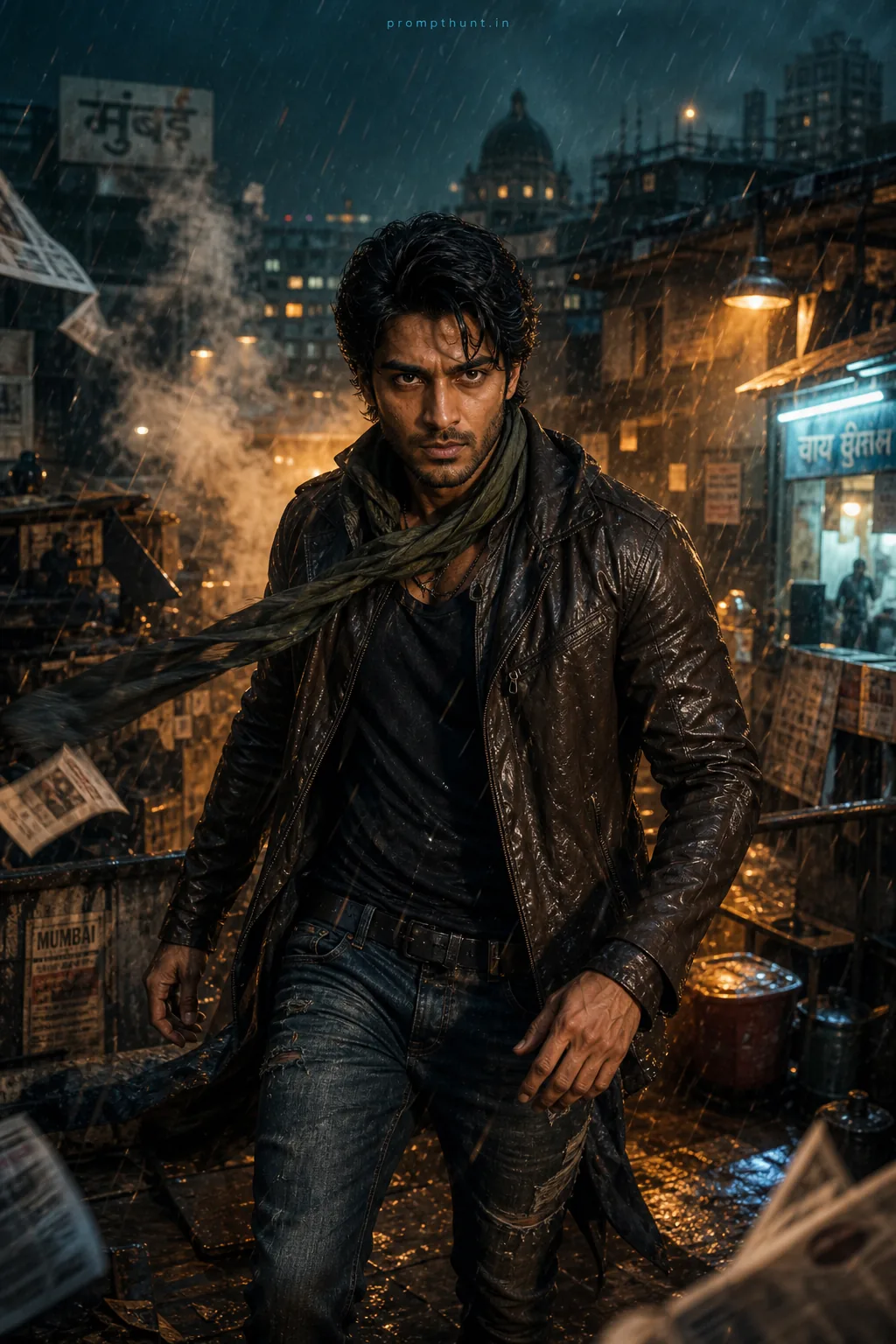
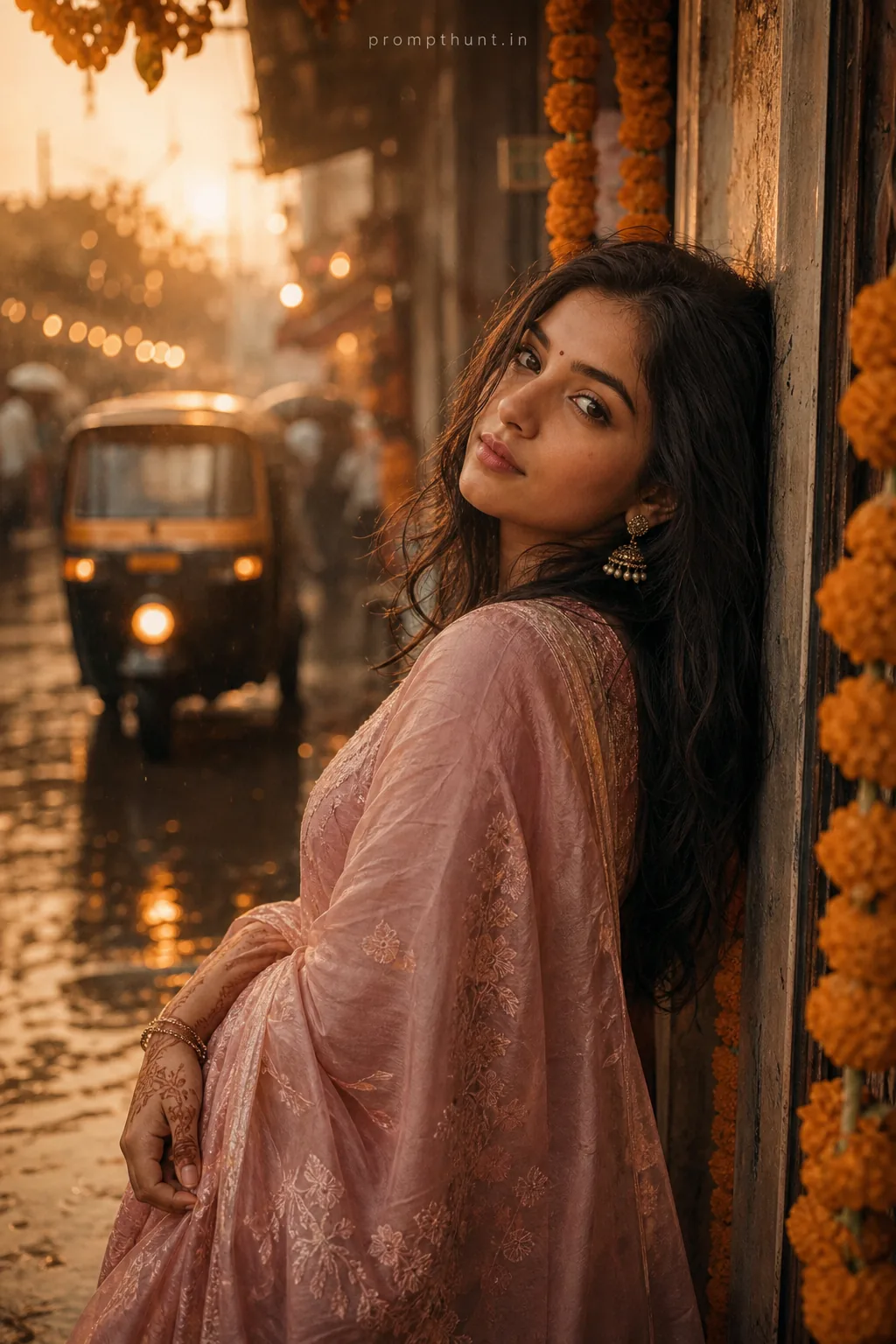
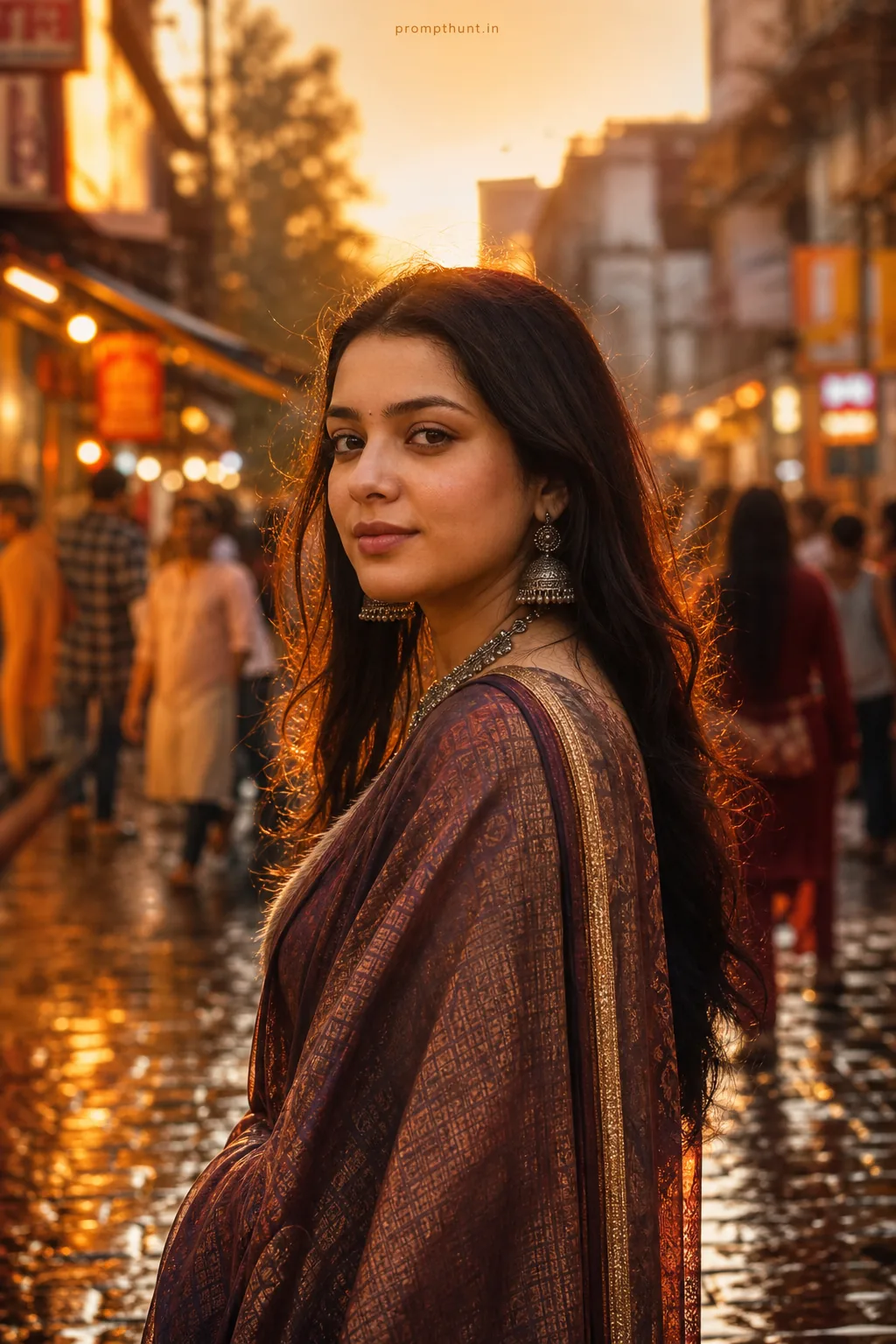
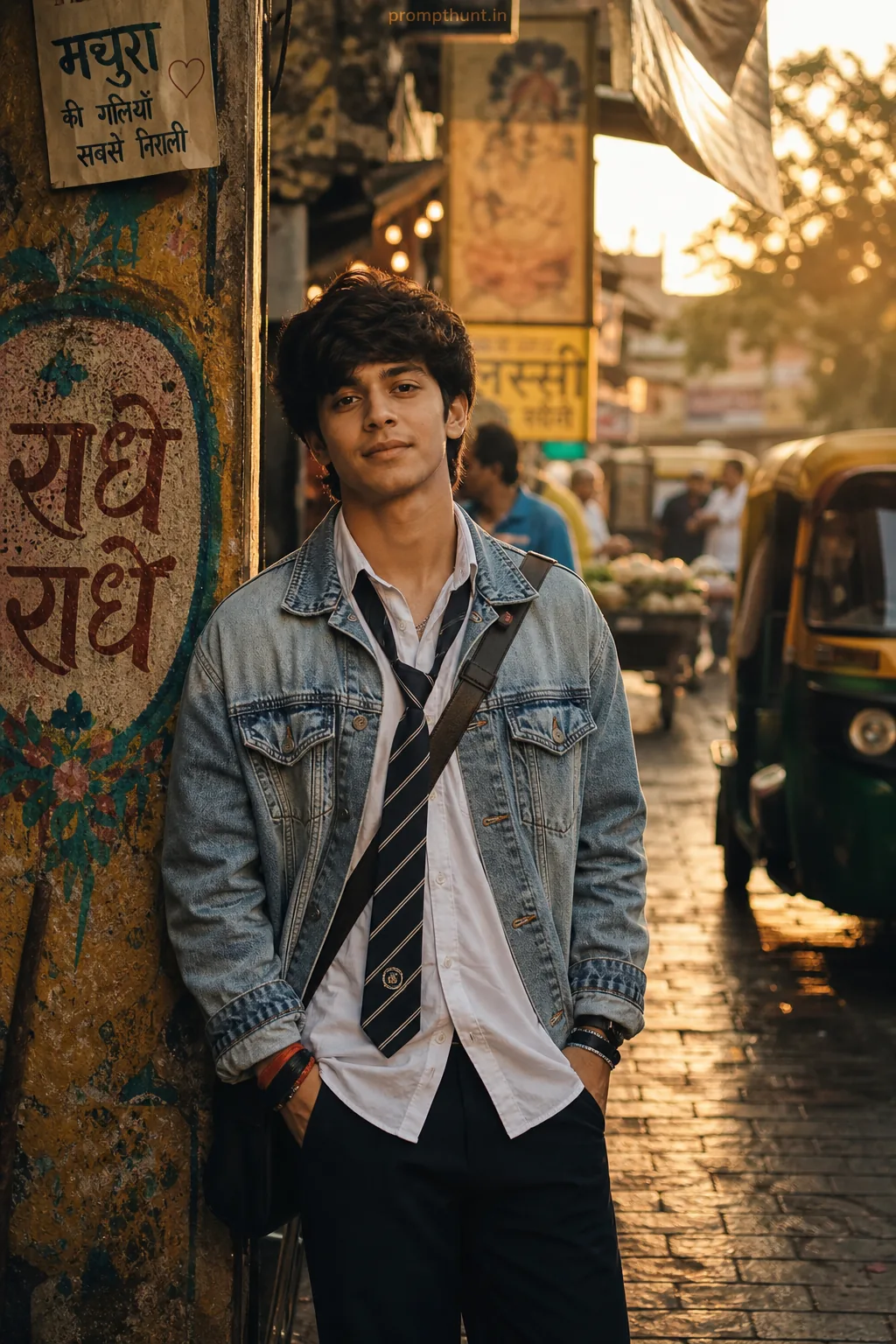
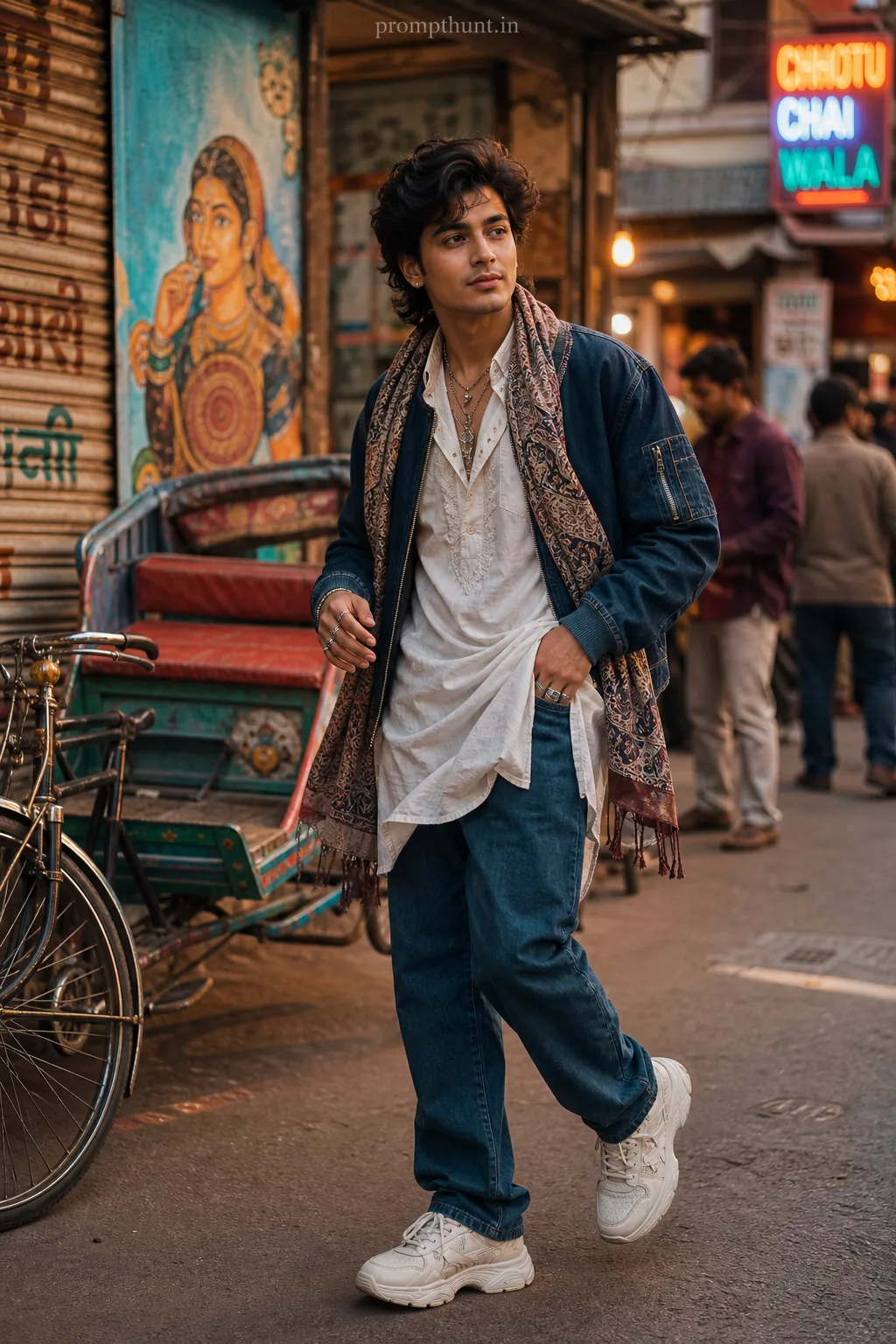
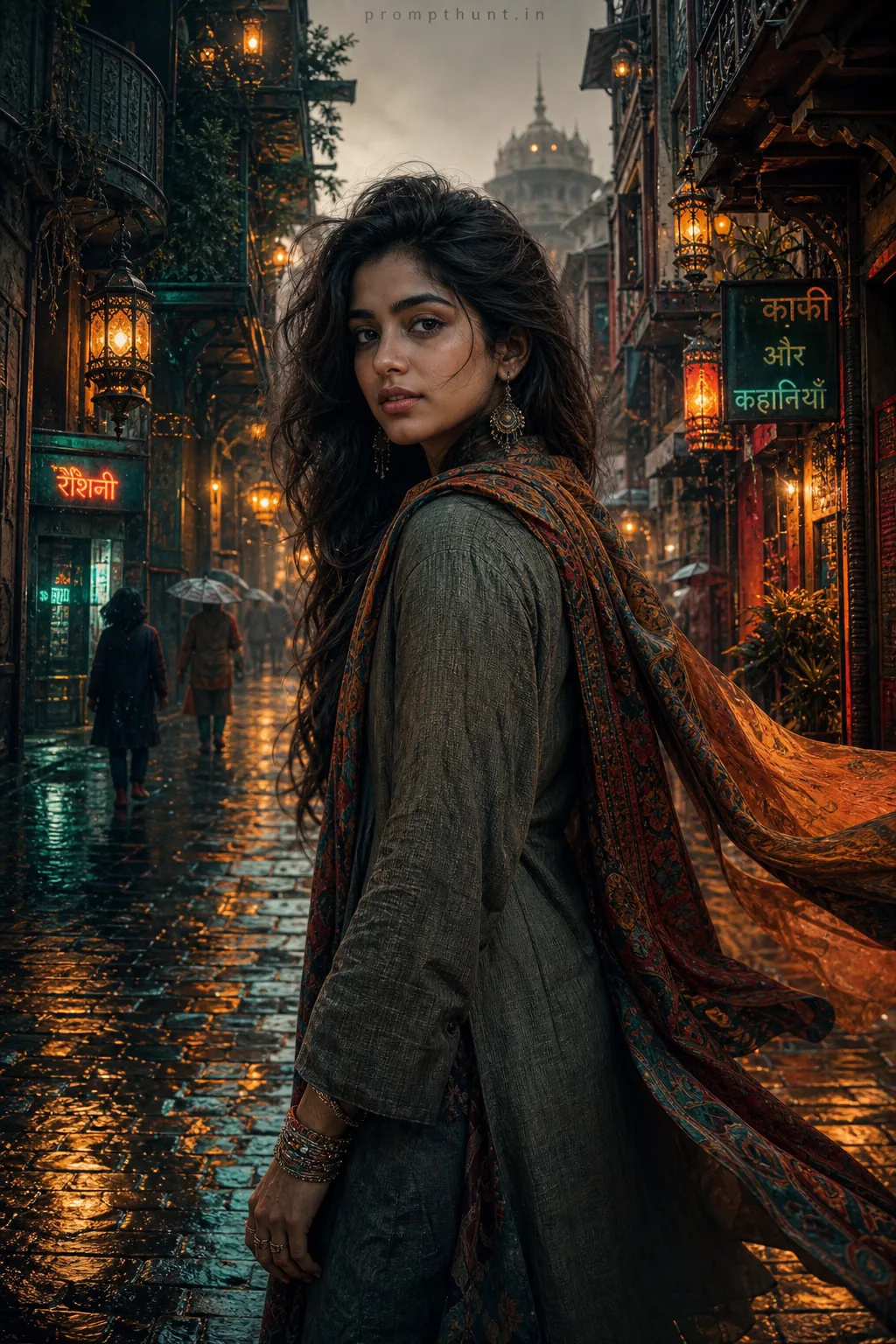
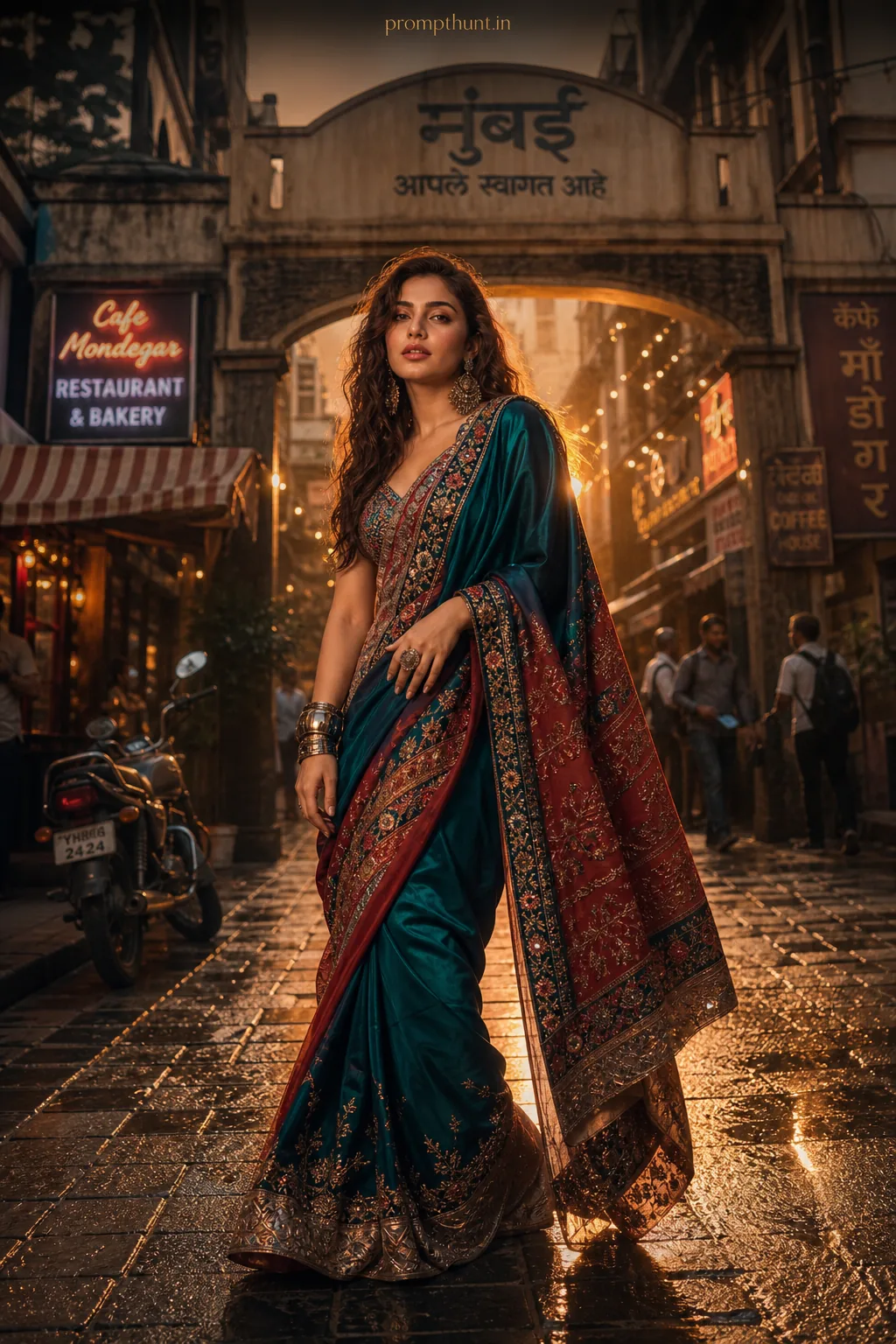
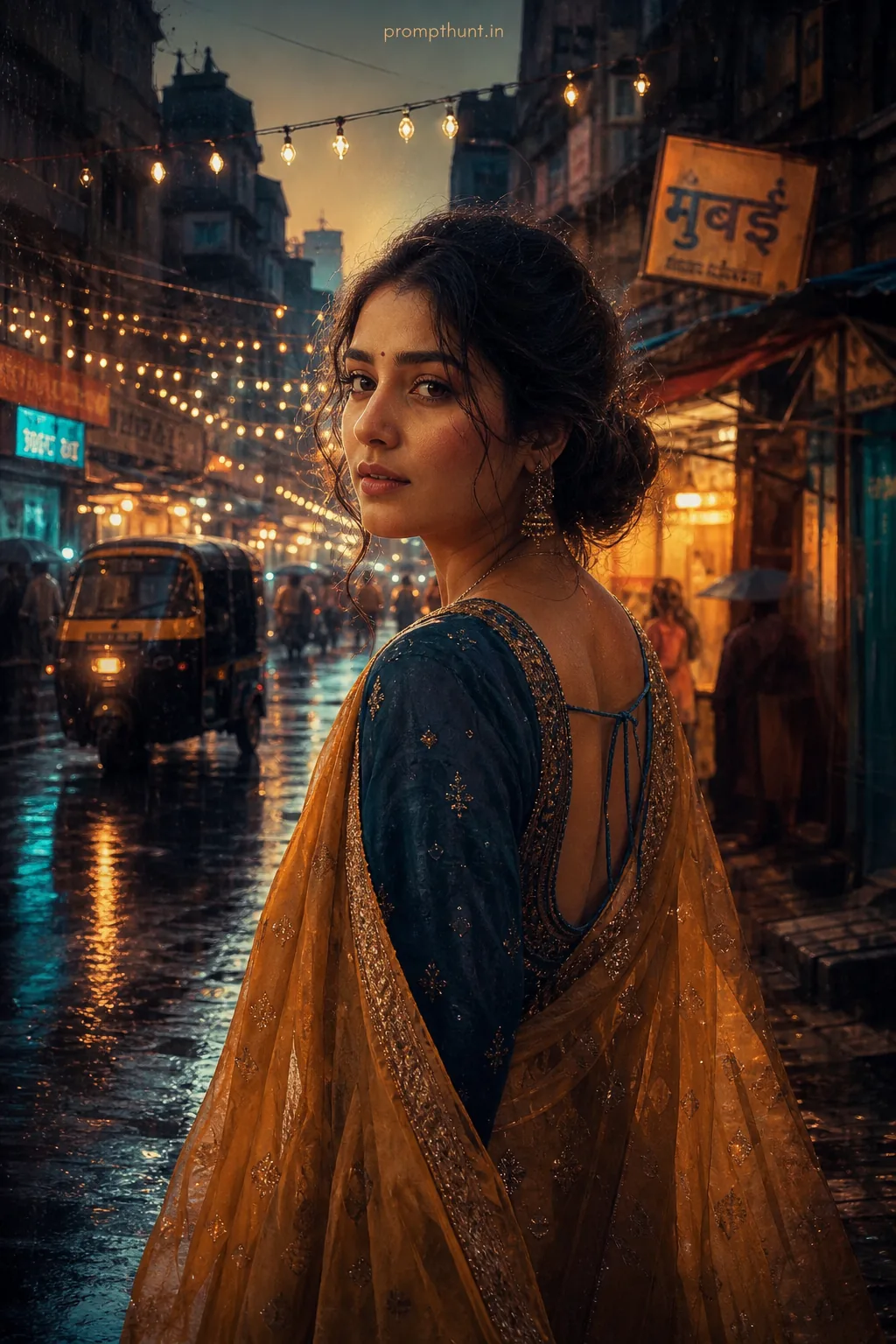
The uploaded photo is the master reference for this character. Preserve the exact facial features, face shape, skin tone, and identity from the uploaded image exactly. Vertical 9:13 composition. 9:13 vertical scene of a narrow Mumbai lane during monsoon golden hour, slick wet cobblestones reflecting warm orange-pink sky and neon shop signs, soft directional rim light from a low sun mixed with cool blue ambient shadows, light rain droplets and subtle mist in the air creating atmosphere; wardrobe details: saturated, textured fabrics — a rain-soaked kurta or lightweight bomber with visible fabric grain, layered with a transparent umbrella edge and a glossy leather satchel, small metallic accessories catching highlights; mood cinematic, nostalgic yet vibrant, high-contrast photorealistic rendering with shallow depth of field on the foreground costume textures, realistic water reflections, natural film grain, and color grading tuned to warm skin-friendly tones suitable for Indian Instagram feeds; composition framed for portrait mobile screens, strong leading lines from lane and puddles guiding the eye upward. Add a small, thin, professional 'prompthunt.in' text watermark at the top center of the image. The watermark should be subtle, use a color that matches the image's color palette, and appear lightweight and elegant — not distracting.
Community Rating
Rate this prompt
Photorealistic Mumbai Monsoon Streetstyle AI Photo Editing Prompt is a free, copy-paste photorealistic AI photo editing prompt. Paste it into any AI photo editor with one clear photo of yourself and you get the edited result in about ten seconds — no account and no payment. The prompt tells the model to keep your exact facial features, skin tone and identity, and to change only the background, outfit, lighting and styling.
9:13 vertical scene of a narrow Mumbai lane during monsoon golden hour, slick wet cobblestones reflecting warm orange-pink sky and neon shop signs, soft directional rim light from a low sun mixed with
How to use this photorealistic prompt
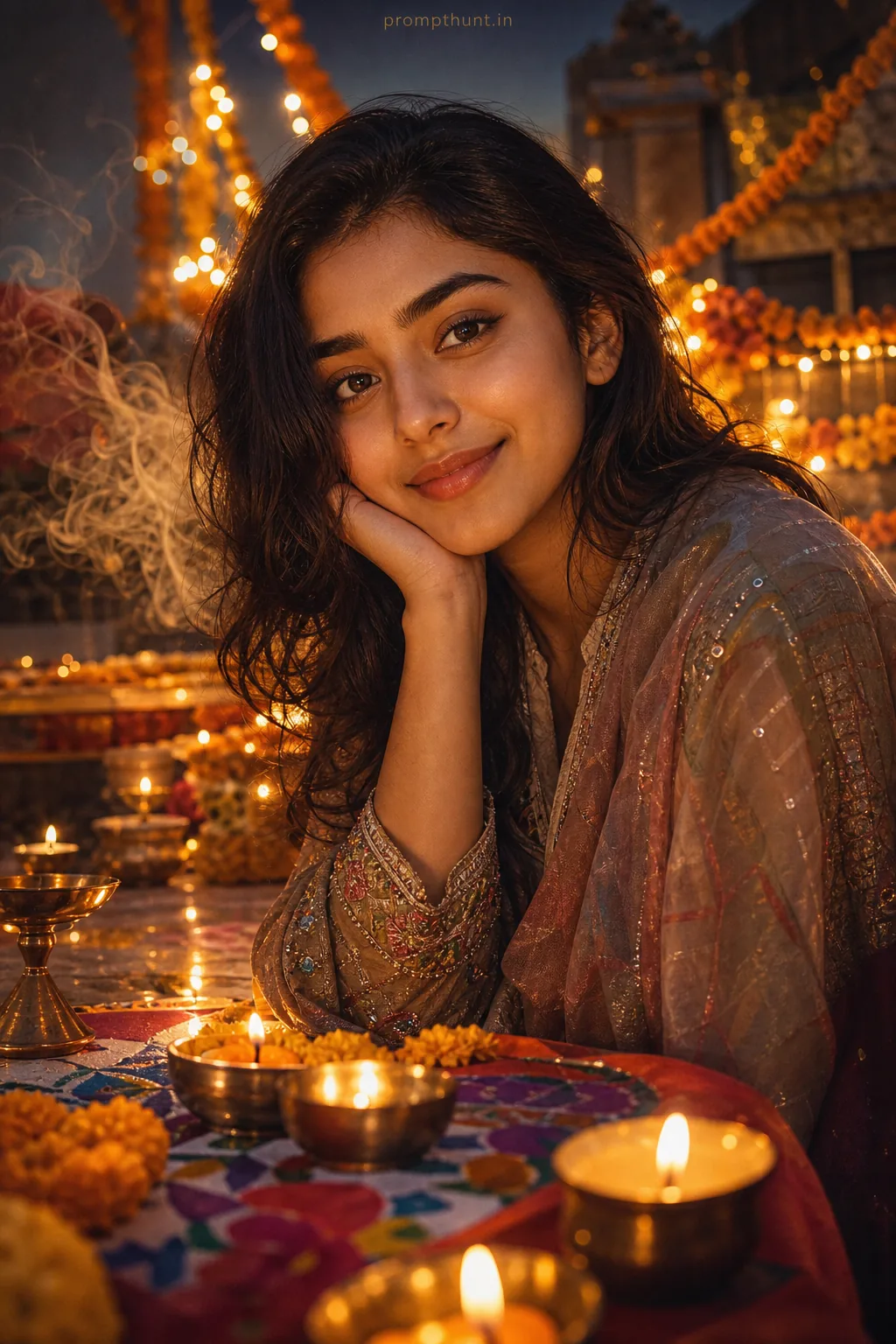
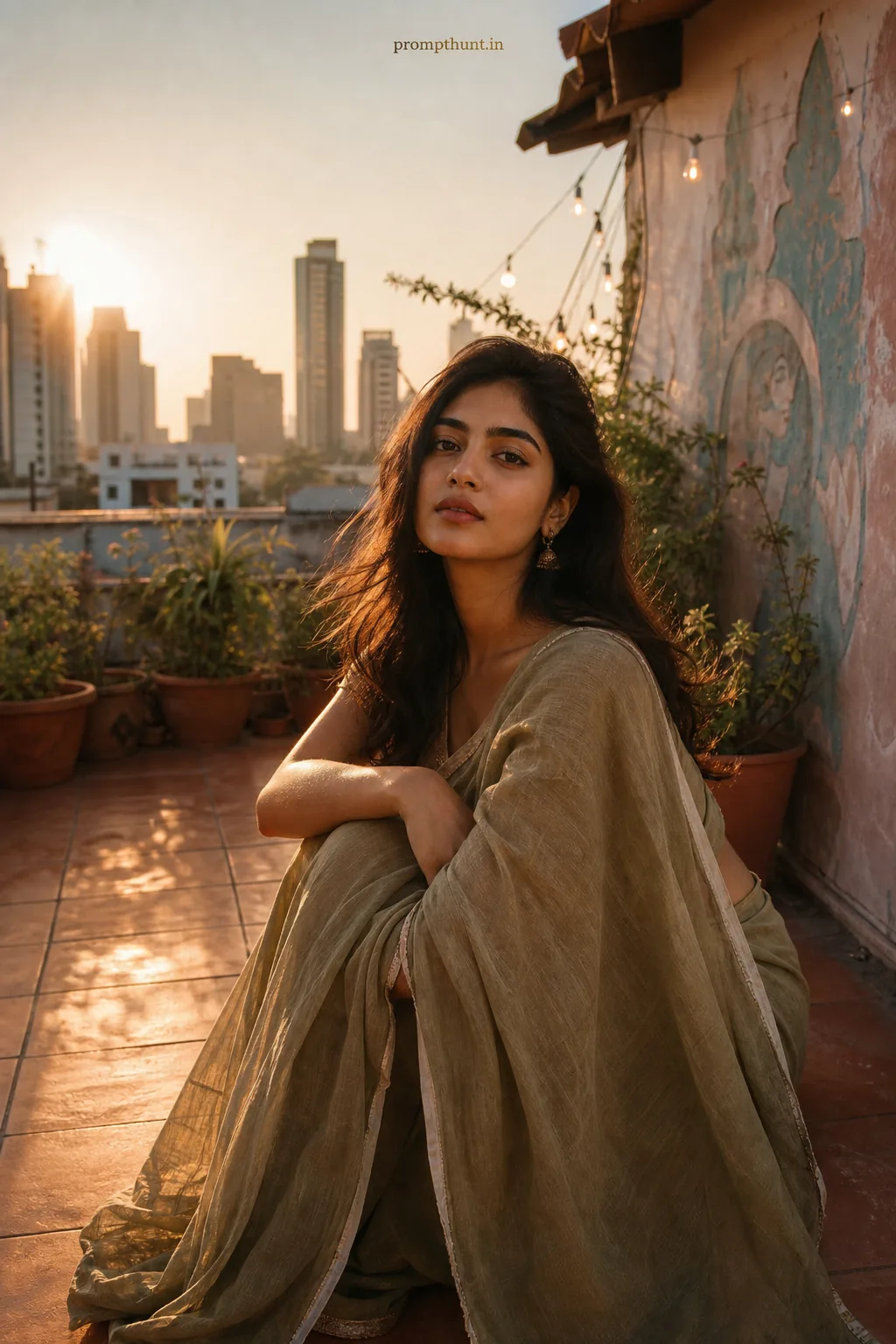
More prompts to explore
AI Photo Editing Prompts