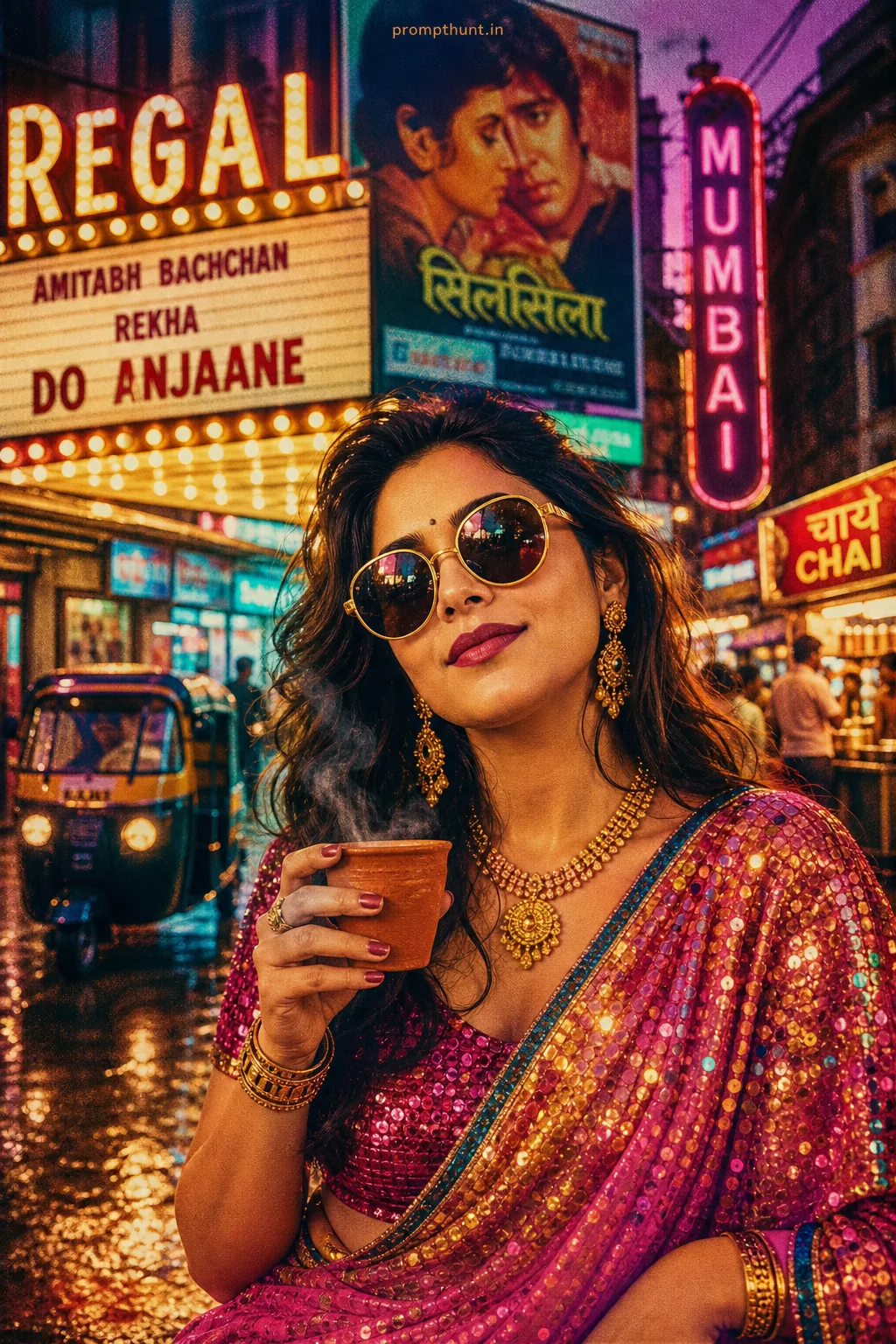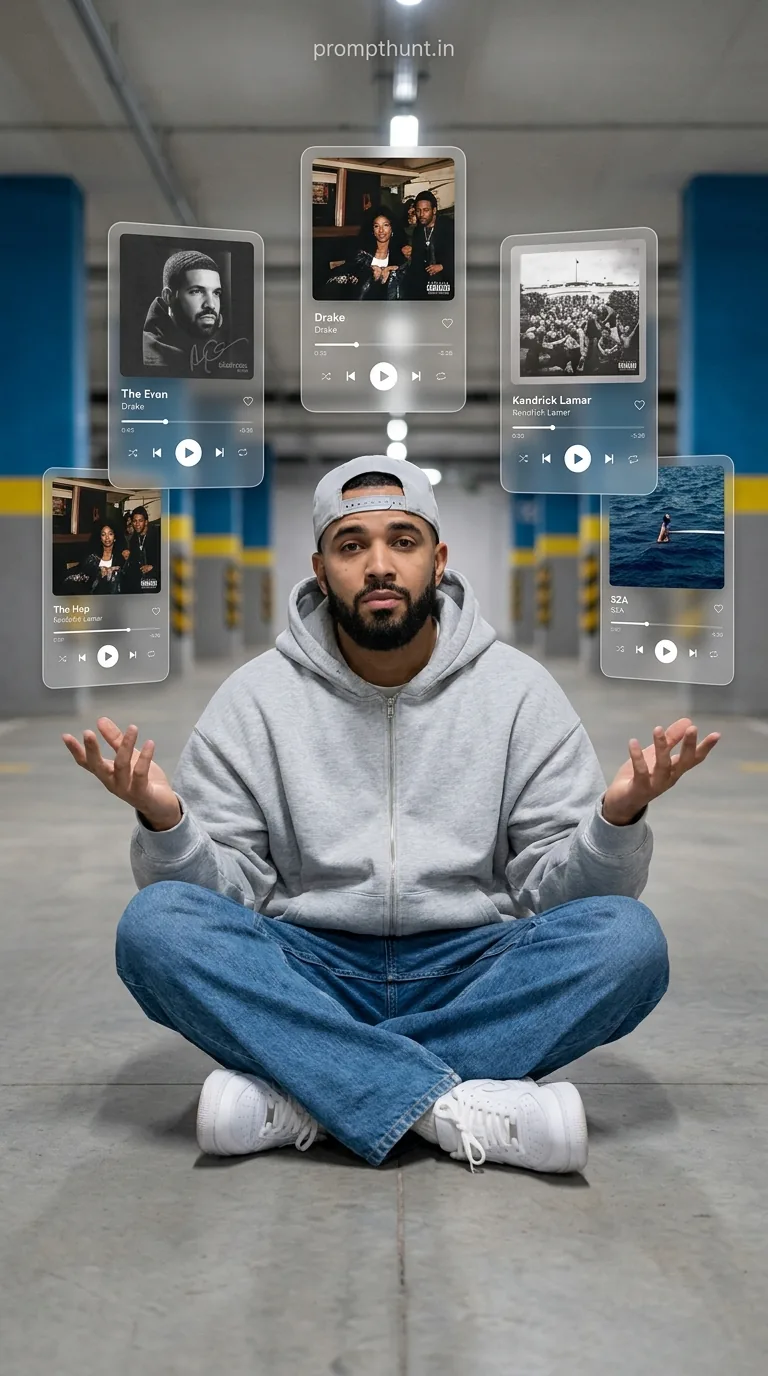




The AR Music Player Floating UI Aesthetic is an AI photo editing style that places your likeness inside a scene surrounded by floating glassmorphism music player cards, creating an augmented reality look. Use Google Gemini, upload your photo, paste the prompt, and the AI rebuilds you in a cool urban setting with transparent digital music interfaces floating around you.
You know that moment in a sci-fi film where someone waves their hand and holographic panels appear out of thin air? That. But instead of Tony Stark, it's you — sitting on a parking garage floor in an oversized hoodie, looking like you invented the playlist. The AR Music Player Floating UI Aesthetic is one of the most eye-catching AI photo trends going around right now, and honestly, it earns every bit of the attention it's getting. (Unlike most trends, which deserve about four seconds of yours.)
Upload your photo to Gemini, paste this prompt, and you get a hyper-stylised AR scene with floating music player UI cards surrounding your face — same identity, completely transformed vibe.
What Exactly Is the AR Music Player Floating UI Aesthetic
It's a photo style that sits at the crossroads of streetwear culture and augmented reality interface design. The scene is always grounded — a parking garage, a subway station, somewhere with that flat cool-toned urban light. The subject is you, sitting cross-legged, calm, unbothered. The drama comes from the UI.
Five or six large floating music player cards hang in a semi-circle around you. They look like glassmorphism design straight out of a premium app — frosted glass panels, white borders, soft drop shadows, song artwork, progress bars, playback controls. Hip-hop and R&B tracks on display. The whole thing reads like your phone's music app grew legs, got sentient, and decided to orbit you personally.
The colour palette does a lot of the work. Muted greys, desaturated blues, clean whites. No neons. No fire. No dramatic sunsets. Just that quiet, confident "I'm in the future and I'm completely relaxed about it" energy.
Rule of thumb: if a style makes the viewer stop scrolling to figure out how it was made, it's a good style. This one clears that bar easily.
The Prompt
The uploaded photo is the master reference for this character. Preserve the exact facial features, face shape, skin tone, and identity from the uploaded image exactly. Place the character sitting cross-legged on the ground of an urban parking garage or subway station floor, wearing an oversized light grey zip-up hoodie, loose wide-leg denim jeans, and clean white chunky sneakers with a light grey fitted snapback cap. The character's hands are raised slightly with palms open in a casual "what's going on" gesture. Surround the character with 5-6 large floating transparent glassmorphism music player UI cards arranged in a semi-circle, each displaying different song artwork, artist names, progress bars, and playback controls. The UI cards have a frosted glass effect with subtle white borders and soft drop shadows. Songs visible include hip-hop and R&B tracks. Background shows a blurred parking garage interior with blue support columns and yellow stripe details. Lighting is flat natural ambient garage lighting, slightly cool-toned and desaturated. Overall color palette is muted greys, blues, and whites. Mood is casual, cool, and tech-forward. The composition is centered with the character as the focal point surrounded by floating digital music interfaces in an augmented reality style. Vertical 9:13 composition. Add a small, thin, professional 'prompthunt.in' text watermark at the top center of the image. The watermark should be subtle, use a color that matches the image's color palette, and appear lightweight and elegant — not distracting.
How to Use This Prompt — Step by Step
This prompt is built around your uploaded photo. Gemini uses it as the master reference for your face and identity. The prompt changes the scene, outfit, lighting, and floating UI — everything except you. Here's how to run it.
Step 1. Open Google Gemini. This is non-negotiable — Gemini is the tool that handles image reference uploads and produces this kind of output. Not ChatGPT, not Canva, not your cousin's photo editing app.
Step 2. Upload your photo before you paste anything. Click the image attachment icon and upload a clear, front-facing photo of yourself. Good lighting helps. Sunglasses hurt. The better your reference photo, the more accurately Gemini preserves your face in the output.
Step 3. Paste the full prompt into the text field after your photo is uploaded. Do not edit the prompt before your first attempt. Run it as-is first, then tweak from there.
Step 4. Generate and review. Gemini will return the image with your face preserved in the urban AR scene. If the likeness is slightly off, try again — Gemini often improves across multiple attempts with the same inputs.
Step 5. Download at full resolution and post. Vertical 9:13 composition means it's built for Instagram Stories and Reels. It fits the frame perfectly. You're welcome.
Tips for Best Results
Nine times out of ten, a weak output comes from a weak input photo. Here's how to give Gemini the best possible material to work with.
Use a photo with a clean background. A plain wall, a solid colour, anything simple. Complex backgrounds pull the AI's attention in the wrong direction.
Face forward, neutral expression. Slight smiles are fine. Extreme angles make it harder for the model to preserve your features accurately. Think passport photo energy, but with better lighting.
Good natural lighting on your face. Harsh shadows across your features, ring light halos, and heavy filters all interfere with facial preservation. Soft, even light is your friend here.
Don't crop too tight. Include your shoulders and a little space above your head. Gemini needs context around the face to work properly. A face cropped to the edges causes problems faster than a playlist with no skip button.
Run it two or three times. Each generation is slightly different. The first one might be 80% there. The third might nail it. Patience costs nothing.
Why This Is Trending in India Right Now
The intersection of music culture and visual tech is genuinely massive in India right now. Hip-hop and R&B consumption has grown significantly over the last three years. Streetwear aesthetic content — hoodies, sneakers, relaxed fits — is everywhere across Instagram and YouTube Shorts. And glassmorphism UI design has been a visual language Indian audiences recognise from apps they use daily.
This prompt lands exactly in the middle of all three things at once. It's not just a photo effect. It's a personality statement — music head, tech-aware, unbothered. That combination travels well on social media. It gets shared not just because it looks good, but because it says something about the person in it.
The parking garage setting also helps. It's got that global aesthetic — you'd see it in Seoul, Lagos, Bangalore, Toronto. It doesn't feel like it belongs to any one place, which means it belongs everywhere.
Honest Opinion — When This Works and When It Doesn't
This is a genuinely strong prompt. The visual concept is coherent — every element serves the same mood. The glassmorphism UI cards, the muted colour palette, the casual pose, the urban setting. Nothing fights anything else. That's rarer than it sounds. Most AI photo trends slap a cool effect onto a random photo and call it a day. This one has a point of view.
That said, there are cases where it won't serve you well. If your goal is professional headshots or anything that needs to look corporate or formal, this isn't it. The vibe is very specifically "cool, young, music-adjacent." If that doesn't match your audience or your personal brand, the result will feel like wearing someone else's hoodie. It fits, technically. But it's not yours.
The style also depends heavily on Gemini's current capabilities. Facial preservation accuracy varies. Some outputs land perfectly — you'd swear you actually sat in that garage. Others are close but slightly off in ways you can't quite explain, like when someone describes a celebrity and the AI gets 90% there but the remaining 10% is doing something weird near the eyebrows. (I've seen enough of those to last a lifetime, for the record.)
For social media creators, musicians, content producers, and anyone who actively shapes their online persona — this prompt is genuinely worth three minutes of your time. The output quality when it works is high enough to post without apology.
For everyone else: it's still a fun experiment. Just don't expect it to replace your actual personality. The AI gives you the aesthetic. What you do with it is still on you.
Wrapping Up
The AR Music Player Floating UI Aesthetic is the rare AI photo style that earns its viral status. It looks genuinely impressive, it's technically straightforward — upload your photo, paste the prompt, let Gemini do the work — and it captures a mood that resonates right now. Muted, cool, tech-forward, unbothered. If your music taste is as good as you think it is, now you've got the visual evidence floating right there in the frame. And if it isn't, well. The glassmorphism cards don't judge. They just play the next track.