
Indian Streetfest Color Grading AI Photo Editing Prompt
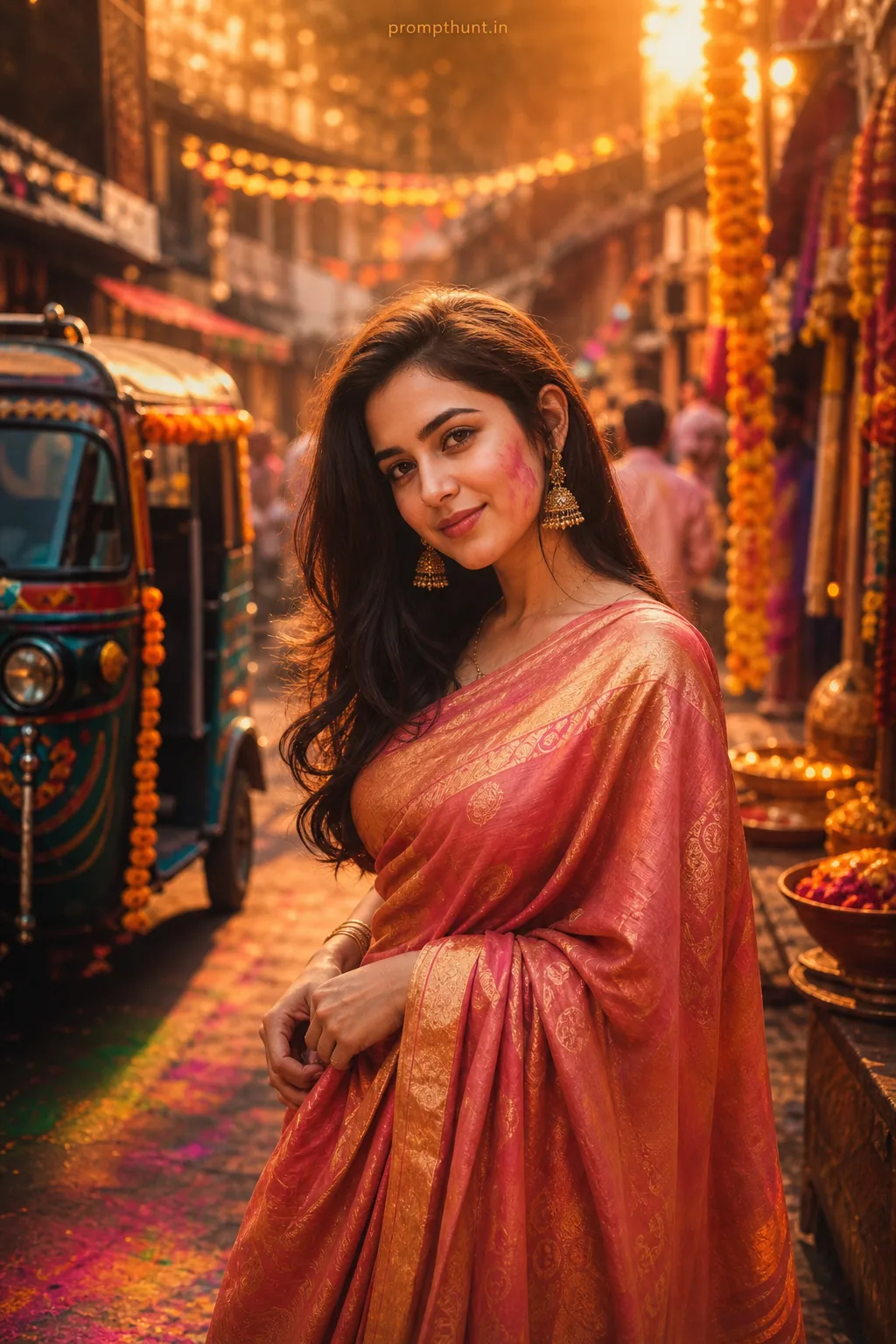
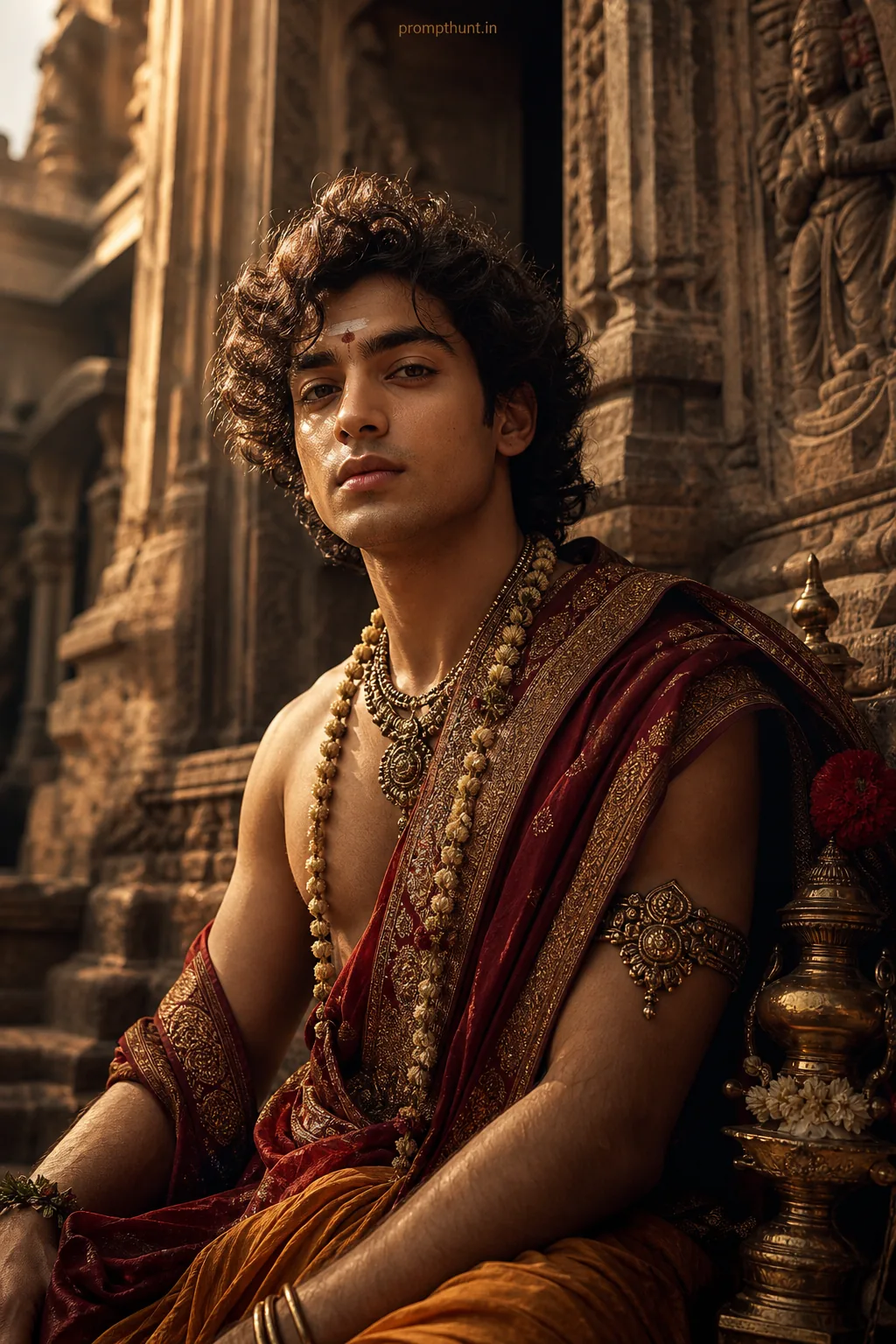
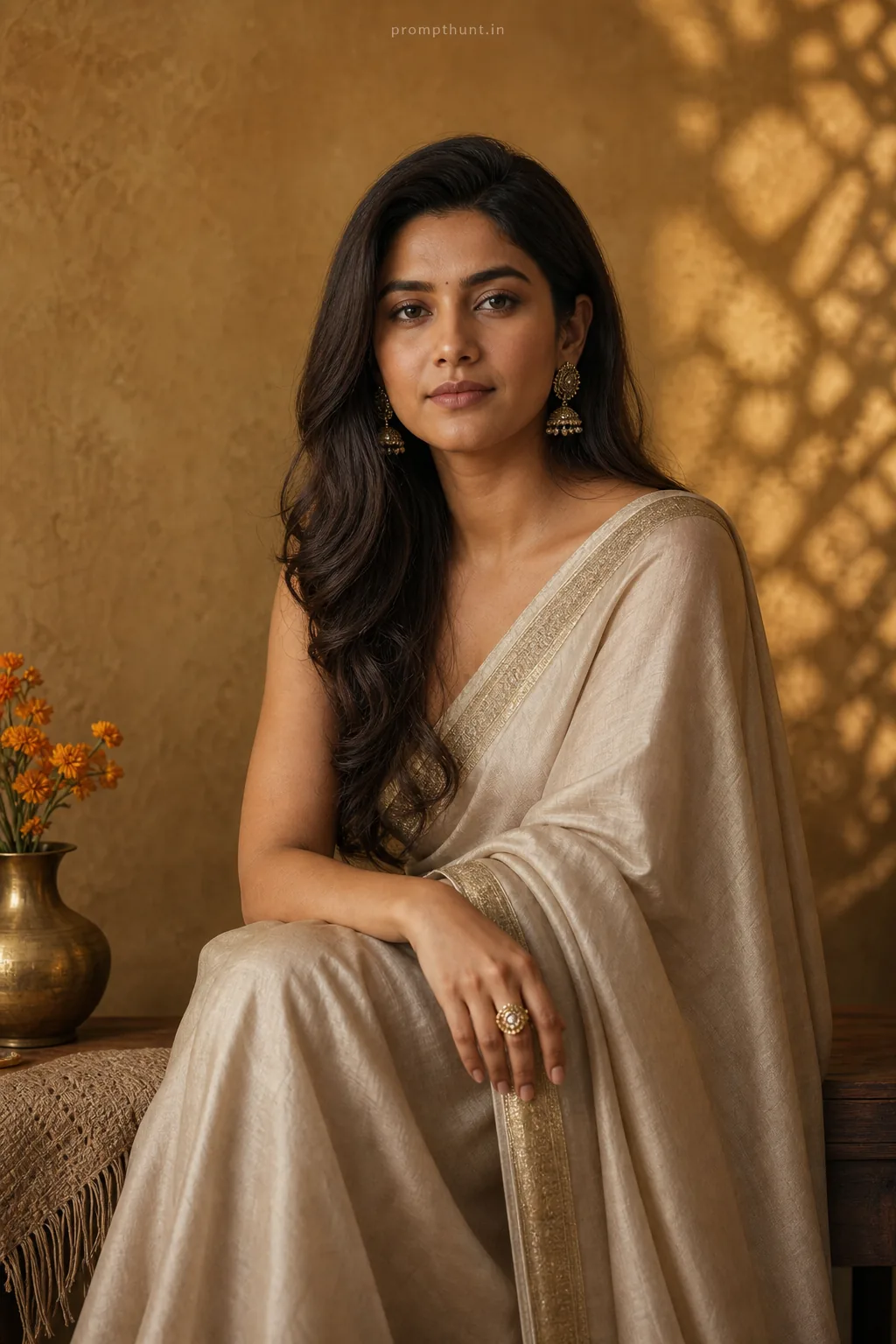
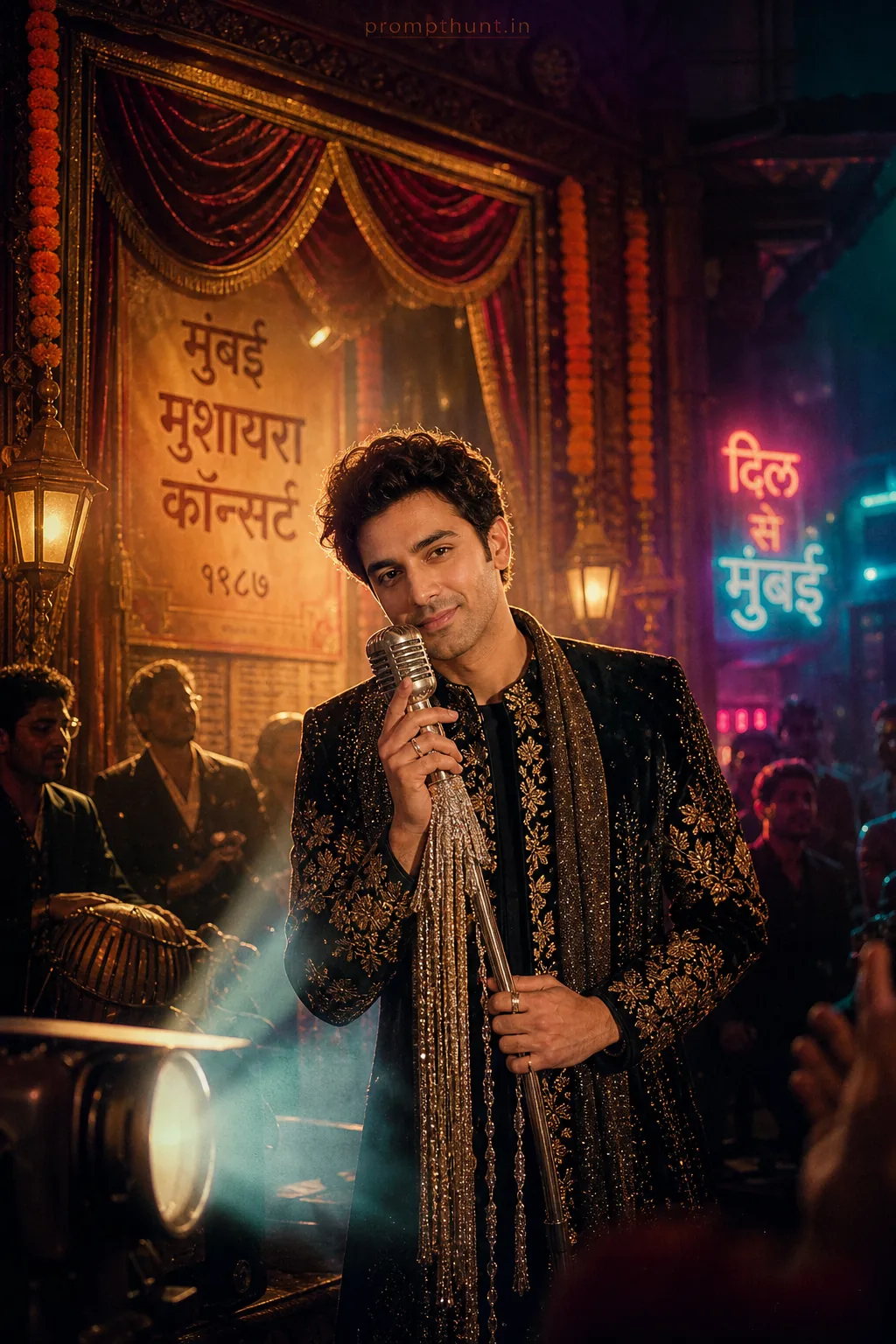
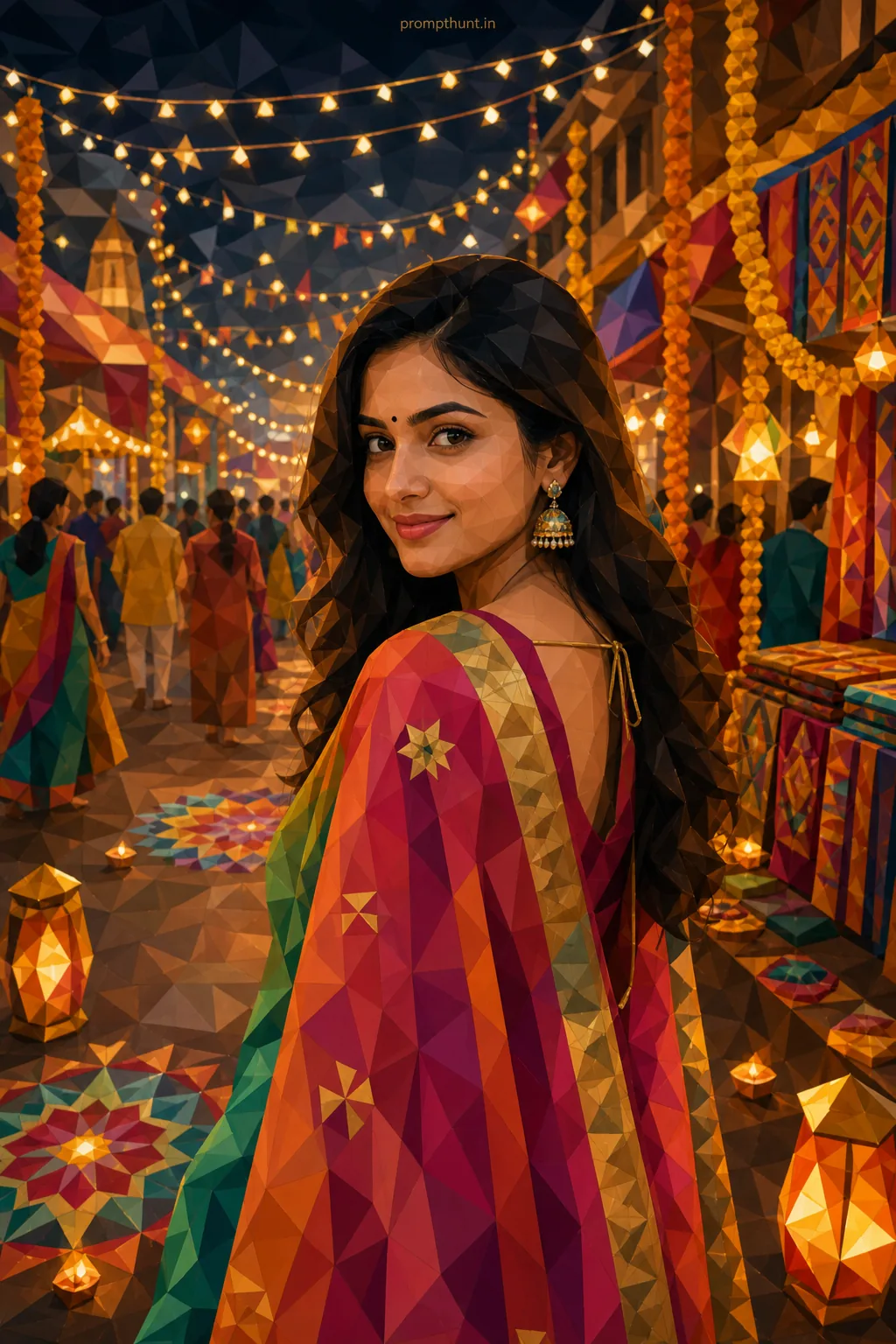
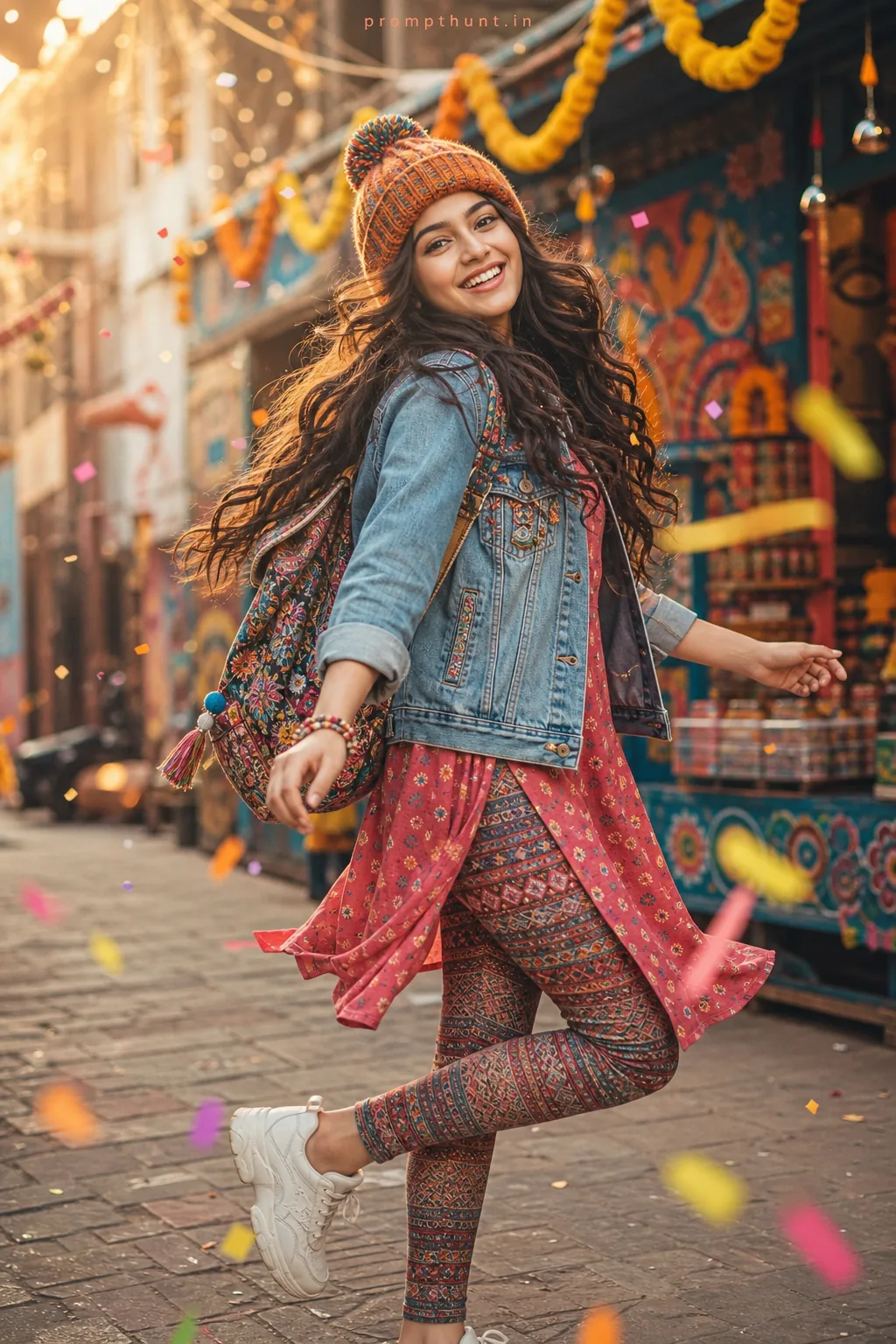
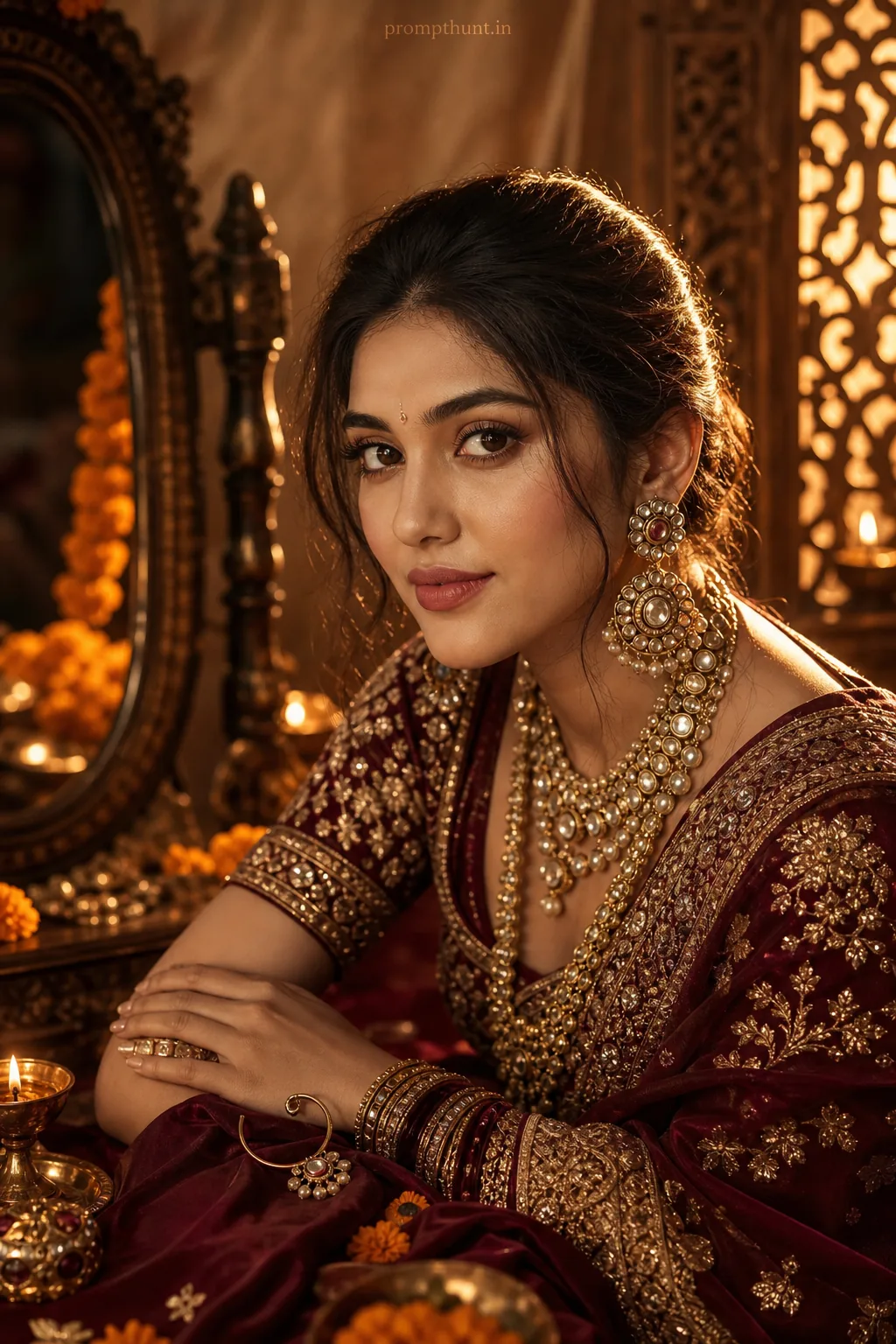
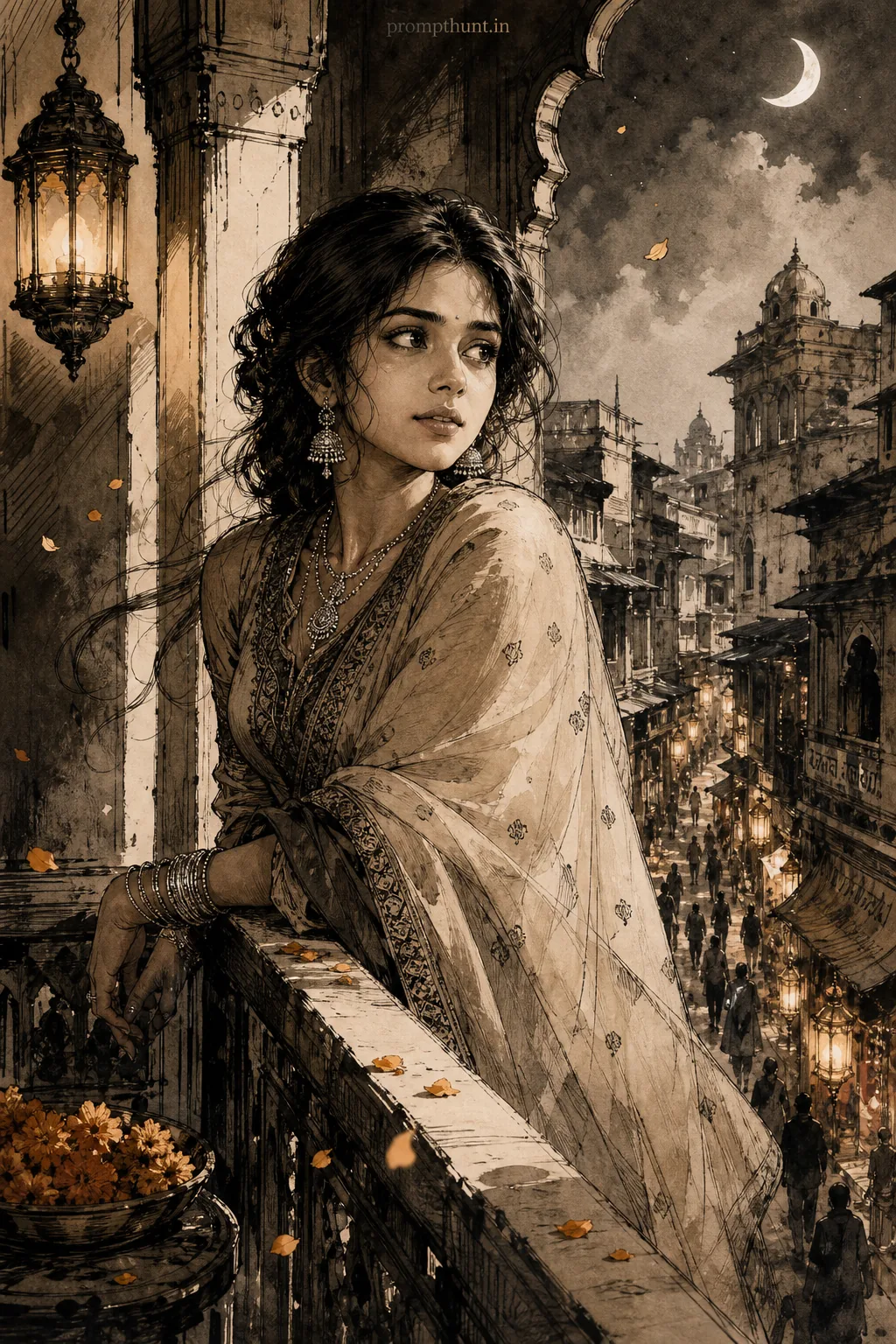
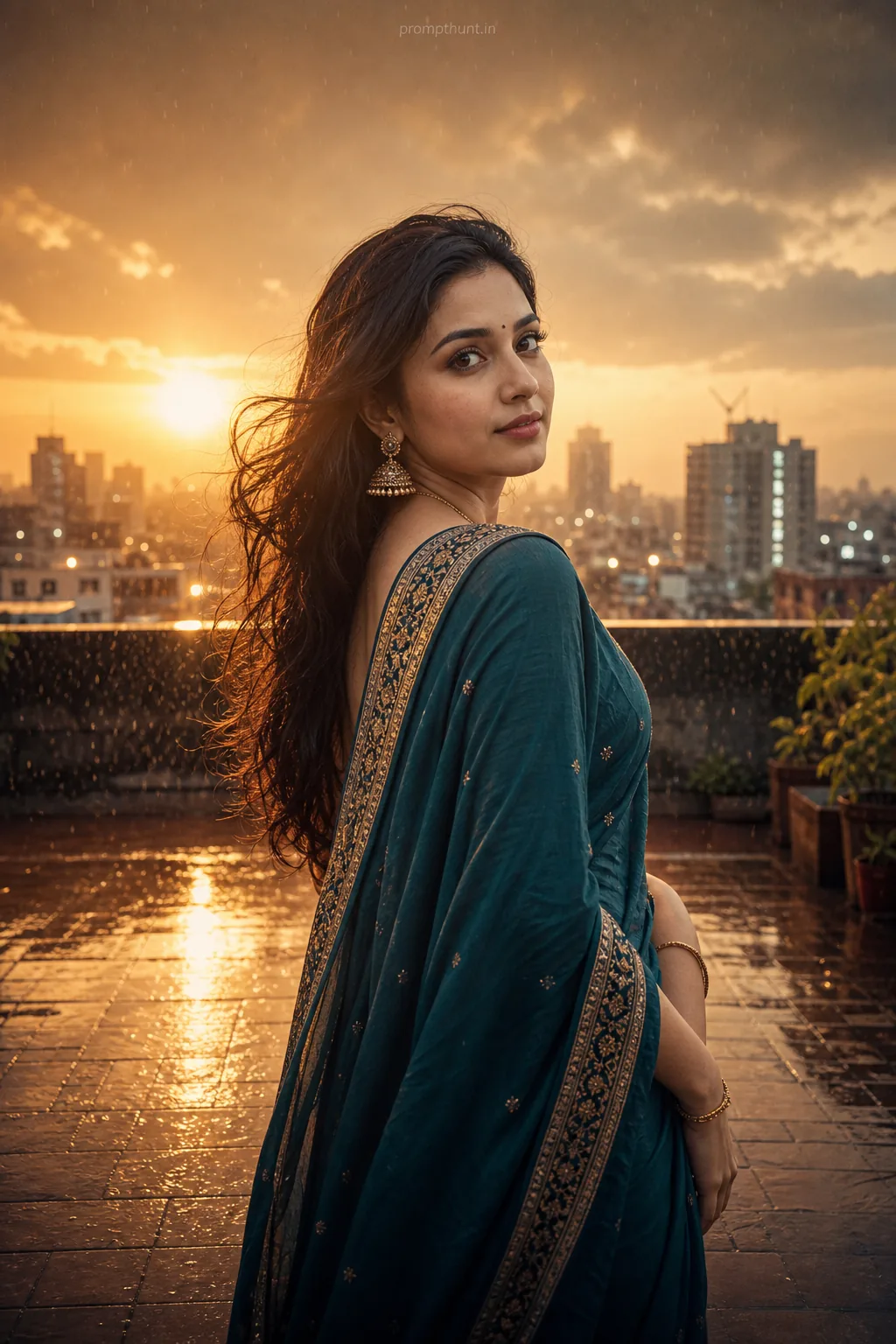
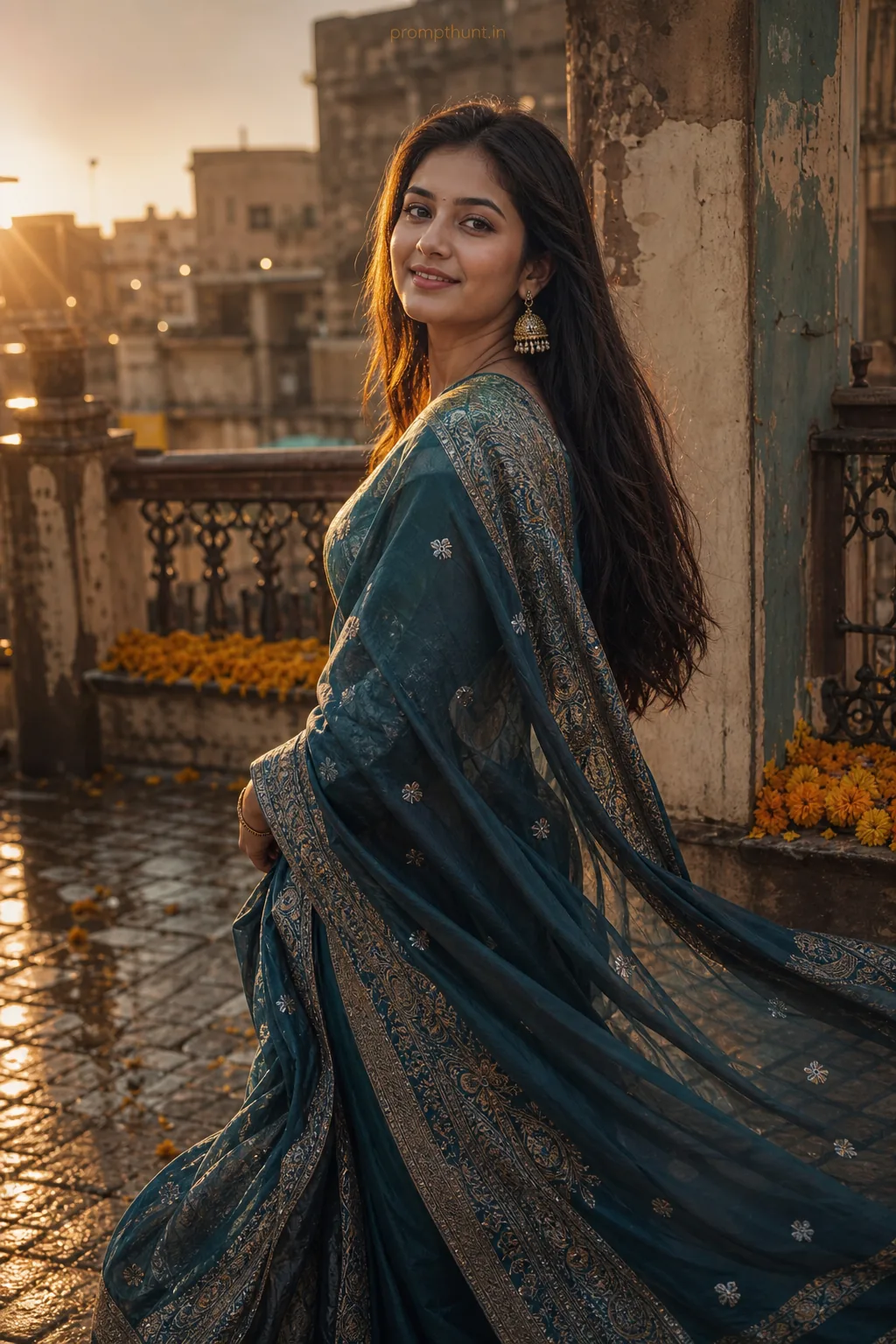
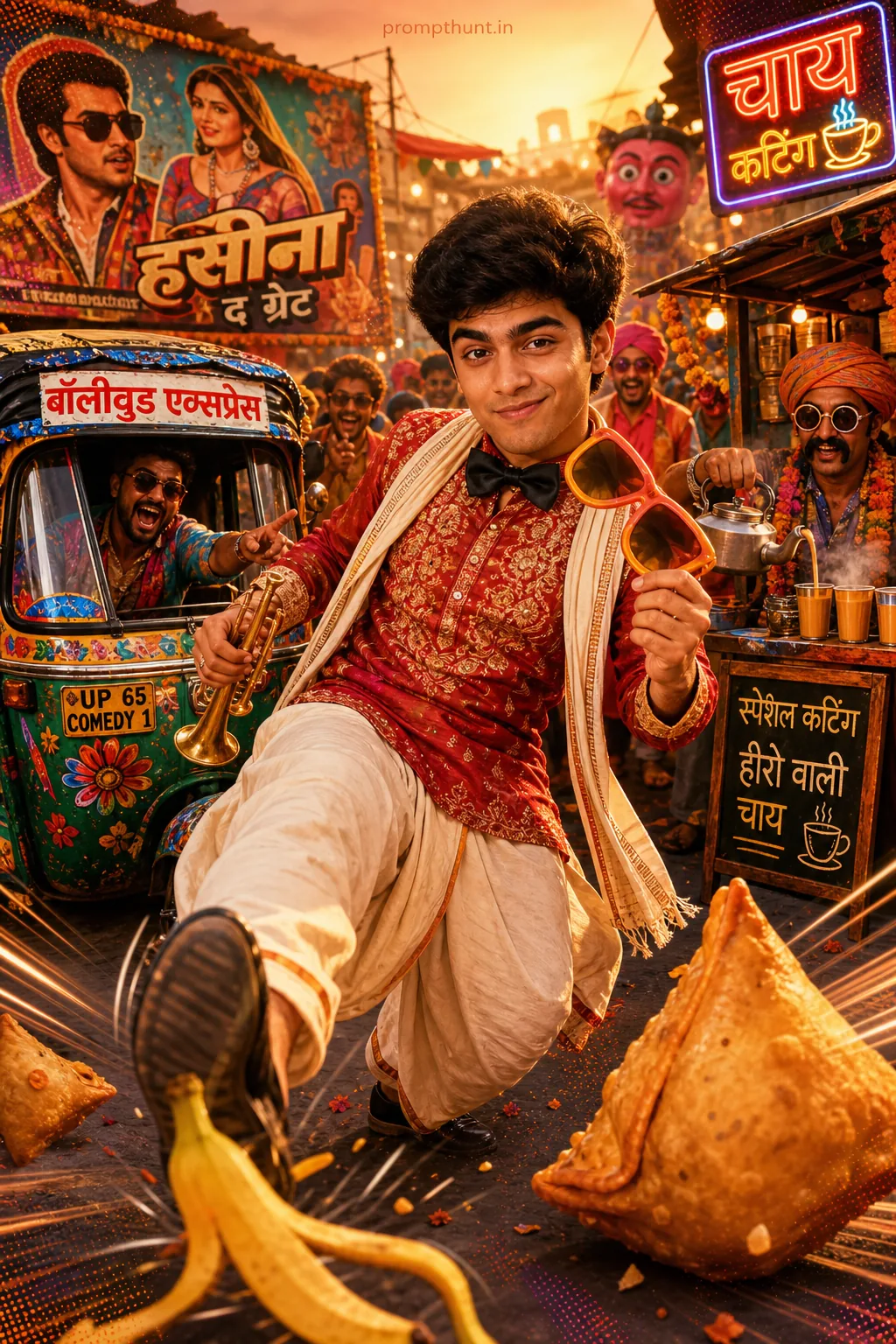
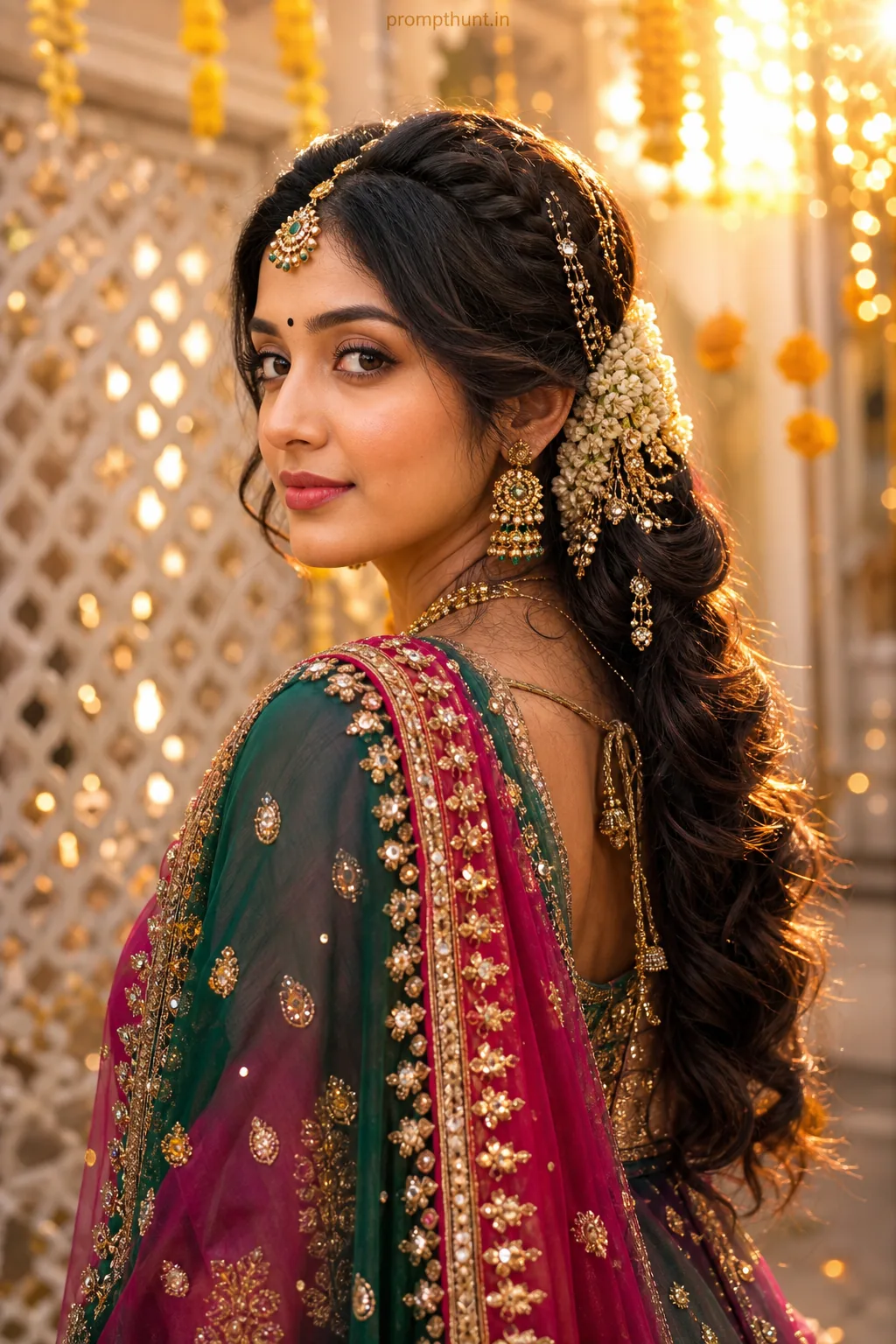
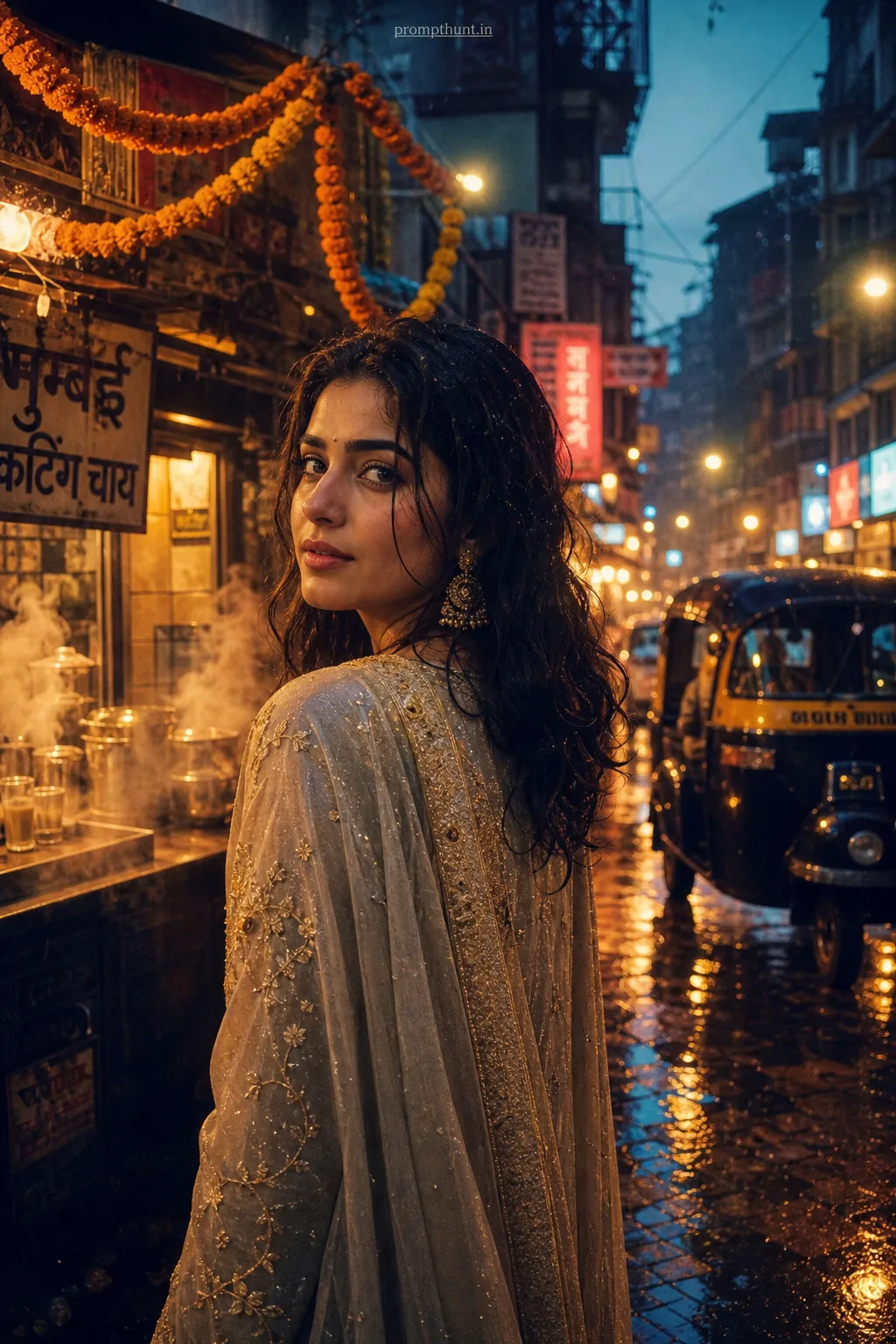
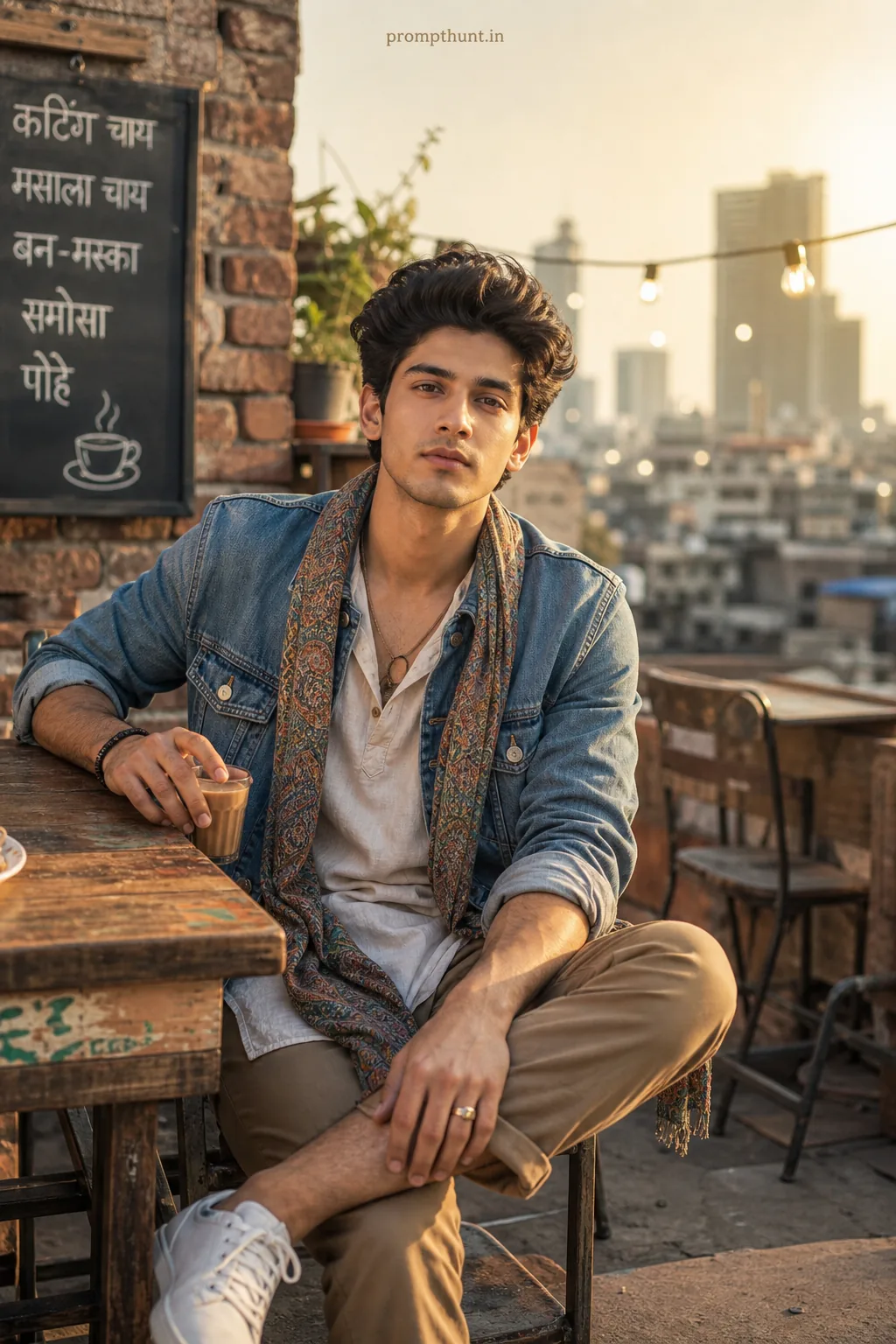
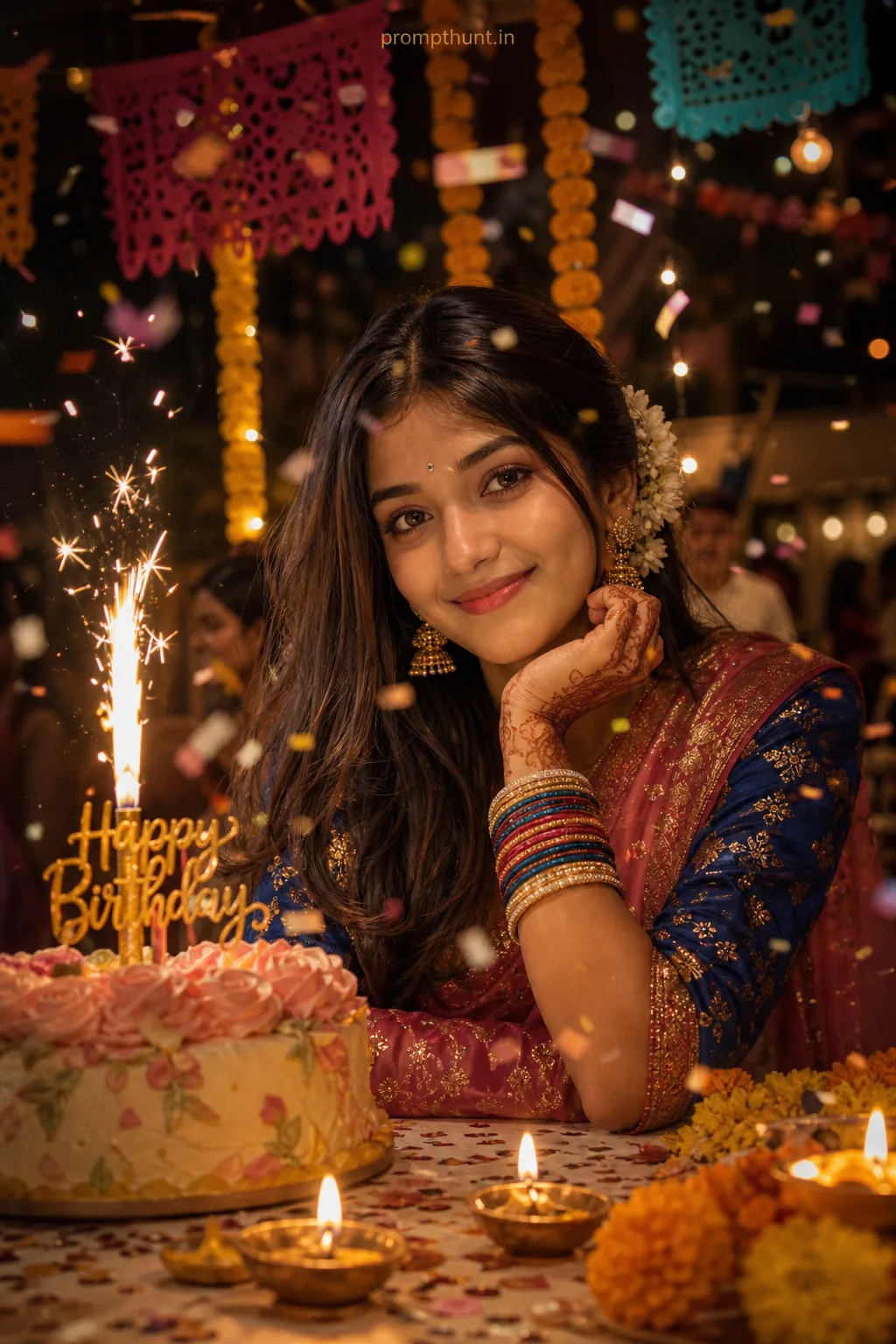
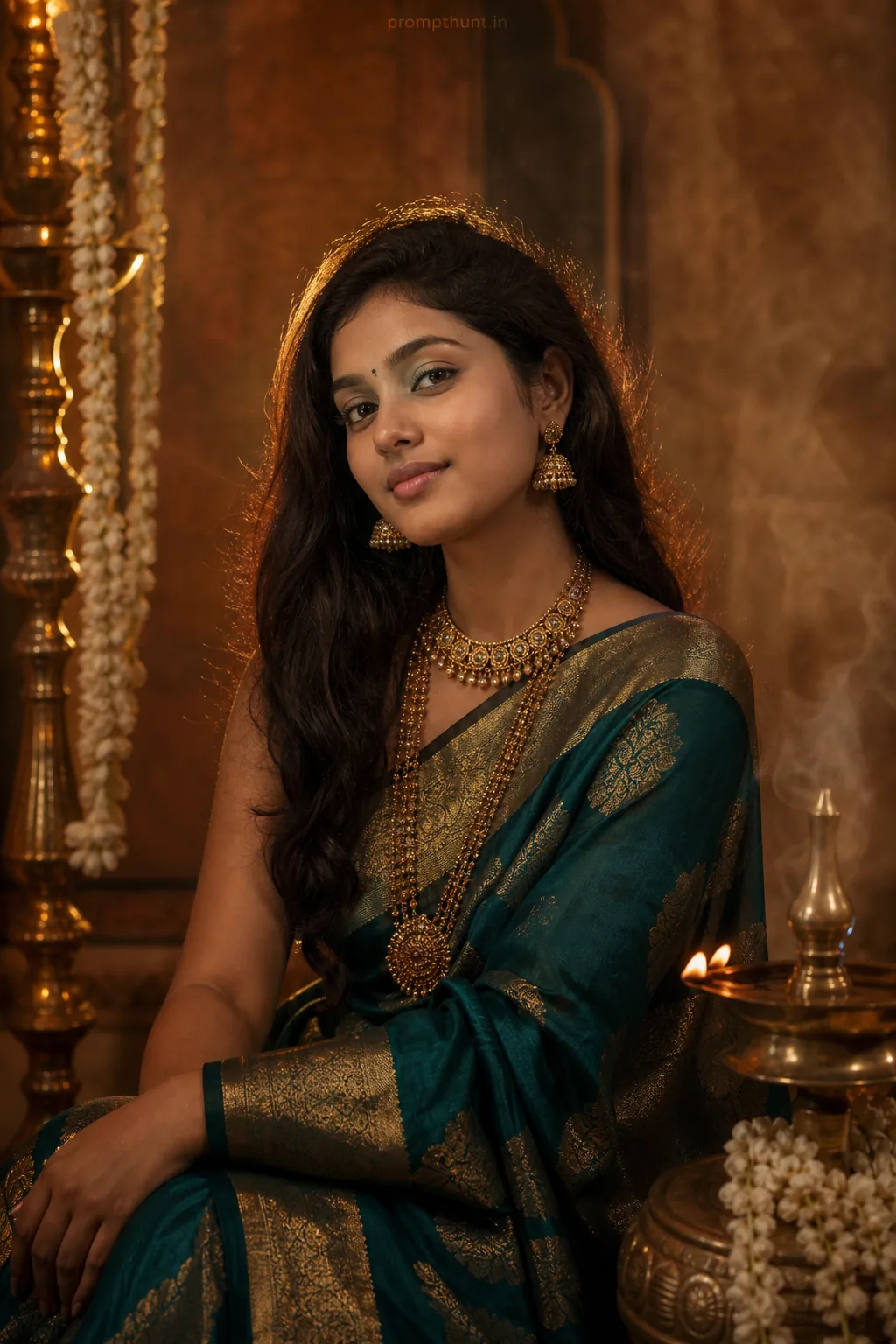
The uploaded photo is the master reference for this character. Preserve the exact facial features, face shape, skin tone, and identity from the uploaded image exactly. Vertical 9:13 composition. 9:13 vertical cinematic edit of a vibrant Indian street scene at golden hour, warm backlight and soft rim light filtering through festoon lights and marigold garlands, narrow bustling bazaar with colorful textiles, painted auto-rickshaws and clay lamps, tossed Holi powder dust motes suspended in the air, costume emphasis on rich silk saree or embroidered kurta fabrics with intricate textures and flowing movement, mood celebratory and nostalgic with a dreamy, intimate atmosphere, high-contrast color grade with boosted saffron and teal tones, gentle film grain, soft vignette and shallow depth of field to isolate the subject from busy background, subtle bokeh highlights and painterly color bleed for an Instagram-friendly, editorial-festive aesthetic. Add a small, thin, professional 'prompthunt.in' text watermark at the top center of the image. The watermark should be subtle, use a color that matches the image's color palette, and appear lightweight and elegant — not distracting.
Community Rating
Rate this prompt
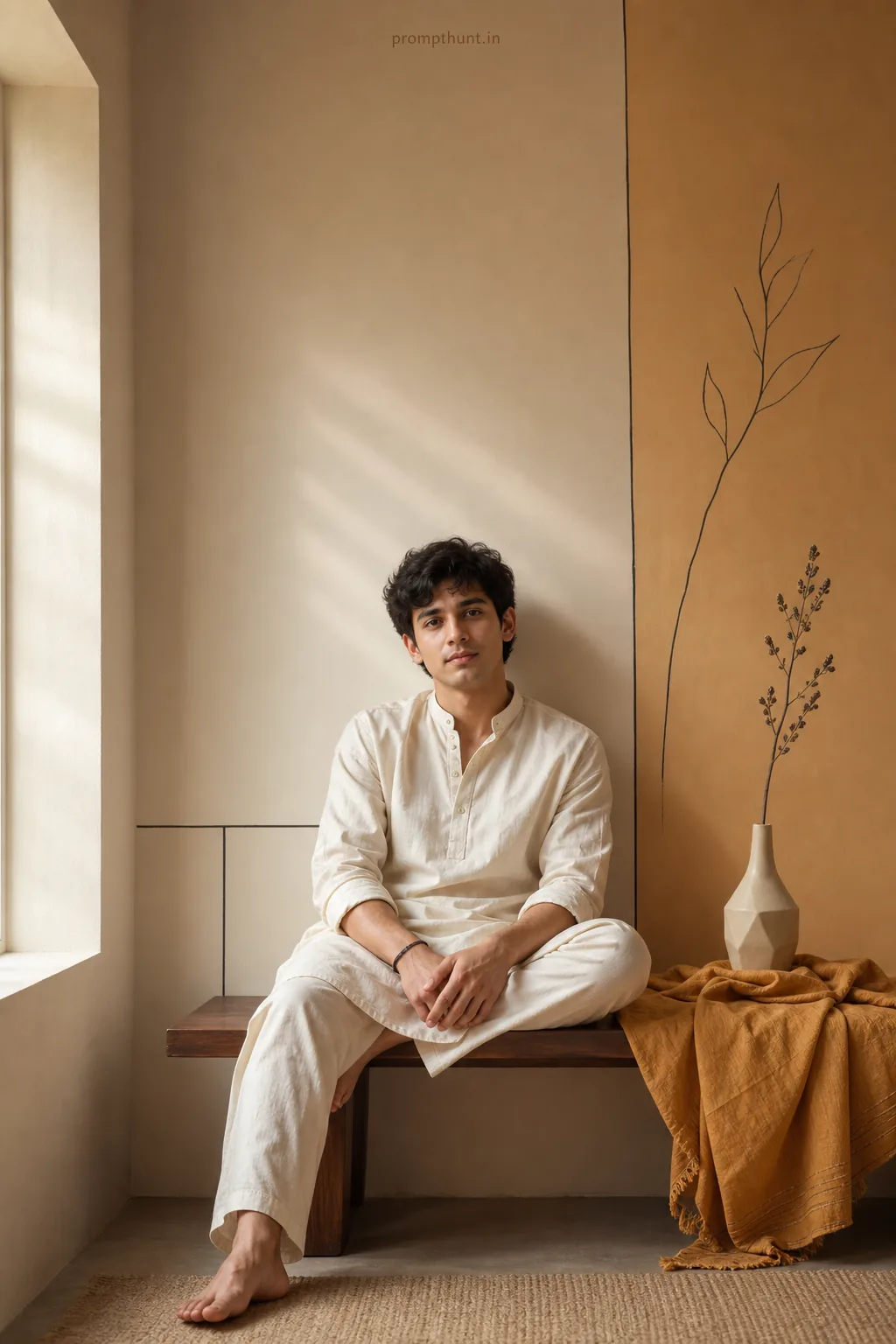
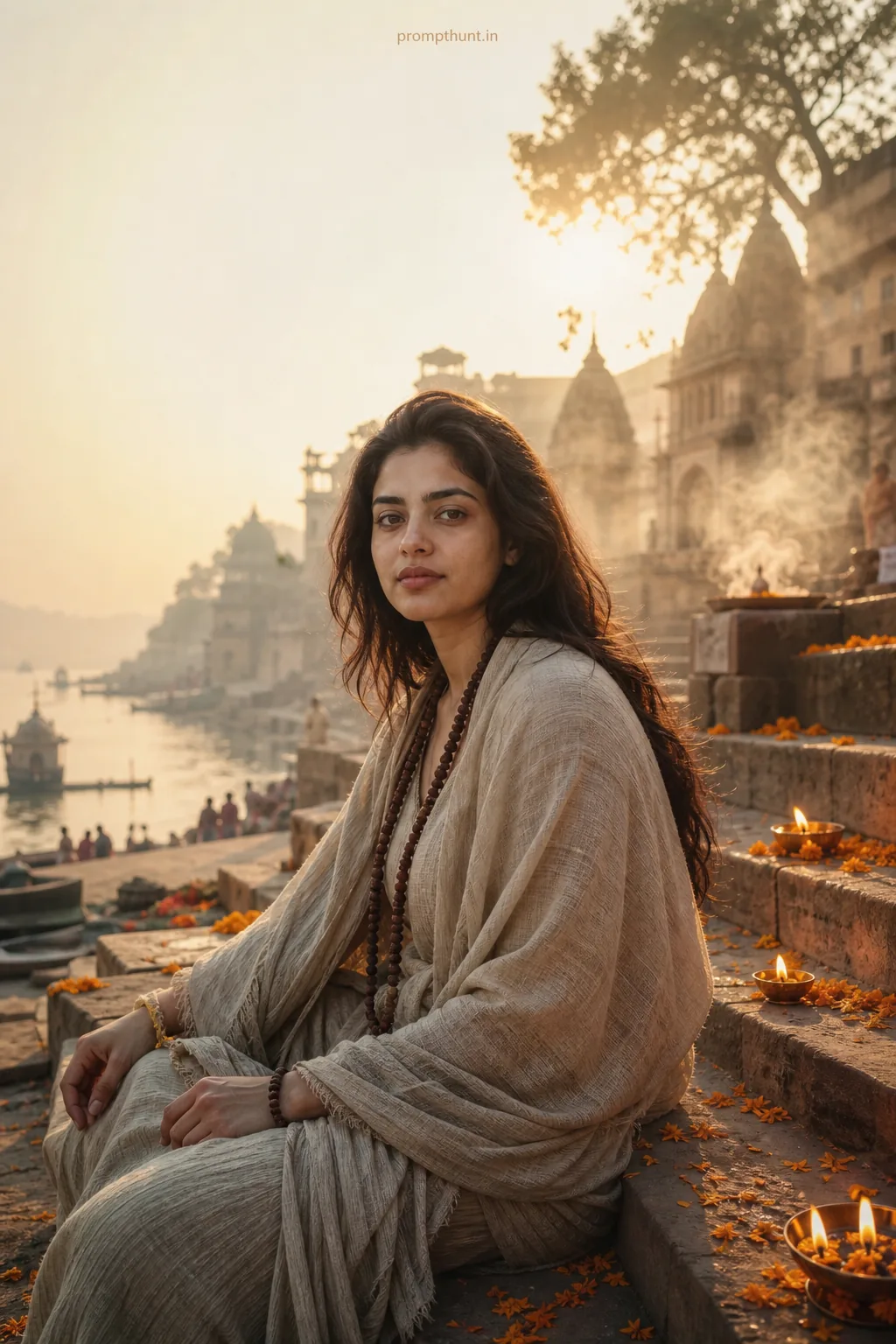
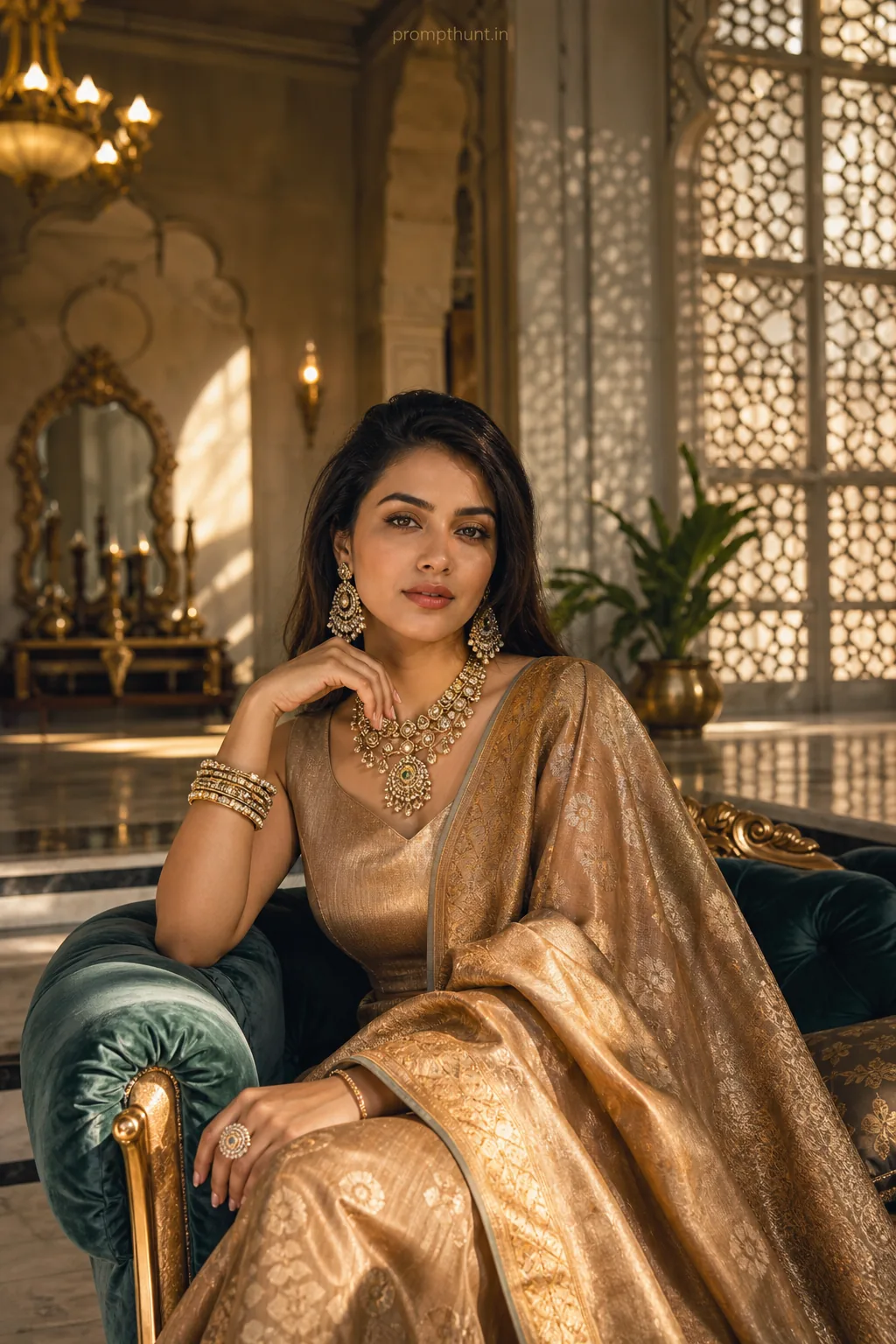
Indian Streetfest Color Grading AI Photo Editing Prompt is a free, copy-paste general AI photo editing prompt. Paste it into any AI photo editor with one clear photo of yourself and you get the edited result in about ten seconds — no account and no payment. The prompt tells the model to keep your exact facial features, skin tone and identity, and to change only the background, outfit, lighting and styling.
9:13 vertical cinematic edit of a vibrant Indian street scene at golden hour, warm backlight and soft rim light filtering through festoon lights and marigold garlands, narrow bustling bazaar with colo
How to use this general prompt
More prompts to explore

AI Photo Editing Prompts