
Classic Monochrome Studio Glamour AI Photo Editing Prompt
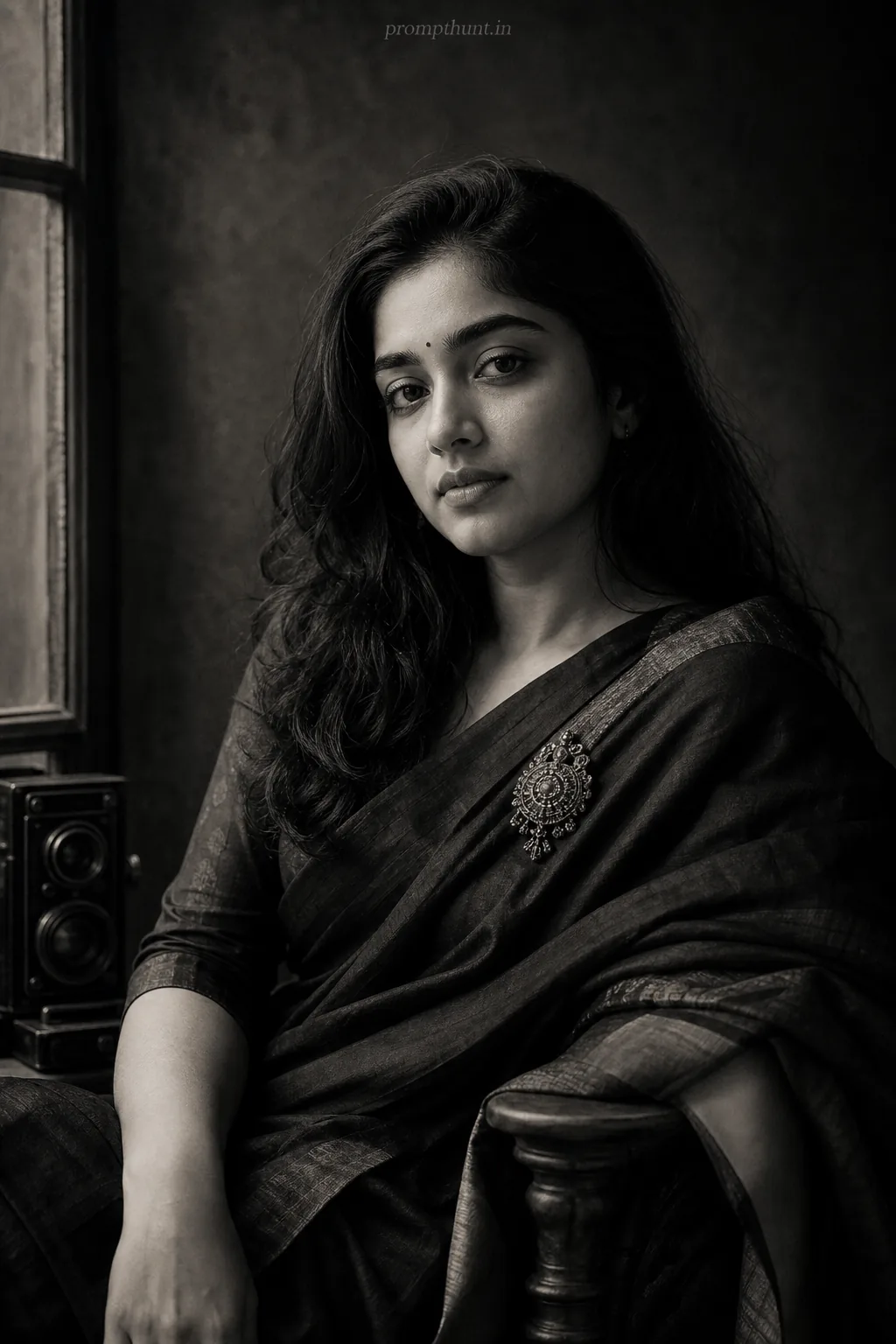
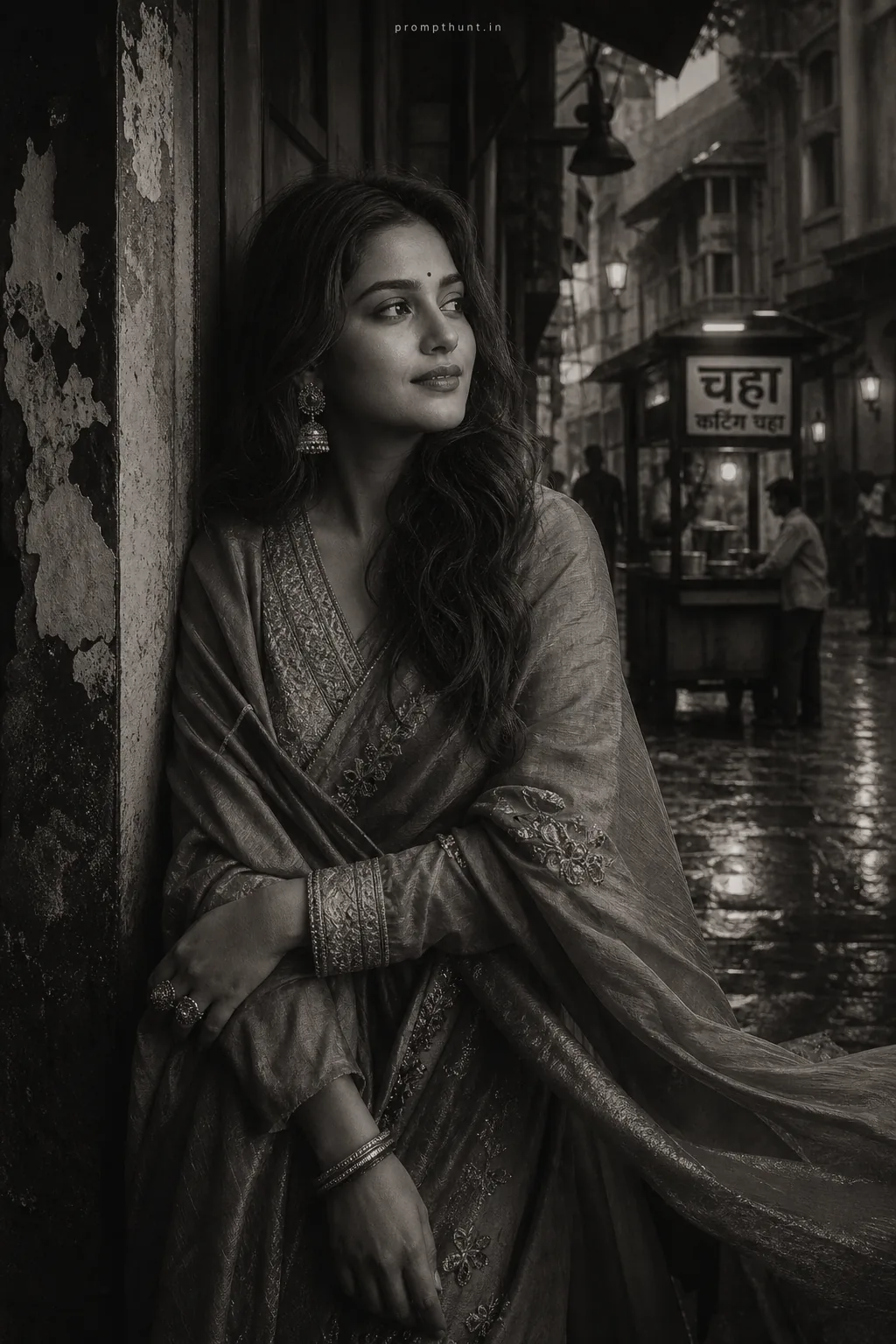
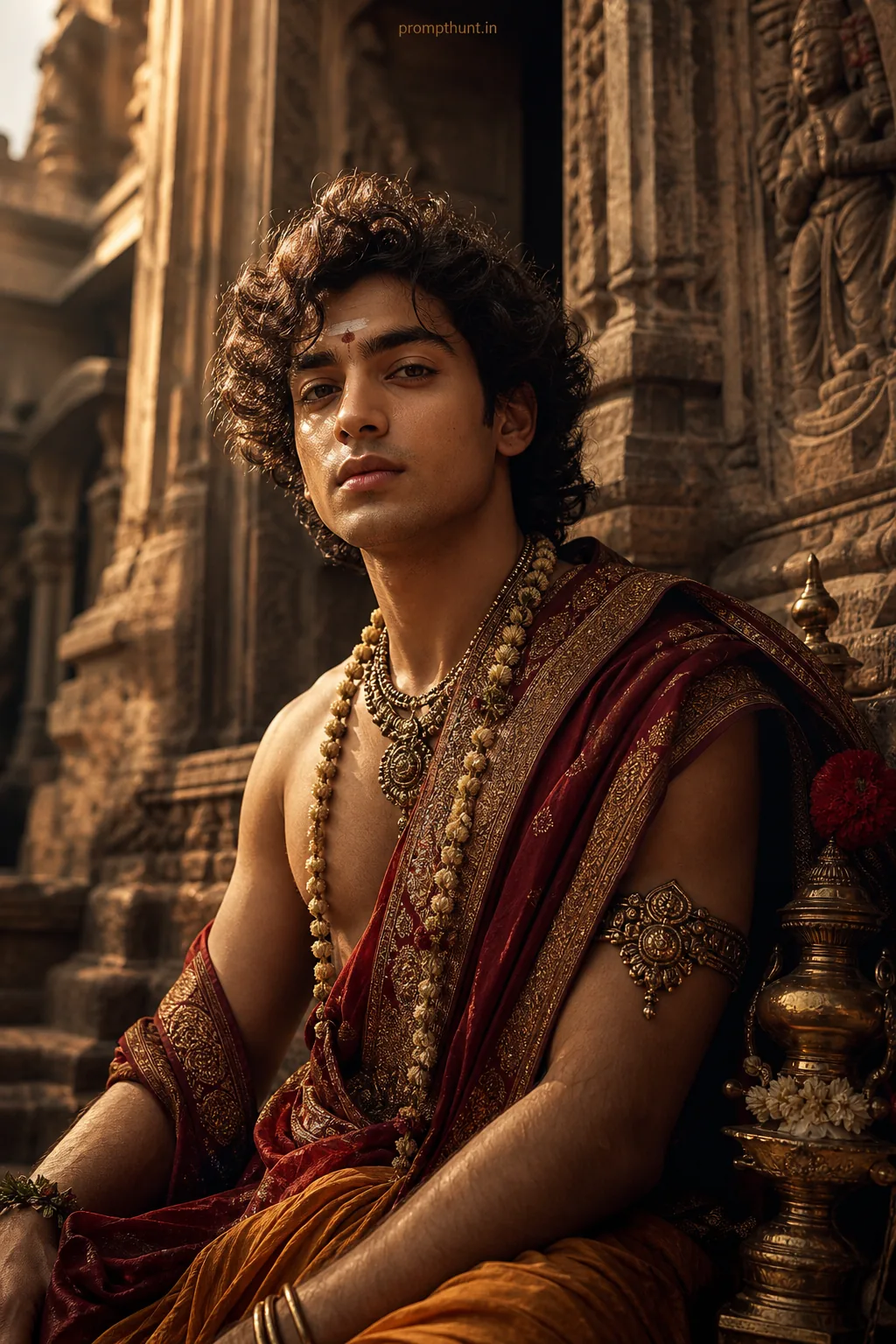
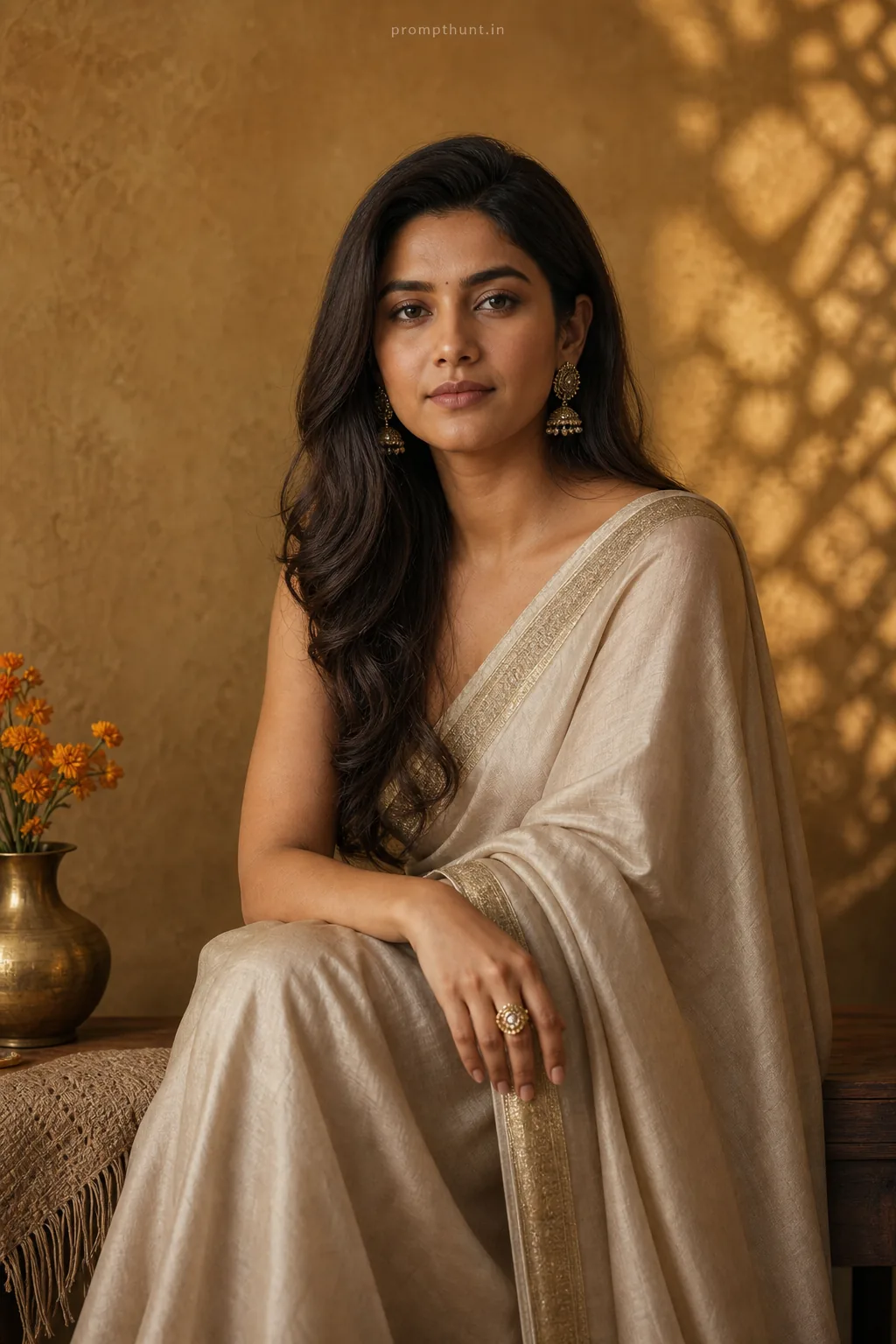
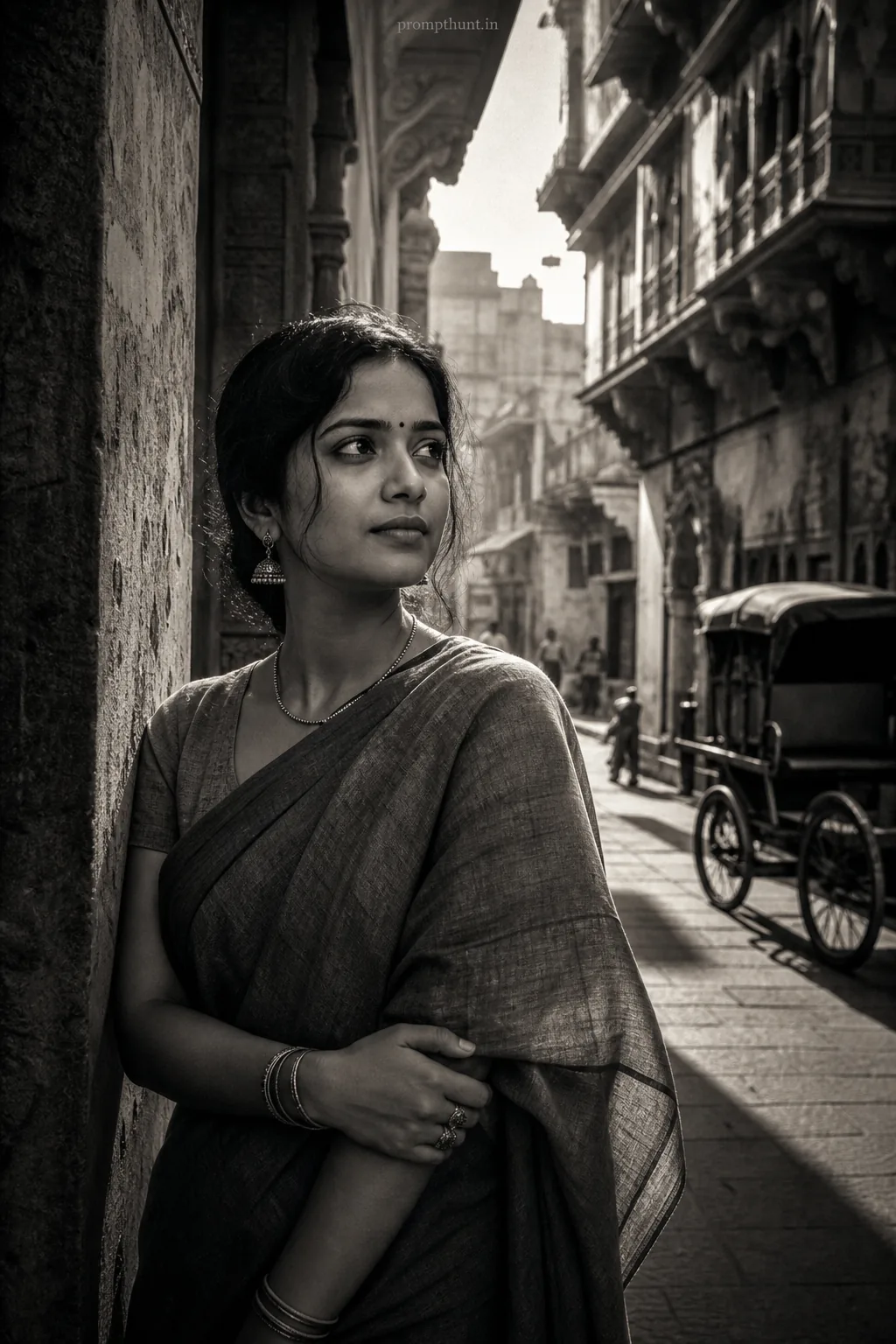
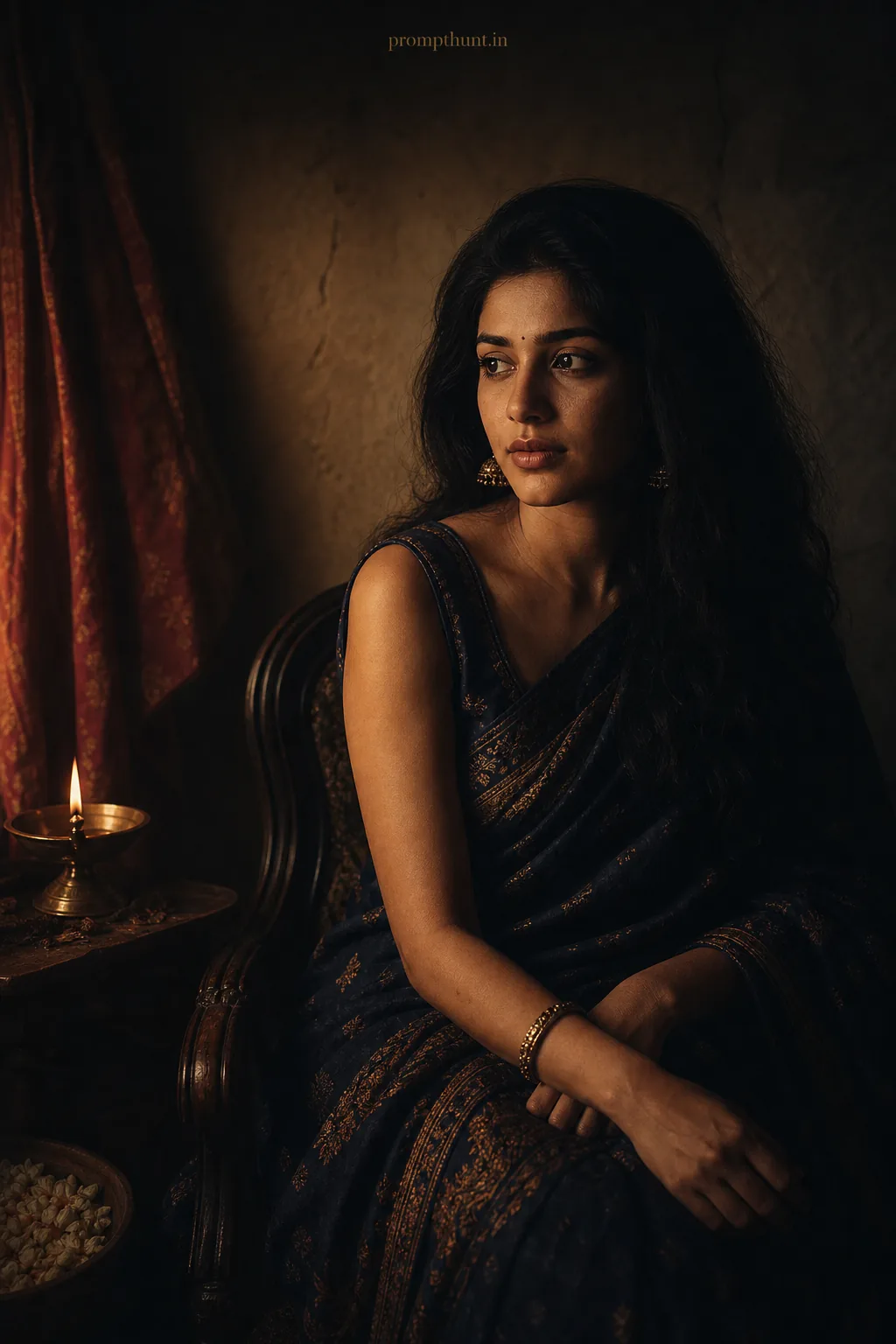
The uploaded photo is the master reference for this character. Preserve the exact facial features, face shape, skin tone, and identity from the uploaded image exactly. Vertical 9:13 composition. 9:13 vertical frame capturing a timeless monochrome portrait setting: a minimalist studio corner with textured dark backdrop and subtle grain, soft high-contrast Rembrandt-inspired key light from a single window to the left with gentle rim light on the shoulder, costume suggestions include a richly textured silk saree or matte linen kurta in deep tones with ornate antique brooch or muted metal jewelry, small props like a carved wooden chair or vintage film camera partially visible, mood is introspective and elegant with cinematic noir vibes, emphasize film-grain, silver gelatin tonal range, deep shadows and luminous highlights, delicate vignetting, and refined dodging and burning for sculpted depth while preserving natural skin tones from the uploaded face for an authentic Indian Instagram aesthetic. Add a small, thin, professional 'prompthunt.in' text watermark at the top center of the image. The watermark should be subtle, use a color that matches the image's color palette, and appear lightweight and elegant — not distracting.
Community Rating
Rate this prompt
Classic Monochrome Studio Glamour AI Photo Editing Prompt is a free, copy-paste monochrome portrait AI photo editing prompt. Paste it into any AI photo editor with one clear photo of yourself and you get the edited result in about ten seconds — no account and no payment. The prompt tells the model to keep your exact facial features, skin tone and identity, and to change only the background, outfit, lighting and styling.
9:13 vertical frame capturing a timeless monochrome portrait setting: a minimalist studio corner with textured dark backdrop and subtle grain, soft high-contrast Rembrandt-inspired key light from a si
How to use this monochrome portrait prompt
More prompts to explore
AI Photo Editing Prompts