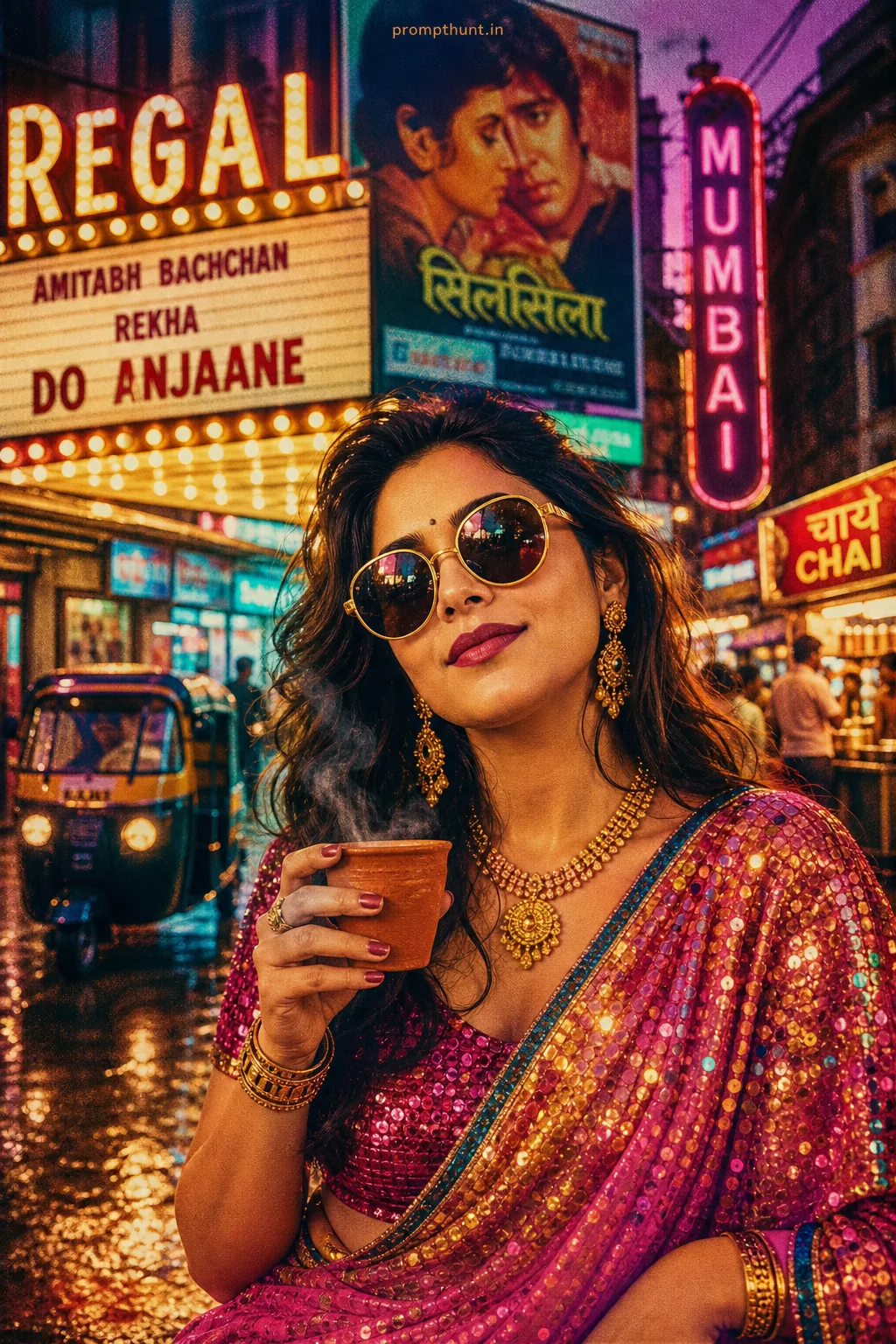
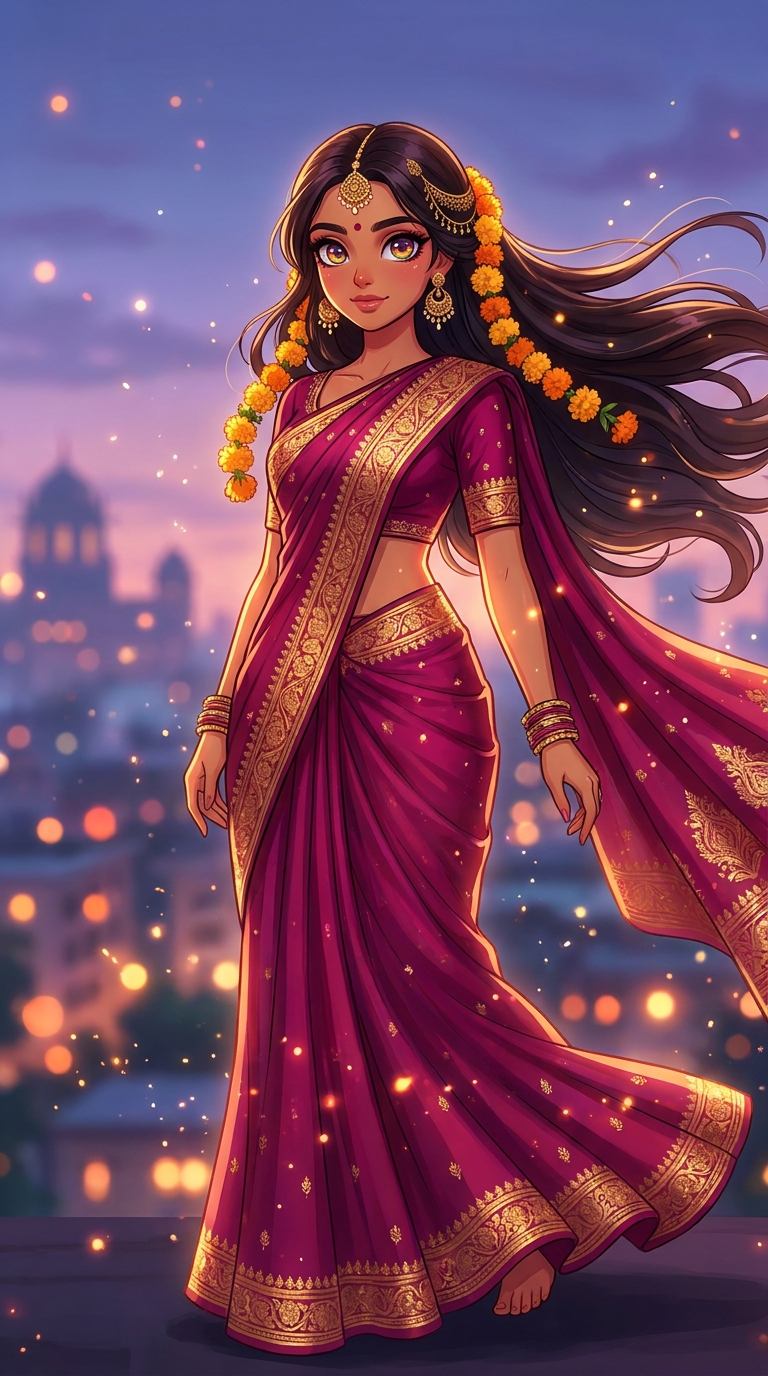
This Bollywood Diva Meets Anime Princess prompt transforms Indian women into stunning anime illustrations — think deep magenta sarees, marigold-adorned hair, and Mumbai twilight skylines rendered in Studio Ghibli-quality cel-shading. Paste the prompt into Midjourney, Adobe Firefly, or Leonardo AI, upload your reference photo, and generate a portrait that would make both Miyazaki and Shah Rukh Khan proud.
There's a very specific magic that happens when two of the world's most dramatic visual storytelling traditions collide. Bollywood — home of windswept dupattas and golden hour cinematography that makes everything look like a wedding invitation designed by God himself — meets anime, where eyes are the size of dinner plates and every emotion hits like a five-minute song sequence. The result is an anime illustration style that's genuinely unlike anything the internet has seen before. And right now, it's absolutely everywhere.
Paste this prompt into Midjourney or Adobe Firefly with a reference photo, set the aspect ratio to 9:16, and you'll have a cinema-quality anime portrait of an Indian woman draped in digital marigolds within about 60 seconds.
What Is the Bollywood Anime Illustration Style?
It's exactly what it sounds like. And somehow more than that.
The Bollywood Anime style is an anime illustration technique that layers South Asian visual culture — sarees, marigold garlands, gold jewellery, warm brown skin tones, iconic city backdrops — directly onto the cel-shaded, big-eyed aesthetic of Japanese animation studios. Think Studio Ghibli's rendering quality applied to a Devdas poster. Think Spirited Away, but she's wearing silk zari and standing in front of the Gateway of India at dusk.
Nine times out of ten, when someone shares one of these portraits online, the comment section erupts within minutes. Because it does something genuinely new: it represents Indian women through an art form they've always loved but rarely seen themselves reflected in. That's not a small thing.
The technical ingredients are: cel-shaded skin with warm undertones, oversized doe-shaped eyes with amber iris detail, flowing traditional clothing with ultra-detailed fabric texture, bokeh city lighting in gold and orange, and that signature dreamy atmospheric haze that Ghibli perfected.
It's also, for the record, extremely good at making even a basic selfie look like a theatrical movie poster. Science hasn't explained this yet. We're working on it.
The Prompt — Copy It Exactly
Here it is. Don't change much on the first run. Let it cook.
A stunning Indian young woman transformed into a high-quality anime illustration style, featuring large expressive doe-shaped eyes with warm amber and golden iris reflections, long flowing jet-black hair adorned with marigold flowers and delicate gold hair pins, wearing an elegant deep magenta silk saree with intricate golden zari border embroidery, soft glowing skin with warm brown undertones rendered in smooth cel-shaded anime art style, standing gracefully against a dreamy Mumbai twilight skyline background with bokeh city lights in gold and orange hues, gentle breeze blowing her dupatta and hair dramatically, full body portrait with cinematic lighting, subtle sparkle particles floating around her, rich jewel-toned color palette with deep magentas purples and golds, professional anime studio quality like Studio Ghibli meets Bollywood aesthetic, ultra-detailed fabric texture, emotionally expressive confident facial expression with a soft smile, 9:16 vertical portrait composition, 8K resolution, vibrant saturated colors, magical ethereal atmosphere
How to Use This Prompt — Step by Step
No PhD required. A moderate tolerance for waiting 60 seconds is helpful though.
Step 1: Choose your tool. Midjourney gives you the most painterly, Ghibli-adjacent results. Adobe Firefly handles skin tone accuracy better than most. Leonardo AI is a solid middle ground if you want more control over face consistency. All three handle this prompt well.
Step 2: Upload a reference photo if you want a likeness. In Midjourney, use the --cref flag (character reference) with your photo URL. In Firefly, use the Generative Match feature. In Leonardo, use Image Guidance. Without a reference, you'll get a beautiful generic character. With one, you'll get something that actually looks like the person.
Step 3: Paste the prompt exactly as written above. Seriously. Don't start editing until you've seen the baseline result. The prompt is calibrated. Tinkering before seeing the output is like seasoning food you haven't tasted yet. (Ask me how I know.)
Step 4: Set aspect ratio to 9:16. This is a vertical portrait composition. Running it square or landscape will crop out the Mumbai skyline and the dramatic dupatta moment, which is half the point.
Step 5: Run it. Evaluate. Iterate. If the saree colour reads more red than magenta, add "vivid deep magenta, not red" to the prompt. If the eyes aren't large enough, add "exaggerated anime proportions, very large expressive eyes." Small tweaks, one at a time.
Tips for Best Results
A few rules of thumb that'll save you twenty minutes of frustrated regenerating.
First: skin tone matters and you have to advocate for it. AI tools still have a frustrating habit of drifting toward lighter tones by default. Add "warm brown undertones, South Asian complexion, do not lighten skin" explicitly. Say it twice if you have to. Be bossy about this. The prompt deserves accuracy.
Second: the marigold detail is load-bearing. It's the single most recognisable cultural marker in the image. If it's disappearing in your results, try "fresh marigold flowers woven directly into hair, bright orange-yellow, prominent" as an addition. Marigolds are not a garnish here. They're the whole vibe.
Third: bokeh city lights respond well to quality escalators. Adding "shot on cinema lens, f/1.4 aperture, shallow depth of field" to the background description tends to push the bokeh circles into that warm, romantic territory you're after.
Fourth: if you want to swap the Mumbai skyline for another city — Delhi, Jaipur, Kolkata — just replace that section of the prompt. The architecture changes. The magic doesn't.
Fifth: upscale the output. These portraits at 8K with a proper upscaler (Topaz Gigapixel, or Midjourney's own upscale function) look genuinely print-worthy. We're talking frame-it-on-your-wall quality. Which is either wonderful or a sign we've all gone too far. Probably both.
Why This Is Trending in India Right Now
This anime illustration style didn't appear from nowhere. It's the intersection of three things happening simultaneously.
Anime fandom in India has grown enormously over the past five years. Dragon Ball, Naruto, Demon Slayer — these aren't niche anymore. They're mainstream in a way that's created an entire generation of fans who grew up loving the art form while rarely seeing themselves represented in it. This prompt is, in part, a correction to that.
At the same time, AI portrait tools have finally gotten good enough to handle South Asian features and skin tones with genuine fidelity. That's newer than you'd think. Even eighteen months ago, the results were inconsistent enough to be discouraging. Now they're not. So the appetite was already there. The tools just caught up.
And then there's the shareability factor. A cel-shaded woman in a magenta saree against a golden Mumbai skyline hits differently in a social feed than another heavily-filtered selfie. It's artistic. It's culturally specific. It's visually distinctive. On Instagram Reels and Pinterest boards, it stops thumbs. And in 2024, stopping a thumb is worth a lot.
Honest Opinion — When Not to Use This
Here's the bit where I put down the enthusiasm and give you the straight answer.
This prompt is spectacular for creative portraits, social media content, artistic expressions of cultural identity, and gifts for people who'd genuinely love seeing themselves reimagined this way. It does those things extraordinarily well.
But it's not right for every use case, and pretending otherwise would be doing you a disservice.
If you need photorealistic results — for a professional headshot, a commercial project, anything where "this person actually looked like this" matters — this isn't your tool. The anime stylisation is intentional and significant. Employers aren't sending interview callbacks to anime characters, no matter how well-rendered the zari embroidery is.
If likeness accuracy is critical, manage expectations carefully. Reference photos help a lot, but AI character consistency is still imperfect. You might get something that captures the essence of a person beautifully while not being immediately recognisable as them. That can be wonderful or frustrating depending entirely on what you were hoping for.
There's also a cultural respect dimension worth naming directly. This prompt works beautifully when it's representing Indian women as the protagonists of their own story — confident, expressive, draped in meaningful cultural details. It works less well when it's being used as a costume or a novelty by people with no connection to the culture. Fair call to think about that before you hit generate.
And