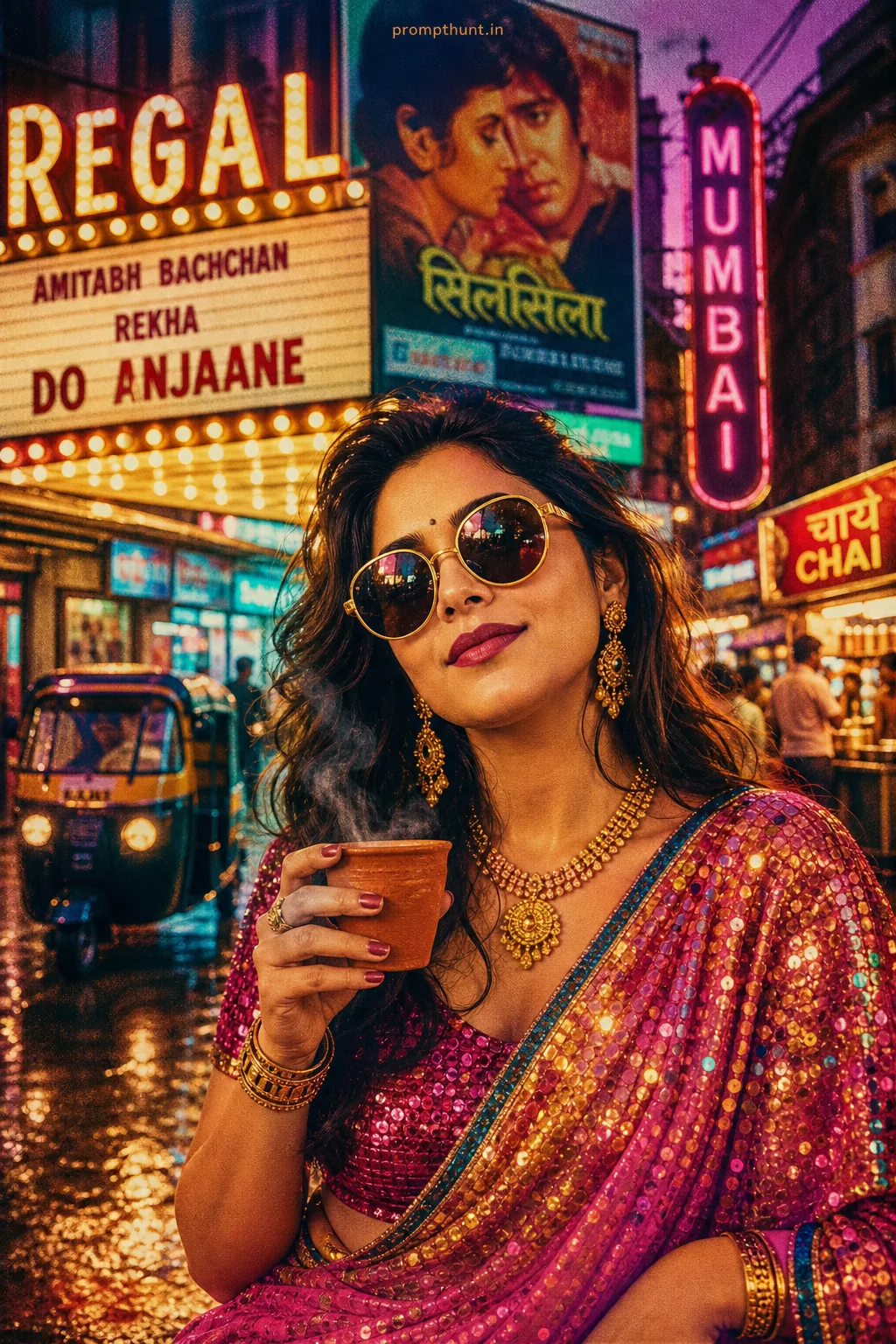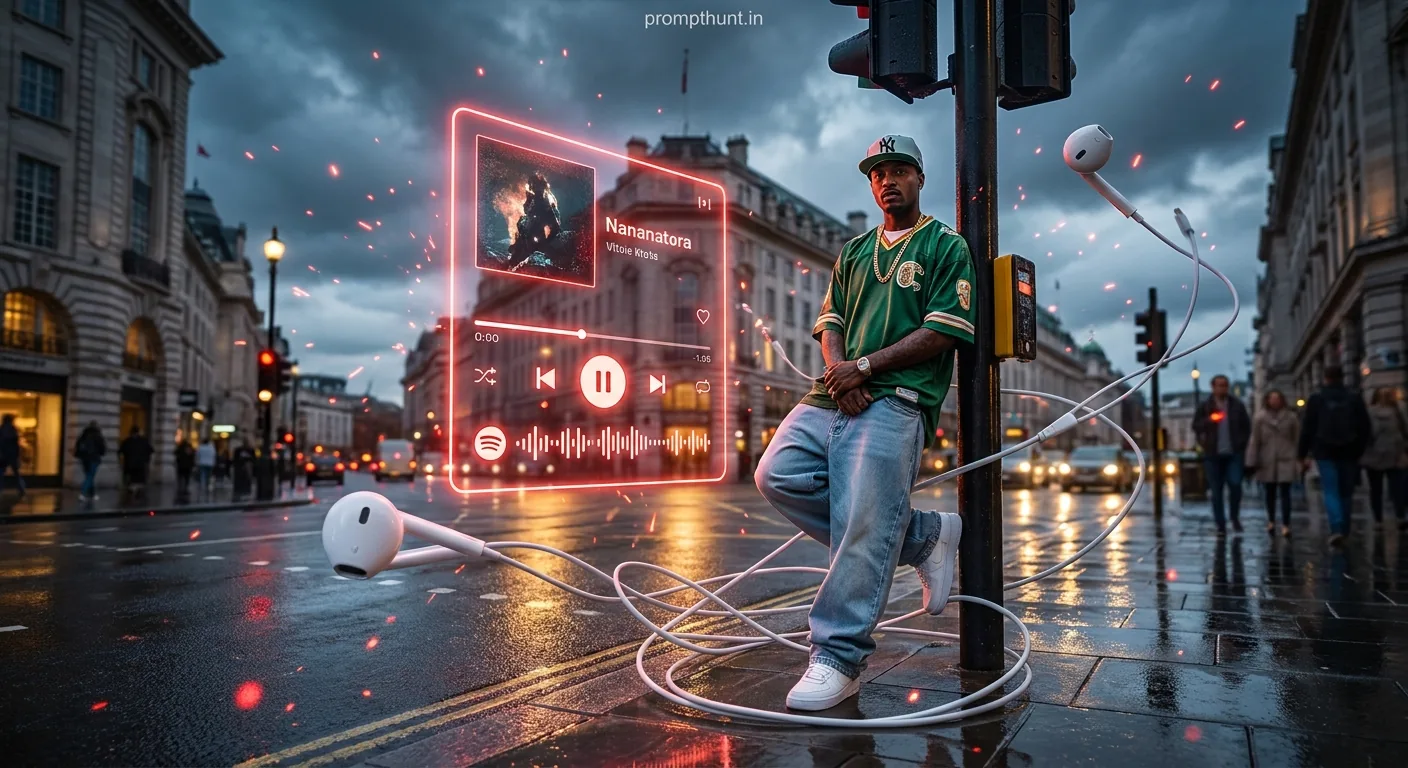




Urban Streetwear Music Visualization Surrealism is an AI photo editing style that places your real face inside a cinematic, rain-soaked city scene surrounded by giant glowing holographic music player UI elements, swirling earbuds, and red neon particles. Paste the prompt into Gemini with your uploaded photo, and the AI transforms you into a moody, stylish street photography artwork in seconds.
You're standing on a rain-slicked London street corner. Oversized light-wash jeans, vintage sports jersey, gold chain. Behind you, a stormy blue-grey sky. Beside you, a massive glowing red holographic music player floating in mid-air like the future forgot to stay in the future. Giant wired earbuds swirl around you like they've got somewhere to be. That's Urban Streetwear Music Visualization Surrealism — and right now, it's the most cinematic thing happening in AI photo editing.
Upload your photo to Gemini, paste this prompt, and you get a photorealistic cinematic street portrait of yourself surrounded by glowing music UI elements, swirling cables, and moody neon light — no Photoshop required.
What Is Urban Streetwear Music Visualization Surrealism
It's exactly what it sounds like — and somehow still better than you imagined.
This style mashes three things that have no business looking this good together: gritty urban street photography, oversized streetwear fashion, and glowing holographic music player visuals. The result is somewhere between a high-budget album cover and a scene from a sci-fi film where the protagonist is inexplicably very well dressed.
The key ingredient is the surreal element. It's not just "person standing in the rain looking cool." It's "person standing in the rain looking cool while a giant neon music player floats next to them like a very flashy ghost." The holographic UI, the swirling earbuds, the red spark particles — these are what separate this from regular street photography edits.
Cinematic color grading does the heavy lifting on mood. Cool blue shadows fill the corners. Warm amber highlights bounce off the wet pavement. The sky looks like it has opinions. Every detail is dialed up to exactly the right amount of dramatic.
The Urban Streetwear Music Visualization Surrealism Prompt
Copy this exactly. Every word is doing a job.
The uploaded photo is the master reference for this character. Preserve the exact facial features, face shape, skin tone, and identity from the uploaded image exactly. Place the character on a rain-soaked city street corner at dusk, leaning against a traffic light pole in a major urban city resembling London's Regent Street. Dress the character in oversized baggy light-wash jeans, a vintage green sports jersey with gold chain necklace, white sneakers, and a NY snapback cap. Surround the character with a massive glowing holographic red-neon music player UI floating in mid-air beside them, displaying album artwork and playback controls with a waveform visualizer. Giant white wired earbuds and tangled white cables swirl dynamically through the air around the character in a chaotic yet artistic fashion, with the cable wrapping around their feet on the wet pavement. Add red glowing spark particles scattered throughout the scene. The wet street reflects golden and red light from traffic and streetlights. The sky is dramatic, overcast, and stormy with deep blue-grey tones. Background pedestrians are softly blurred. Mood is cinematic, moody, stylish, and energetic. Photorealistic with heavy cinematic color grading, cool blue shadows, warm amber highlights. Add a small, thin, professional 'prompthunt.in' text watermark at the top center of the image. The watermark should be subtle, use a color that matches the image's color palette, and appear lightweight and elegant — not distracting.
How to Use This Prompt Step by Step
This is not a fire-and-forget situation. There's one step that most people skip, and it ruins everything.
Step 1: Open Gemini and upload your photo first. This is the whole trick. The prompt starts with "The uploaded photo is the master reference for this character" — which means Gemini needs your face in the conversation before it reads a single word of the prompt. Open Gemini, click the image upload icon, and attach a clear photo of yourself. A well-lit front-facing shot works best. Sunglasses off. No heavy filters. The AI needs to actually see your face, not a version of it wearing aviators at a festival.
Step 2: Paste the full prompt into the same message. Don't send the image separately and then paste the prompt. Do it together — image upload and prompt text in one go. Gemini reads them as a combined instruction set. Split them up and you'll likely get a generic face that looks nothing like you.
Step 3: Hit send and wait about 15–30 seconds. Gemini will generate your image. If it looks off — face isn't quite right, or the surreal elements are missing — regenerate once or twice. Nine times out of ten, the second attempt is noticeably sharper.
Step 4: Download and share. The watermark is already baked in at the top center, subtle enough that it won't distract from the image but present enough that people know where it came from. Fair enough.
Tips for Best Results
Rule of thumb: better input photo means better output.
Use a photo with clean, even lighting on your face. Harsh shadows from below (yes, the horror movie torch angle) confuse the AI when it tries to preserve your features. Natural daylight or a well-lit indoor shot is ideal.
Face the camera directly. Three-quarter angles can work, but straight-on shots give Gemini the most facial data to lock onto. The more it can see, the more accurately it keeps you looking like you.
Keep your expression neutral or light. Big open-mouth smiles sometimes distort in the transformation — not dramatically, but enough to notice. A relaxed, slight smile lands cleanly.
If the holographic music player isn't appearing in your result, try regenerating. Complex surreal elements like floating UI sometimes get deprioritized if the AI is working hard on face preservation. It usually sorts itself on the second go.
Don't crop your upload photo too tightly. Give Gemini some neck and shoulder room. A portrait shot from chest-up is the sweet spot. Passport-photo tight crops leave the AI with not much to work with for the full-body scene composition.
Why Urban Streetwear Music Visualization Surrealism Is Trending in India
Three things collided at the right moment.
First, Gemini became genuinely good at face-consistent image generation. Earlier tools would give you a character who looked vaguely like your cousin's colleague. Now the likeness is sharp enough that people actually want to share these images — because it looks like them, not a stranger wearing their hairstyle.
Second, the music and streetwear aesthetic speaks directly to the Instagram and Reels generation. This visual language — oversized fits, gold chains, snapbacks, neon — is everywhere in Indian hip-hop, Punjabi pop, and urban fashion content. The holographic music player element adds a layer of fantasy that makes the image feel like an artist promo, not just a selfie edit.
Third, the barrier to entry is zero. No design skills. No Photoshop. No subscription to seven different tools. Upload a photo, paste a prompt, get a cinematic result. That's a good deal by anyone's measure. (It's basically Shawshank-level escape from boring profile pictures, except the tunnel is just a text box.)
Honest Opinion: When to Use This and When to Skip It
This style is genuinely impressive. For what it does, it does it well. The combination of cinematic street photography and holographic surrealism produces images that look like they cost money — album artwork, artist profiles, creative portfolio pieces. If you're a musician, a content creator, or just someone who wants a profile picture that makes people stop scrolling, this delivers.
That said, it's not magic for every situation. If you're going in with a heavily filtered selfie, a blurry group photo cropped down to your face, or a picture where the lighting is doing something theatrical and weird, the face preservation will suffer. The AI can only work with what it's given. Garbage in, slightly better-looking garbage out — but still not what you wanted.
It's also worth being straight about the style itself: this is maximalist. The floating UI, the swirling cables, the spark particles, the stormy sky — it's a lot happening at once, intentionally. If you're after something minimal or understated, this is not your prompt. This is the visual equivalent of walking into a room and every head turning. Some people want that. Some don't. Know which one you are before you start.
The rain-soaked London setting also skews this toward a very specific Western urban aesthetic. It photographs beautifully, but it's a stylistic choice, not a neutral backdrop. If you want to swap it for a Mumbai or Delhi street scene, you can modify that line of the prompt — "a major urban city resembling London's Regent Street" can become whatever city makes sense for your content. The rest of the prompt handles itself.
One more thing: don't use a photo you'd be uncomfortable sharing publicly. The generated image preserves your face accurately. That's the whole point, and it's brilliant — but it also means this is real enough to matter. Use a photo you're happy with